



HankVoight
Members
-
Joined
-
Last visited
Everything posted by HankVoight
-
 Ewww.. Jokes dad.
 -
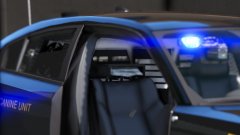 Seems kind of dodgy in the even of an accident, I mean shit I'd much rather hit my head on a head rest than a bunch of sharp edges any day! Nonetheless great job!
 -
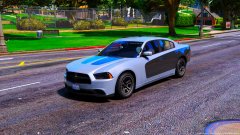 Almost looks like Vice City with the pastel colours :P
 -
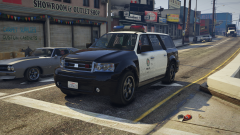 Damn these look nice mate, I might need to go back to non els for a bit :p
 -
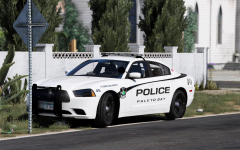 Niiiiiiice
 -
So glad you went with steelies dude, they look so damn good!
-
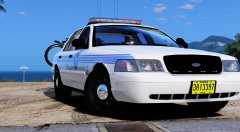 Hey Twisted, is the template issue going to be fixed for the Miami vics?
 -
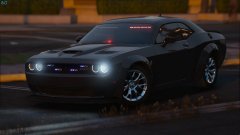 Got caps bro?
 -
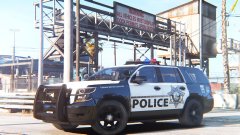 Really enjoying how these skins turned out, they look damn sexy on the Tahoe! I might redo the FPI with this design as well.
 -
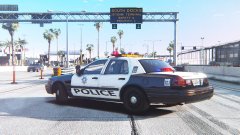 Don't forget to switch out the bearcat skin with the one I sent you :p
 -
.jpg.26c42ec5bdb809337219e6ce08f30b30.jpg) Glad to help mate, really is a beautiful model!
Glad to help mate, really is a beautiful model! -
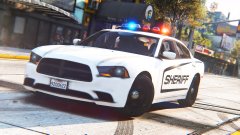 You won't lose me that's for sure and if you're worried about that try and get them out first.
 -
It doesn't need to be exact anyway, 9 times out of 10 the people who judge so harshly on here are the ones who've done sweet fuck all to better the community. I mean hey, I've never made models for V but I did for IV so I know how difficult it can be to get everything right, especially with limited resources. Yeah that "rumoured" pack has been in the works for so long, I'll believe it when I see it
-
I would definitely love to see a LVMPD style pack out some day, certainly is one of the most neglected agencies there are. And it's also not that rare to see an SLR or even the older Vision on 2014 Charger's or even newer vehicles, Broward County Sheriff have them on their Caprice's and so on. Also if you would do an LVMPD style pack I'd be more than happy to do the skins for you, law friendly.
-
Mmmm I like this a lot! Please tell me if you ever do release something with this it won't be one vehicle, too much of that going around now as it is
-
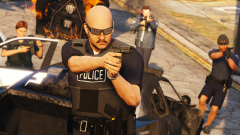 Damn these look nice!
 -
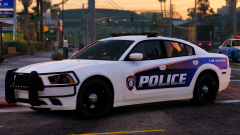 Damn she sexy! Thanks for taking the request man!
 -
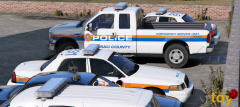 Looking mighty fine mate! Just curious though, I saw Ace's videos and thought being a NY based agency they'd use all red lighting or at least on the front..
 -
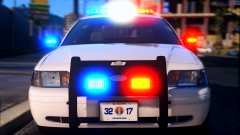 Looks really neat dude! What light bar is that, looks rounded on the ends 🤔
 -
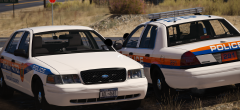 I'll see if I can find the photo of it again for you.
 -
Ah all good mate, I came a cross a photo last night of a vic with a liberty and what looked like a justice or legend. You weren't kidding about how many different setups they use
-
Wow just wow! Is that Freedom's glass mapped to be able to add the red glass on the ends?
-
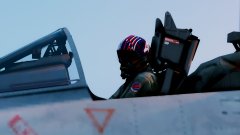 I feel the need.. the need for speed
 -
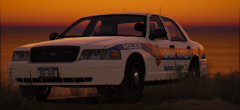 Yeah I was googling photos of their cruisers earlier and the amount of light bar setups they use is insane. It seems on the Charger's, Impala's, Tahoe's and CVPI's they all use the freedom with either all clear glass or the red ends.
 -
Looking mighty fine Toy!! Any chance you plan on doing the light bar with the red glass ends? Like this..

.jpg.26c42ec5bdb809337219e6ce08f30b30.jpg)
