



HankVoight
Members
-
Joined
-
Last visited
Everything posted by HankVoight
-
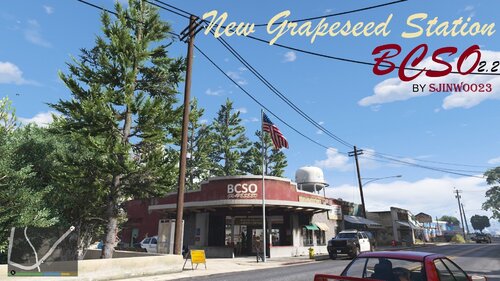 Great work updating this, is there any chance you could add the ability to change the textures for different BCSO agencies? Or point me in the direction of where all the station textures are located? I found the exterior ones but can't find the location of any interior textures. Thanks!
 -
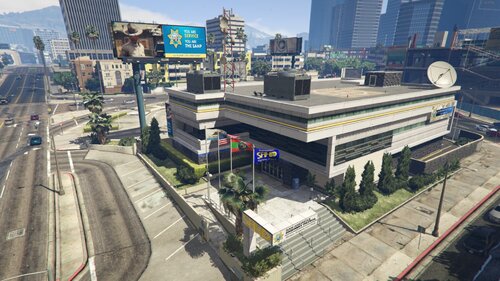 Awesome work! I have your Paleto Bay Station in game and it's great. I was just thinking this could be even better if there was an LSSD version as they only have one station in game (Davis) when BCSO is installed as well. Even though they patrol Chumash, West Vinewood and north to Route 68. Is that something you might possibly add as a variant?
 -
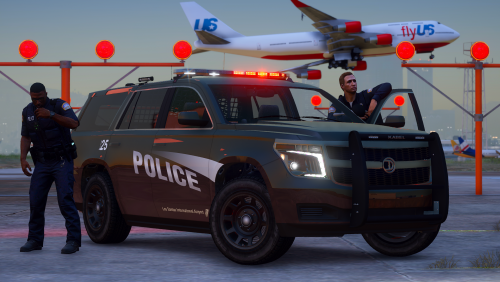 Another excellent pack mate! Any chance you could upload the templates with them though?
- 2 comments
- 2 reviews
-
There was a mod called PoliceLifeS back in the day which was a type of expansion of LSPDFR in that it added features such as vehicle fuel, hunger, shift work, rank system, income and a few other things that I don't remember. Unfortunately it's development completely halted around 4/5 years ago and no one has ever created anything like it since. The biggest problem I have come across is there are only a hand full of plugin developers left for LSPDFR content as the rest have moved onto Fivem so odds are quite slim in something like this ever being made again for the single player side.
-
How did you solve it? I've got a similar issue
-
 Any chance you'll swap out Bozza's BCSO pack with 11John11's? It's much better quality in the way of vehicles and assets.
- 370 comments
- 17 reviews
-
 This is one of the best EUP texture packs I've seen in a while. I hope you expand on this quite a bit. Also would you mind telling me where you got the duty belt from?
- 131 comments
- 5 reviews
-
 Hey mate, just so you know this isn't the sound DOJ has for his callouts/CAD job attachments. It is this one in the video below (Plays after the signal 100 beep) https://youtu.be/zilG0nW3YnE?t=207
- 24 comments
- 1 review
-
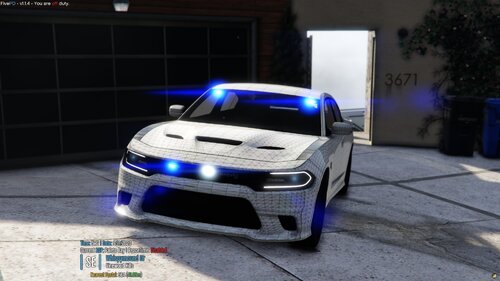 How can you not see them if they are ELS compatible parts? Even Non ELS you can still see the light head itself. It's sad you won't fix them and are happy with half assed content, sorry but I won't be using them.
 -
Just letting you know, the majority of your lights on these Intelligence cars are not symmetrical on either side of the car, particularly in the grill area. As you can see in the photo below the grill lights tend to be placed towards one side of the grill and not evenly spaced. It is the same on all the CPD cars you've released so far. If you were to fix these issues they would be good replicas.
-
 @Jedahdiah Mate massive congrats on this pack, the work you've put into this is insane. I went awol from the whole GTA scene a while back but I've quietly been following in the background and can't stress enough how well you've done here. One small note I've noticed with the unmarked/slicktop explorer is there is something weird going on with it's template. I've included pictures to better explain. Keep up the great work man!
- 143 comments
- 23 reviews
-
Howdy folks, So I have run into a slight issue and by issue I mean I can't even get past the second loading screen before my game shit's itself and crashes. Normally I would be able to fix the issue no worries but now I have no idea what it is that's going on.. If some one could read the RPH log and tell me the issue I'd be eternally grateful. Cheers, Hank
-
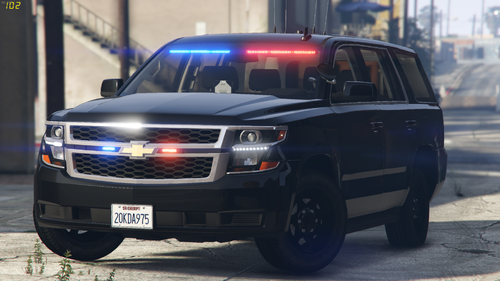 Great pack indeed, any chance of getting a CV version with the steelies instead of the hubcaps? Keep up the great work bud
- 19 comments
- 6 reviews
-
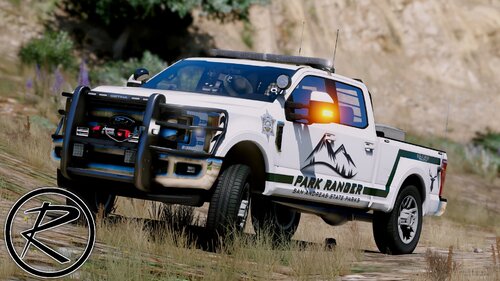 Damn these look nice! It would make a perfect Sheriff fleet if there was a Tahoe involved. *Wink wink* Keep up the good work!
- 52 comments
- 13 reviews
-
I've been away for quite some time and a lot of things have changed during that (Albo still used to be king last time I played LSPDFR) and I used to be able to figure things like this out but this one has completely stumped me, every time I try to load LSPDFR it's continually crashing. I've read the RPH log and it keeps saying that LSPDFR has caused the game to freeze and is terminated. Everything is up to date, all plugins are current API and what not, I just cannot understand why it's doing this. I've literally reinstalled the game 8 times in a week because of this and now I'm at the point of saying bye to LSPDFR permanently. I've included the RPH log
-
Howdy, I'm currently trying to find a way to spawn all Police peds in game (using EUP) a vest that they have on permanently. Has anyone figured out how to do this already?
-
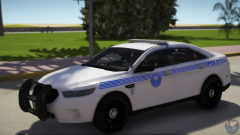 You and me both!
 -
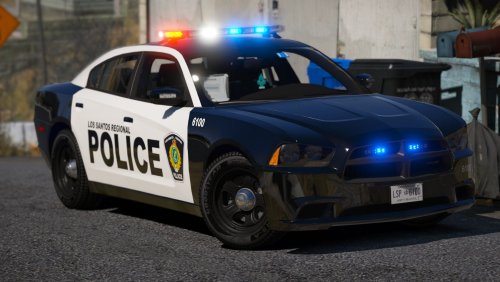 The CVPI doesn't have any take downs but other do, not sure if intentional or not.
- 22 comments
- 17 reviews
-
-

- 1
-
-
-
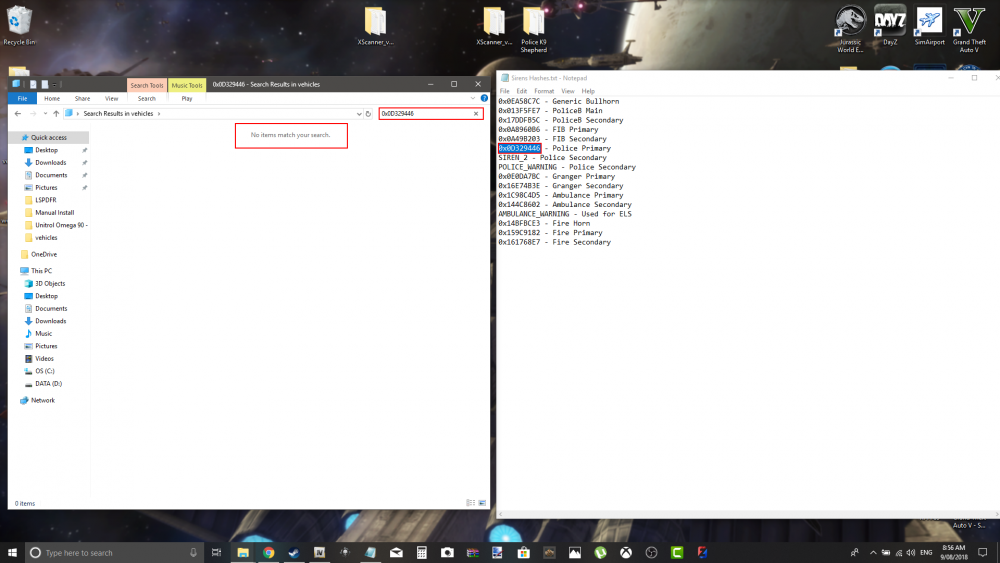
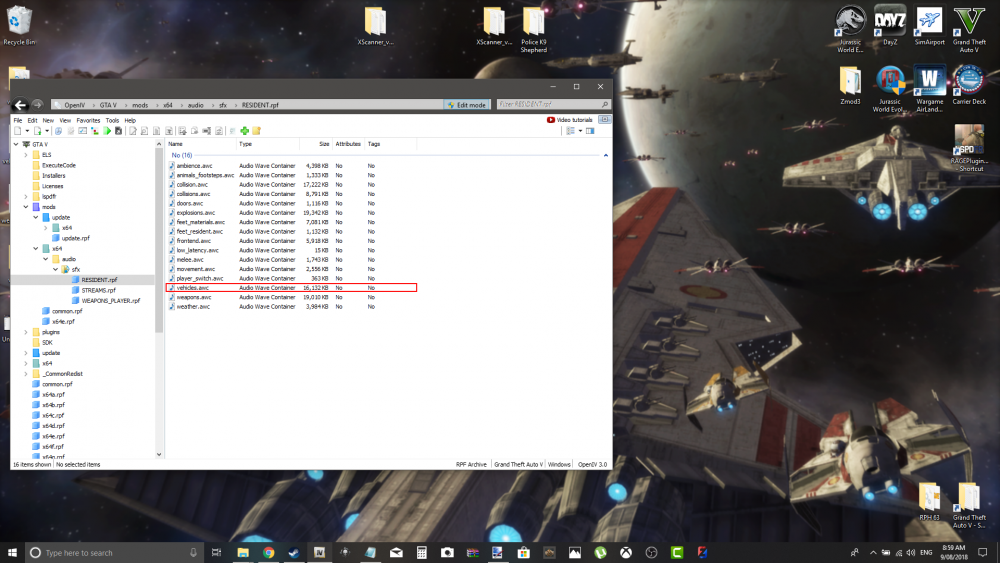
So I was just installing a new siren and noticed something strange.. The siren hashes are all different now, some people may have found this out already and some not but the original hashes for police tones are no longer in the game directory (see picture below). Is there an updated hash list or do we no longer have the ability to have custom sirens? I also noticed the file size for the vehicles.awc directory is now over 16000 when it used to be unable to go over 15K
-
Like the title says I need someone who is at least decent at making vehicle skins to complement my upcoming BCSO pack. If you feel like this is you, send me a pm and we'll talk.
-
Would anyone by chance be able to point me in the direction of a tutorial on how to do this please?
-
 What's that box in the top right?
 -
Edit; it worked! Thanks for the help!
-
Oh really, I'll try that now. Cheers!


