



bjackson1991
Members
-
Joined
-
Last visited
Everything posted by bjackson1991
-
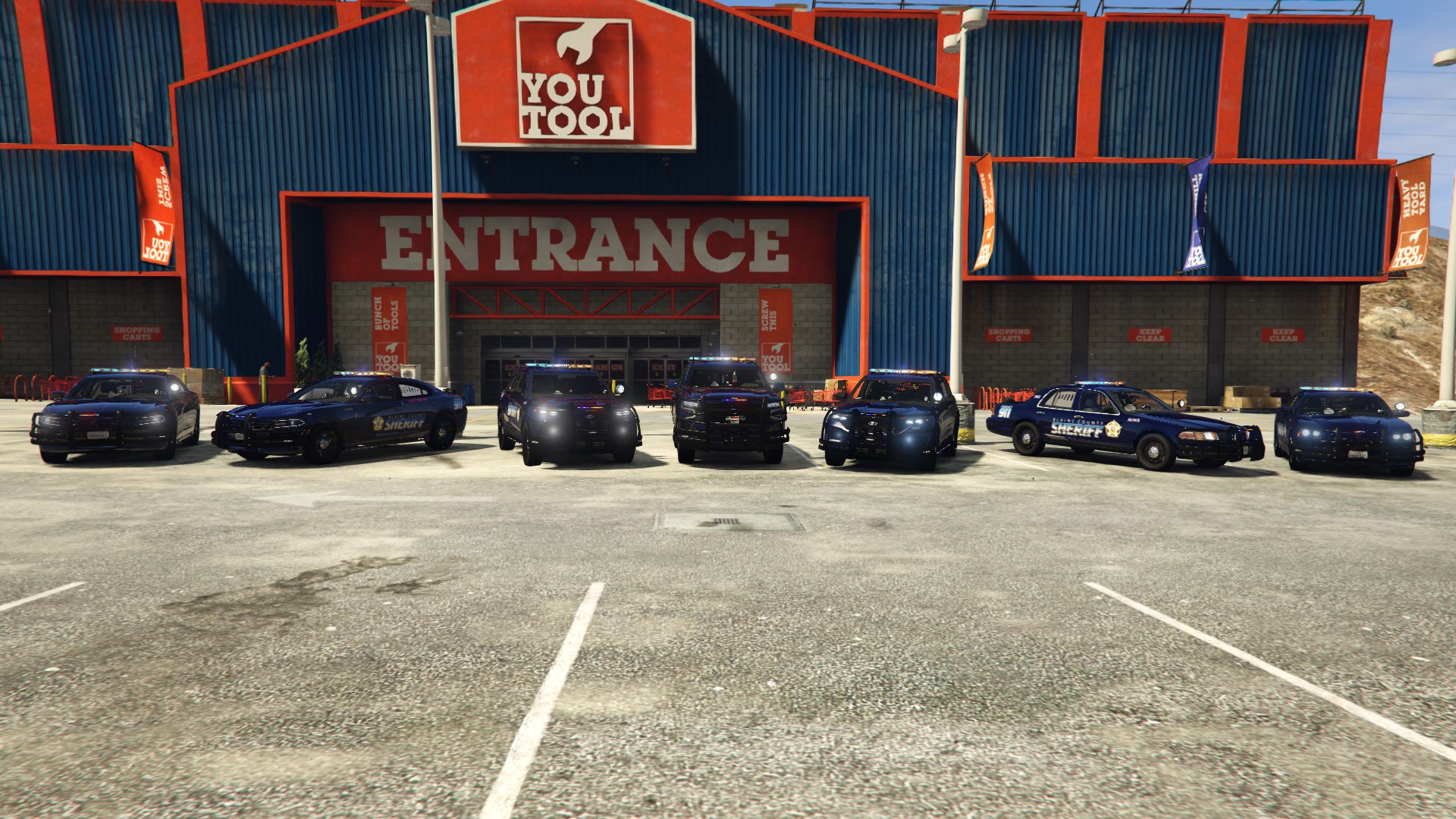
.thumb.png.1b5415b1ac6cf6b1c5d57050d14154fe.png) ..... I'm using this lol
..... I'm using this lol -
-
 Love that I can change the dash cam positions in-game and save the edits, along with having a rear camera for the prisoner/K9... I'm a vehicle dev with k-9/prisoner cages so its cool getting that rear facing cam... also for people switching, from the dashcam/body cam plugins, its nice that this plugin is a all-in-one plugin so you still get your body cam, with dash cam and rear facing cam, all while using your controller rather than having to use your keyboard to switch between views... I was skeptical at first but once you use this plugin and get used to it, its well worth the download and switch🍻
- 287 comments
- 27 reviews
-
-

-

- 2
-
-
 Hey T3X, In the Silverado vehicle files there should be a file called (How to keep your vehicle from flipping) ... Follow those steps in OpenIV and it should fix your problem. You have a video link?❤️
- 264 comments
- 15 reviews
-
I have a slick-top durango I'll be updating the pack with, but the 2020FPIU slick-top FPIU will probably be paid for and available to purchase here in a few months once I get everything together.
- 264 comments
- 15 reviews
-
 I'm confused whats going on? I use the extended camera settings plugin, and it works fine with this plugin for First Person Field of View in a car, so i dono what this dude is asking for lol but including something like a FPV with the ability to change x,y,z... it is a completely different plugin and already exists lol and works just fine with your plugin so yeah, I'm confused what the issue is?
- 707 comments
- 33 reviews
-
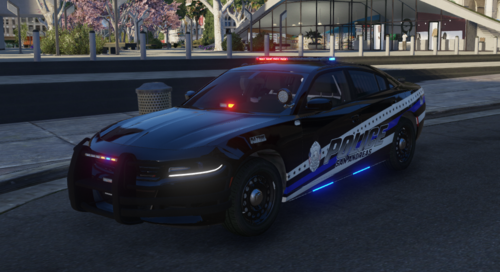 tizzz nice builddd🍻
 -
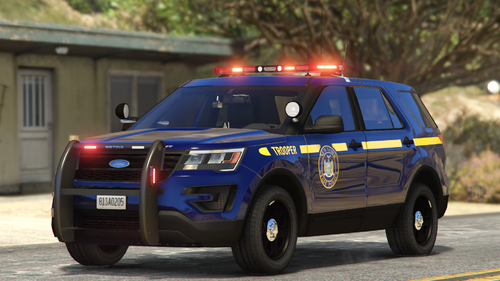 Well from one dev to another, and knowing how this spot light is set up in zmod, NO, that's not how its supposed to be set up, you need to move the spot light texture in the texture browser in zmod. But you do you 🍻
- 10 comments
- 1 review
-
curious why you have the steady burn on the spot light? you needing help with a texture issue to fix it?
- 10 comments
- 1 review
-
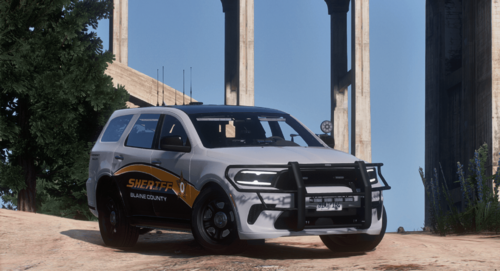 Pretty nice build if you ask me🍻
 -
hmm.... yeah I've never noticed that due to my skins being all blue... Theres a small update coming for the Silverado here in a week or two, fixing the take downs and adding the 2-3 scene lights so I'll look into it then. Probably not, but there will be a paid for pack available next month or two, will be cheap prices for even more detailed cars and a lottta love put into them.
- 264 comments
- 15 reviews
-
-
- 1
-
-
Pretty damn cool and I'm about to try this out, love the idea of adjusting the camera without having to change X, Y, Z over and over while you test where the view is at in the car for dash cam. Also having a rear view camera for the prisoner is a huge reason I'm about to try this out... my BCSO SED pack comes with some rear facing cameras so RP wise this is gold. Curious about taking out dashcamv though to replace it with this... we'll see how this goes.
- 287 comments
- 27 reviews
-
Use a trainer to change the rim default color to black. The base came with the grey rims so people were able to edit and change the color* but in my next update due to the ADD-ON version spawning in blue rims and it being more of a eye sore, i will look into a update for the FPIU K9 and patrol so they both spawn in with just the black rims. also has some other updates coming. there are scripts that provide els to FiveM RP servers but I'm pretty sure they are all paid for fivem mods.
- 264 comments
- 15 reviews
-
-
- 1
-
-
The Vehicle Template is located in the 2011 Crown Vic Liberty lightbar files.
- 264 comments
- 15 reviews
-
-
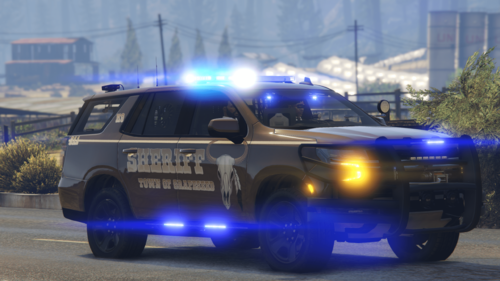 Nice skins, thanks for my vehicle link. 🍻
 -
-
I'm gonna need more info then that, head over to my discord help ch with some screen shots of your lights "not working"
- 264 comments
- 15 reviews
-
-
pretty sure if you install that into openiv visualsettings you'll be fine. Make sure your PostFX in GTA5 Menu visual settings is set to HIGH when you get in game, Check your settings!
- 264 comments
- 15 reviews
-
-
- 1
-
-
-
Based off of your screenshots, you still need to install a proper visual.settings .oiv file into openiv. Your lights are dim and dont flash bright, you need to install some files into openiv my guy so your lights work correctly, that's for this pack or any other pack.
- 264 comments
- 15 reviews
-
-
Man, you scared the hell out of me thinking the Tahoe still had a TILT issue, YOU'RE using the old model before i moved the running board lights up into the frame, I just tested the REPLACE model Directly from my own download file 3.7fix* and the 2022 Tahoe has NO TILT ISSUES! Download the newest replace files and you shouldn't have that issue. As for the 2020 FPIU, I found my master dev files and wanted to update it with the rest of the fleet but the base model itself came with the damn tilt issue, and I have no clue how to fix it in zmod, everything looks fine... ANY other zmod devs know how to fix the damn tilt issue please msg me... I could use the help on this one lol. Thanks for the info, I went and updated the ADDON download with the new line the second i saw your comment. Should be good to go now🍻
- 264 comments
- 15 reviews
-
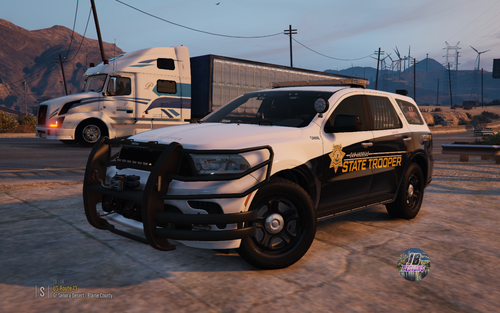 Couldn't find a decent trooper skin for Raz3rs 2022 Dodge Durango base model so I made one myself. Dodge Durango vehicle build by me, Link Below.

.thumb.png.1b5415b1ac6cf6b1c5d57050d14154fe.png)


