sidneyvega
Members
-
Joined
-
Last visited
Everything posted by sidneyvega
-
-
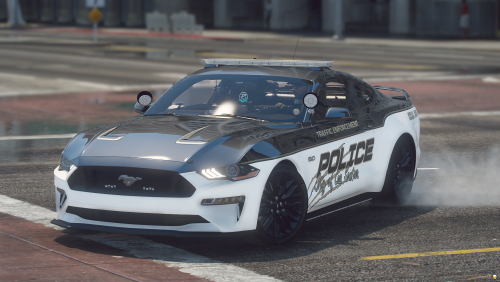
.thumb.png.59951de06d4c90c013466723446e5e3a.png) In this texture pack, you'll find various designs, most are fictional but fun to have. PLEASE VIEW THE READ ME TO ADD AS AN ADD ON! You are welcome to use this texture on an project, please just credit me. Link to Vehicle:
In this texture pack, you'll find various designs, most are fictional but fun to have. PLEASE VIEW THE READ ME TO ADD AS AN ADD ON! You are welcome to use this texture on an project, please just credit me. Link to Vehicle: -
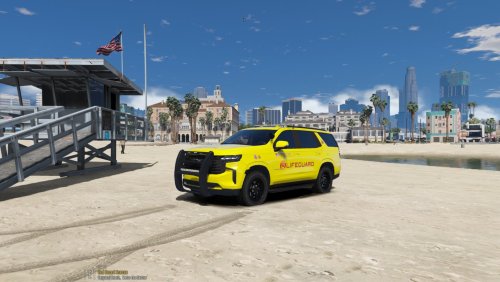 Does anyone have the link to the updated car pack for this?
 How would you disable this without removing it? As in, ensure it does not load callouts.
- 503 comments
- 34 reviews
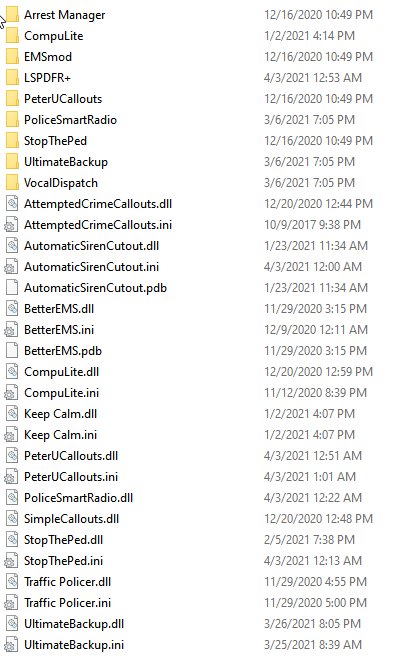
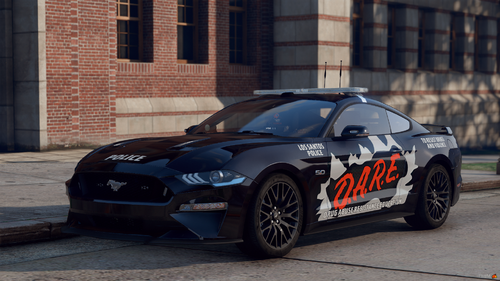 Does anyone have a direct link to the mustang model?Where is this setting? I'm not seeing it in the ini.Hmmm. This could be a good lead. What's another that's known to be working?Yes, I do have those.Update: I removed those. Same issue. Crashes after about 5 minutes. Now, if I don't load Rage at all I don't get a crash even using (4Kt-textured) add-on vehicles (so I don't think its texture related). EDIT: No particular location on map that is crash related. (The way rage is loaded is after running GTA using the exe, during the loading screen.)This happens about 5-10 minutes into gameplay. Usually after a traffic stop. I'll get in my car, start driving and then BOOM, there's the crash. Sometimes it's not a traffic stop, but I've been testing the crash timing with traffic stops. Now, I've attempted to update plugins (where available) to no avail. Stock gameconfig, Running NVE (never had issues with that). My next steps are: 1] Remove additional plugins, test 2] Remove the modding DLC line in the dlc list, test. Maybe it's an addon car or something? I'll do that now. Is there something to replace policesmartradio btw? That would suck if I didn't have something like that (but I'm going to remove it if it's crashing the game obviously. Testing these now.Can someone please look at my crash log file and tell me what could be the problem. I've been trouble shooting plugins all night and can't seem to find an answer. Thank you for any help! Plugin Folders:
 What uniform, car and car skin & ped skin are seen in the gallery? I'm liking that a lot!!
- 100 comments
- 19 reviews
-
-

- 1
-
I'm pretty good at this whole modding thing at this point, however when I use RAGE to downgrade the version, aka revert, the rockstar launcher give that error message that something is I right and I need to verify. Is there something I'm missing when using RAGE to revert?Perfect! I found it, thank you!!Is it possible to backup a character for LSPDFR? Where are they stored? I want to copy my old one from a previous installation to my new installation. Note: I don't want to backup clothing, just the ped-model (face).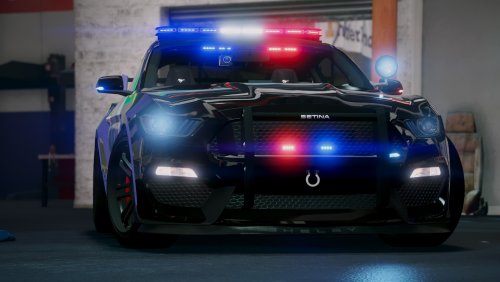 What file do I add this under? I've tried in vehicles.meta, but it still does not spawn with the (glorious) spoiler.
- 82 comments
- 17 reviews
 My favorite LSSD skin of all time. I added a license plate for the 2016 Tahoe (taken from a different skin in the pack to match). I'm be happy to upload it, but I'm not sure if BradM would be okay with that.
- 64 comments
- 32 reviews
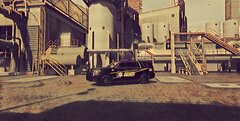
From the album: My LSPDFR
© sidneyvega
Screenshots edited with Prisma app.-
16.jpg
-
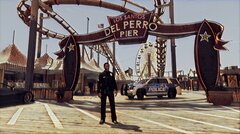 14.jpg
-
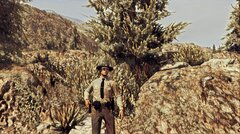 6.jpg
6.jpg
-
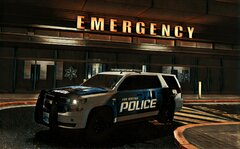 5.jpg
5.jpg
-
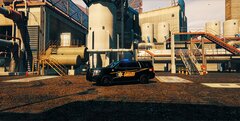 IMG_Western_20191222_180647_processed.jpg
-
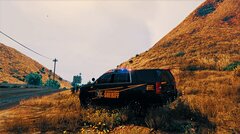 IMG_Western_20191222_180604_processed.jpg
-
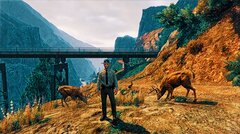 IMG_Western_20191222_180212_processed.jpg
-
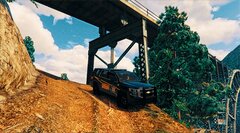 IMG_Western_20191222_180123_processed.jpg
-
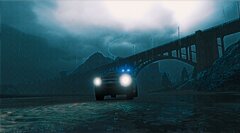 IMG_Western_20191222_180008_processed.jpg
-
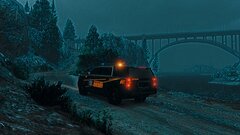 IMG_Western_20191222_175928_processed.jpg
-
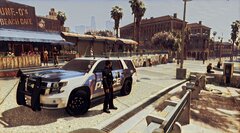 IMG_Hunter_20191222_180948_processed.jpg
-
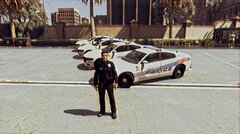 IMG_Hunter_20191222_180900_processed.jpg
-
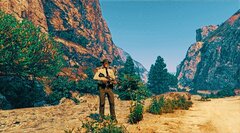 18.jpg
-
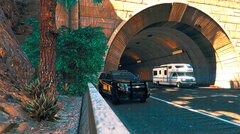 6.jpg
6.jpg
-
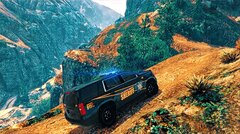 5.jpg
5.jpg
-
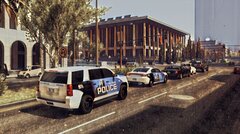 4.jpg
4.jpg
-
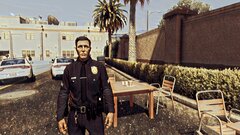 3.jpg
3.jpg
-
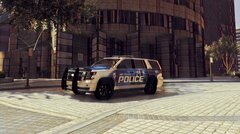 2.jpg
2.jpg
-
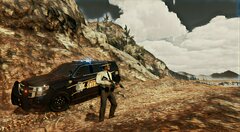 1.jpg
1.jpg
From the album: My LSPDFR
© sidneyvega


.thumb.png.59951de06d4c90c013466723446e5e3a.png)