


djfrio24
Members
-
Joined
-
Last visited
Everything posted by djfrio24
-
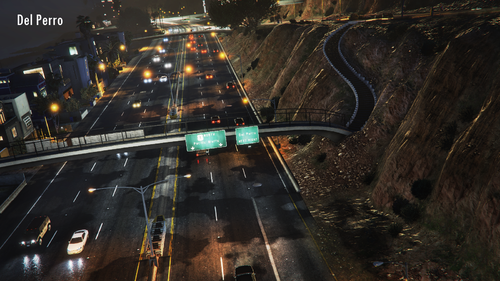 I installed it using the Open IV installer. When I launched the game like normal, it crashed LSPDFR. Playing it without LSPDFR loaded in, I can see the traffic is driving as this mod intended. I don't know what could be making LSPDFR crash on launch though. Every time I try to reloadallplugins, LSPDFR still crashes. If that can be resolved, I'm confident this mod will work with LSPDFR without any problems. Great mod though!
- 124 comments
- 7 reviews
-
-

- 3
-
