



Trooper 923
Members
-
Joined
-
Last visited
Everything posted by Trooper 923
-
-
-
-
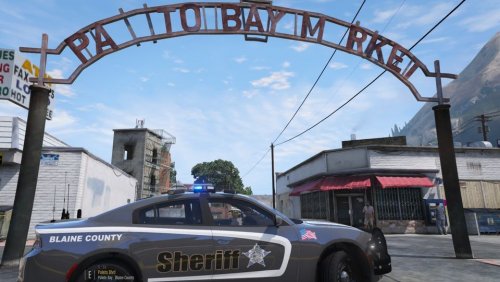 2018 CHARGER SKIN FOR BLAINE COUNTY Installation: Drop or replace the DDS file into the models YTD file in OpenIV.
 -
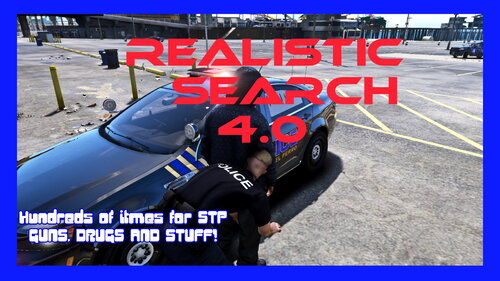 Just go to your plugins/LSPDFR/stoptheped folder and drop the files in and replace the old ones, and when you search peds or cars the new results will show up.
- 29 comments
- 1 review
-
 Thanks
 -
LOVED IT!!
-
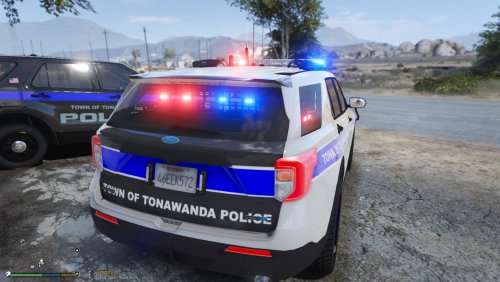 2020 AND 2016 EXPLORER SKINS FOR TONAWANDA, NY. The 16 still needs work to make the letters more accurate, I just put it together to record an episode. I will post update on that later.
 -
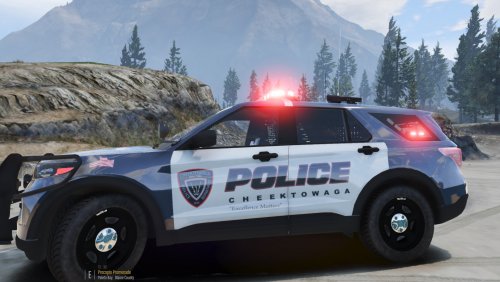
2020 Explorer skin for Cheektowaga,NY.
-
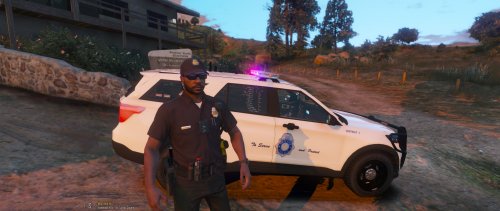 2020 FPIU and Tahoe skins for Denver PD. FPIU includes District 1-6 and a gang unit. Will update the Tahoe later, currently comes in District 1.
 -
-
 Yeah thats gonna suck lol 😆 Gotta do it all over again
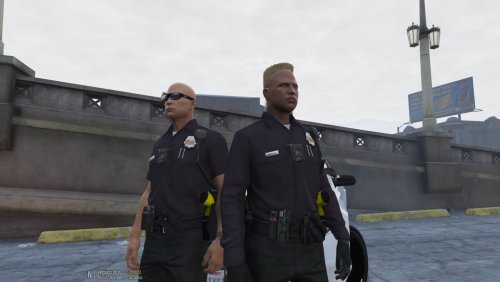
Long and Short sleeve uniforms for the Denver police. Installation Drop the folders into mods\update\x64\dlcpacks\eup\dlc.rpf\x64\eup_componentpeds.rpf with OpenIV. Replaces LSIA uniform in DEFAULT EUP. Backup your files in case you want those back.
Yeah thats gonna suck lol 😆 Gotta do it all over again
Long and Short sleeve uniforms for the Denver police. Installation Drop the folders into mods\update\x64\dlcpacks\eup\dlc.rpf\x64\eup_componentpeds.rpf with OpenIV. Replaces LSIA uniform in DEFAULT EUP. Backup your files in case you want those back.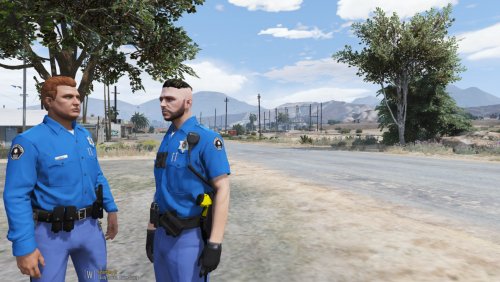 Arapahoe County Colorado Sheriff EUP retro uniform. Installation Drop the folders into mods\update\x64\dlcpacks\eup\dlc.rpf\x64\eup_componentpeds.rpf with OpenIV. Replaces LSIA uniform in DEFAULT EUP. Backup your files in case you want those back.






