



Trooper 923
Members
-
Joined
-
Last visited
Everything posted by Trooper 923
-
-
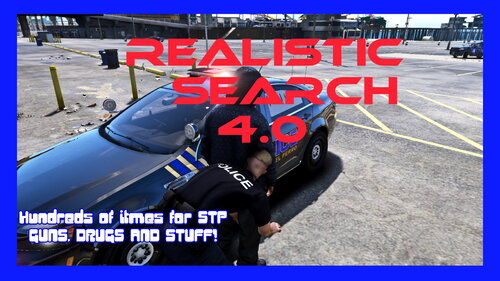 Well did you open the XML files in OpenIV edit mode first of all, and click save, make sure there isnt any errors. Also your number of search items found in STP INI might be too high. I recommend no more than 10. If there's too much text to display, it won't show up at all is what I found.
- 29 comments
- 1 review
-
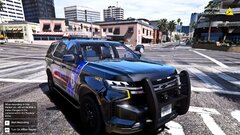
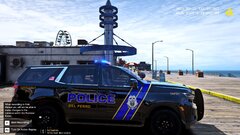
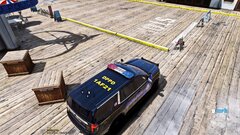
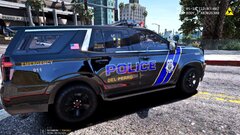
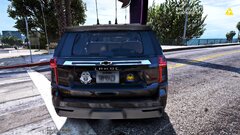
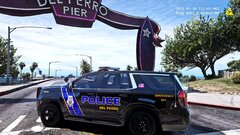
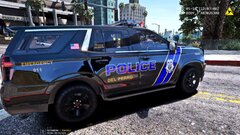 DPPD is in dire need of some new designs, so I'm starting a new pack from Grimes SASP.
 -
From the album: Trooper923
-
-
-
-
-
-
-
-
-
-
-
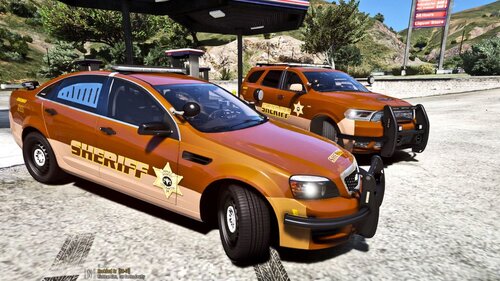 Los Santos County Sheriff Skins for the NForce pack. Installation: Drop of replace the sign files inside the vehicles YTD file Currently there is files for the Durango and Caprice. WIP. Join my discord https://discord.gg/3n6keB3yu5
 -
-
 Pull the sign files from the YTD to your desktop, open them with Paint.net or something similar, select the color on the darker ones with the dropper, go to the F150 file, fill it in with the new color, save, and put it back in the YTD. Easiest way to fix it.....
- 75 comments
- 14 reviews
-
-
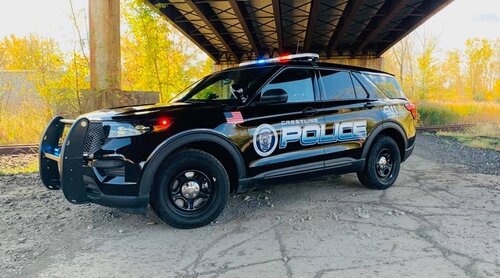 Awesome, thanks 😊
 -
Yes, and it's Richland county too LOL I forgot about them lol If you could do any NON Lore skins that'd be awesome, I can use them in my Richland County YouTube channel 😎
-
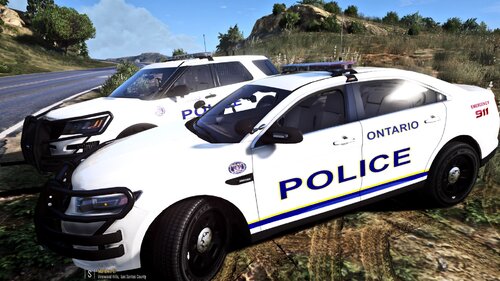 Wrong department, and country brother LOL This is for Ohio.
 -
Skin pack for the Ontario, Ohio PD. '16 FPIU '16 FPIS Installation: Drop or replace the PNG files in the vehicles YTD file with OpenIV.
-
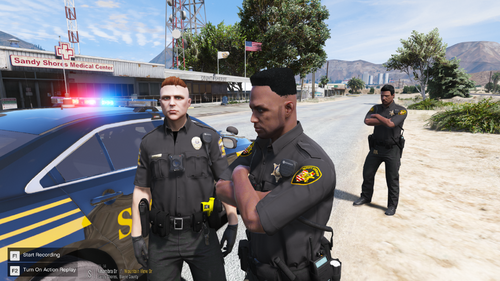 Some simple uniforms for Mansfield PD and Richland County Sheriff. There are no custom badges at this time, just long and short sleeve shirts. Wardrobe file has been included to show some different variations of vests and accessories. Sample Ultimate Backup configs included as well as instructions how to obtain the EUP to UB desktop conversion tool, and how to enter the codes to use EUP on UB officers. Male and Female uniforms. Installation: place the included files into the folders via OPENIV in your EUP main directory. They will replace your textures, so backup your files, so you can go back easily!!!!
 -
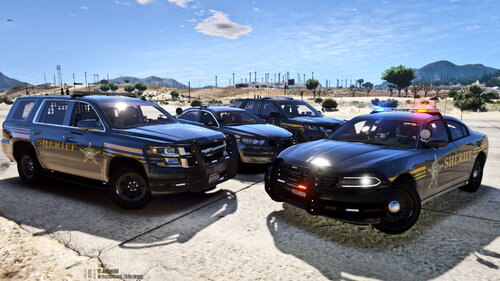 SKIN PACK FOR RICHLAND CONTY OHIO VEHICLES : '20 TAHOE '16 FPIS '16 FPIU '18 CHARGER INSTALLATION: DROP OR REPLACE THE TEXTURES IN THE VEHICLES YTD FILE WITH OPENIV Richland County EUP 8.2 Join my discord https://discord.gg/3n6keB3yu5 https://www.youtube.com/channel/UCpxWz4ybTc7LBg2J6IP3AfA
 -
.thumb.jpg.37cdb54de83d6dee03b6b15e76b2f5fd.jpg) Yeah I tried to do a stream with bait car last week, totally broken.... cars just flipped upside down, cop cars on top of the bait car lol
Yeah I tried to do a stream with bait car last week, totally broken.... cars just flipped upside down, cop cars on top of the bait car lol- 183 comments
- 24 reviews



.thumb.png.cf22c9465a227a8d388d7e458f609957.png)

.thumb.jpg.37cdb54de83d6dee03b6b15e76b2f5fd.jpg)