



WilliamH.
Members
-
Joined
-
Last visited
Everything posted by WilliamH.
-
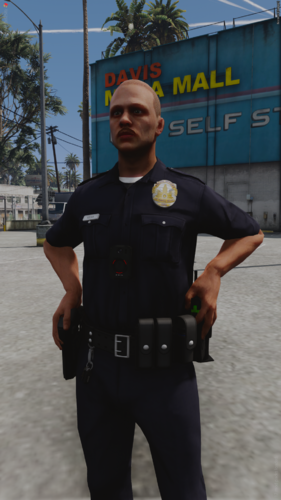 my opinion, that we should be able to move the character while using these poses in SP, like FiveM
 -
-
-
 Be sure to using the latest version of the game, are you using any other packs of clothes besides EUP? (if you have)
 -
Welcome back!!
-
.thumb.png.04d34e402e1b5c69bba1e7f450179ac7.png) Something that i missed in my FR sessions, now its like GTAIV! Excellent work!
Something that i missed in my FR sessions, now its like GTAIV! Excellent work!- 81 comments
- 3 reviews
-
-

- 1
-
-
-
 Can't wait for others!
 -
Good to know, it seems R* keeps broking on purpose im afraid!
-
 An plugin that started small, now it revived a lot of outdated mods that were a nightmare to us in terms of crashes and stuff, so the creators Albo and Bejo retired. now its time for a new generation to step in and keep LSPDFR alive! 10/10. Watched from Blue Line Vibes
- 743 comments
- 58 reviews
-
 Gonna try to create an add-on with these sounds! Excellent work!
 -
Hi, for some reason the DRM from GTAV has caused major issues for players who play Single Player along with LML, due to R* broken security system updates. The official workaround fix is to launch SP and them RPH later, but some people don't want that right? So i "may" found a fix, my mods below inside of LML are working fine(did tests and until now it works), just a warning, it may work or not work in your machine. - First step is uninstall and reinstall Microsoft Visual (2015-2022 edition), and them use x64 to install both x64 and x86 as they are packed together (check Microsoft downloads, google it) - Second step is removing all LML files related, and install the latest one (if you have) - Tirth step is to delete vfs.dll and version.dll files, and install these ones i upload here via winrar (be sure to have in your PC). -Fourth step, install a car or random dlc.rpf file related and launch the game, if game takes to long to start it's okay, it's part of it (at least on my laptop) - Final step, spawn the vehicle or any asset you choose to install. Check with your trainer to see if works. I have proof below with my loaded vfs.log -OBS: the ASI is from LML from RDR2, idk if it's related but when i added it kinda patches the vfs somehow, making work again? i might go crazy on these theory but who knows! Technology is kinda bizarre when you dig vfs.log Test.zip
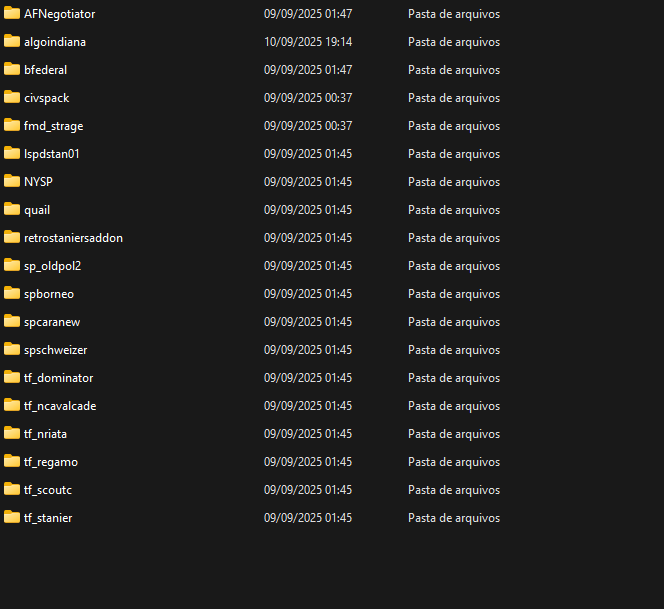
-
To add more hats just set up a dlc similar to mpclothes and props there (aka as hats) and you will see via trainer that it won't disappear when you go back and fourth, and the ASI will do the rest
-
this ASI is unrelated as it only fixes props, clothes are other type of category, double check and be sure to install all requirements
-
I recommend you search and install Resource Adjuster, this will fix any issues you have in terms of streaming, this usually happen when you add too many high poly models into the game
-
-
You're welcome lad!
-
Glad that is still working on your end!
-
.thumb.png.7666f054a5eb070a41094c2f60bb7e5f.png) Excellent job, 100 stars!
Excellent job, 100 stars! -
Good to know, study is the most important part of the human devolvement, also if this stop working when the new update launches, let me know.
-
 No offense, apart of the Republican/Democrat pins, the rest fits heavily good into the game, if possible in some updates, add USSS pins since every picture i see has one, and possibly an pin for LSSD/BCSO agencies
- 5 comments
- 1 review
-
-
- 1
-
-
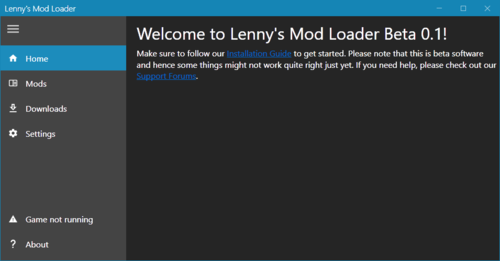 Regarding decals, both EUP and Characters are working fine now. They are okay in my game, somehow using LSPDFR causes a crash
- 339 comments
- 20 reviews
-
-

- 1
-
-
No, it adds more slots to add whatever hats you want, avoiding the invisible slots glitch
-
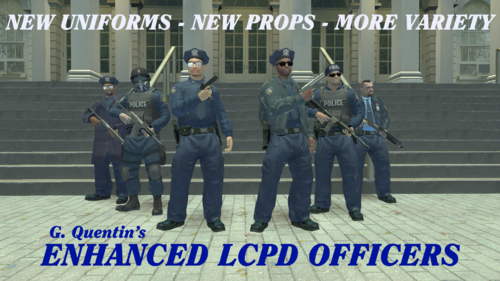 Excellent work! Keeping GTAIV alive!
 -
Yes it is what you think! No more invisible hats when the wardrobe has huge amounts of it! All thanks goes to Zombieguy and FiveM team for the fix, i hope this patch on the next dlc doesn't break

.thumb.png.04d34e402e1b5c69bba1e7f450179ac7.png)


.thumb.png.7666f054a5eb070a41094c2f60bb7e5f.png)
