



TheRumblerDev
Members
-
Joined
-
Last visited
Everything posted by TheRumblerDev
-
-
-
-
-
-
-
-
-
-
 Ahhhh of course 10-4 merci!
 -
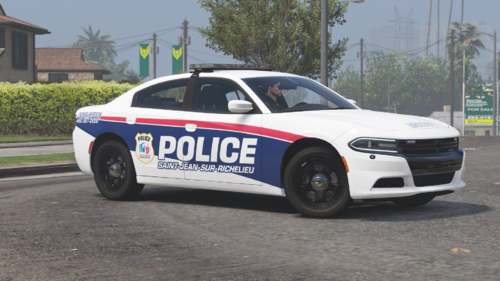
Wich 3D is that?!?! its a nice one! Good job on the skin! very clean mate!
-
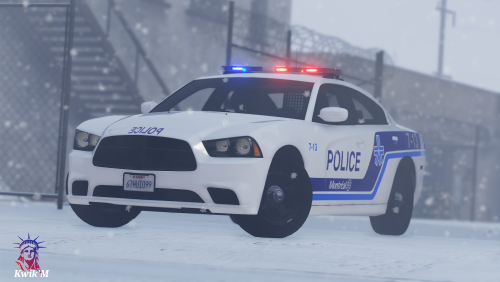 Nice car! Good to see one more QC PD car available here! Thanks for this 🙂
 -
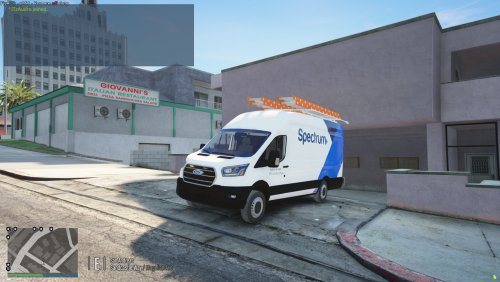 Only one that there's nothing flashing in the front? There's the reflections but nothing turns on on the van
- 10 comments
- 1 review
-
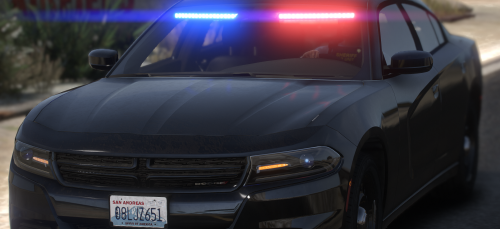 Looks to me that there's some textures missing in your YTD 🙂
 -
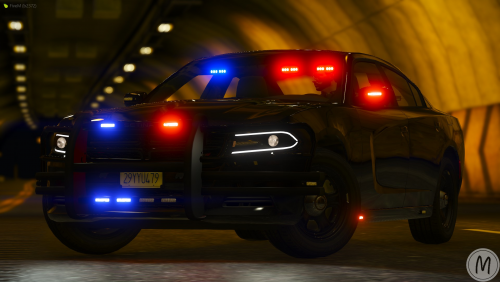 is it just me or the skin is totally messed up? only have acces to change doors color?
 -
 Nous meme on l'a intégré sur notre serveur fivem et ce fut tout un travail. Nous sommes a travailler sur la prochaine version d'EUP qui sortira alors le support sur la version actuel risque d'être modéré. Il y aura possiblement un update sur ce pack pour cette version incessament mais le gros du travail sera fait sur les prochaines version EUP/SUP qui seront dispo sur notre patreon.
- 49 comments
- 6 reviews
-
-

- 1
-
-
Halifax we'll add it in one of the next updates! Always open to any suggestions! 😄
- 49 comments
- 6 reviews
-
-
- 1
-
-
U need to go in your default and custom region to change the ped that spawn in ur backup. U cant change the ped for now but it still something we look to add
- 49 comments
- 6 reviews
-
-

- 1
-
-
-
-
-
We're still in progess and it may contain mistakes... if ever you want to find your words back I invite u to use yours 🙂 We're working hard to make it works and there's some ways to help.... and other to criticize.... I could take a look at that .... but its quite long to do so ... we gave the backup settings but i dont think we will do that... I will take a look with MCGD tho
- 49 comments
- 6 reviews
-
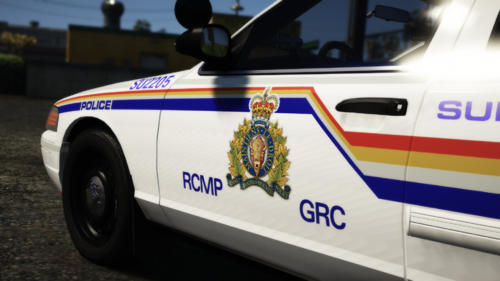 Wish it was ELS was looking for some RCMP cars... nice job tho car are sick!!
 -
-



