BobTheCop
Members
-
Joined
-
Last visited
Everything posted by BobTheCop
-
Already got it fixed. Thanks anyway 🙂
-
-
When I start up my game and the screen is black and in the left corner it says loading LSPDFR lspdfr.dll crashed. Also my stop the ped isn't working. I've installed it correctly anyone else having this problem?
-
It doesn't crash anymore thanks, but all my cars and stuff are gone.
-
Hey, when I'm loading my plugins my game crashes. Here's the log:
-
Okay, thanks for the fix 😄
-
So, how do I make a new one? I just delete it and when I start op Rage it makes a new one? Or asks me to?
-
So whenever I start up RPH since the Gta v update I got an infinite loading screen with RPH. It gets stuck when loading all the plugins. Anyone know how to help?Whenever I start up the game and I'm already on duty is says that lspdfr.dll crashed even when I "forceduty" again. Also when I go on duty via the police station it crashes. Typing "loadplugin LSPD first response" also makes it crash after a few seconds. I have reinstalled, LSPDFR and RPH. Anyone know how to help? 😄
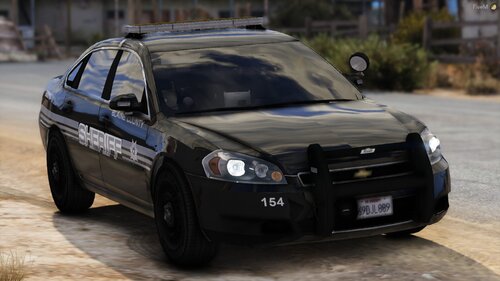
 Whenever I put the lights on on the honeycomb grill, rear antenna's keep dissapearing and appearing. Any fixes?
- 208 comments
- 59 reviews
Do you know how I get cars in my game when its called _mods. Cause right now they dont show up in game....It didn't crash anymore, but whenever I install cars or something they dont showup when I have the mods folder named _mods. And when I put it back to mods it crashes again...Hey whenever I start up my game it crashes. Here's the log: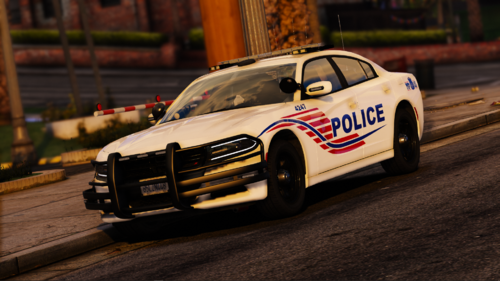 Is there a meta for the fpiu en fpis? When I go trough a corner it flips. Any help would be much appriciate it.
- 24 comments
- 10 reviews
 When I start the game up, it says that eupmenu.dll has crashed. I installed eup completly again. and it still hapens. any fix?
- 635 comments
- 72 reviews
In the console you type: spawn police. you can do police,1 2 3 and 4. sheriff 1 and 2. policeold1 and 2. fbi 1 and 2. pranger. I believe thats all of them. those are the standard, once you've installed other cars, they will show upYou said that the EUP and sup folder should be in: mods-update-update.rpf-x64. But when I installed it, they are in: mods-update-x64-dlcpacks. Is that a problem? And when I load eupmenu it says it crashed. Any help?Probably a dumb question, but I didn't get a update thing and when i veryify integrity of the game files nothing happens, and in the files when i look at the properties it says version 1.0. 1868. 1