




Keith.
Members
-
Joined
-
Last visited
Everything posted by Keith.
-
-
-
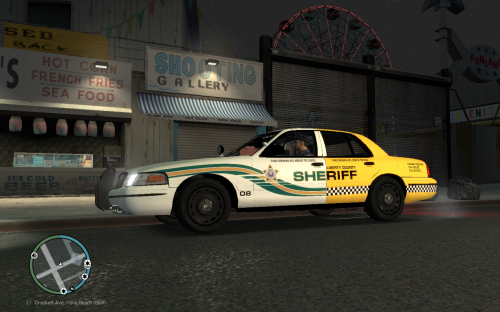 I made this last night. Not sure if one has already been made, but, here it is. Made using a BXBugs template Enjoy
- 2 comments
- 1 review
-
-

- 1
-
-
I'm after this model ( with those wheels ) without the undercover lights in the windows, But the grille lights left in place With a Welen Lib or Justice light bar, a Go Rhino push bar and a TA in the rear window ( or mapped into the light bar, whatever is easier ) A skin isn't needed, but a place for at least 1 is. I would be eternally grateful to whoever does this for me. I know there's already tons of models out there like this already, but, It's this particular car I'm after. Thanks
-
I made this seal using a couple of images and paint.net, don't know if it's right or not though

-
This is what I've done so far bud, I just need a good clear shot of that decal on the rear pillar ;) I've done it in 4096 resolution too :)
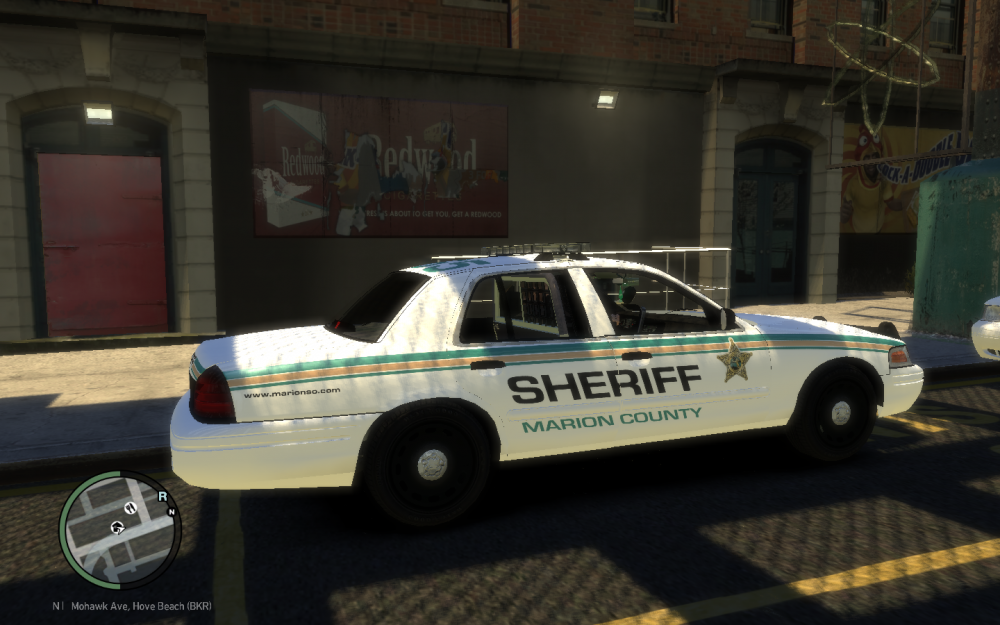
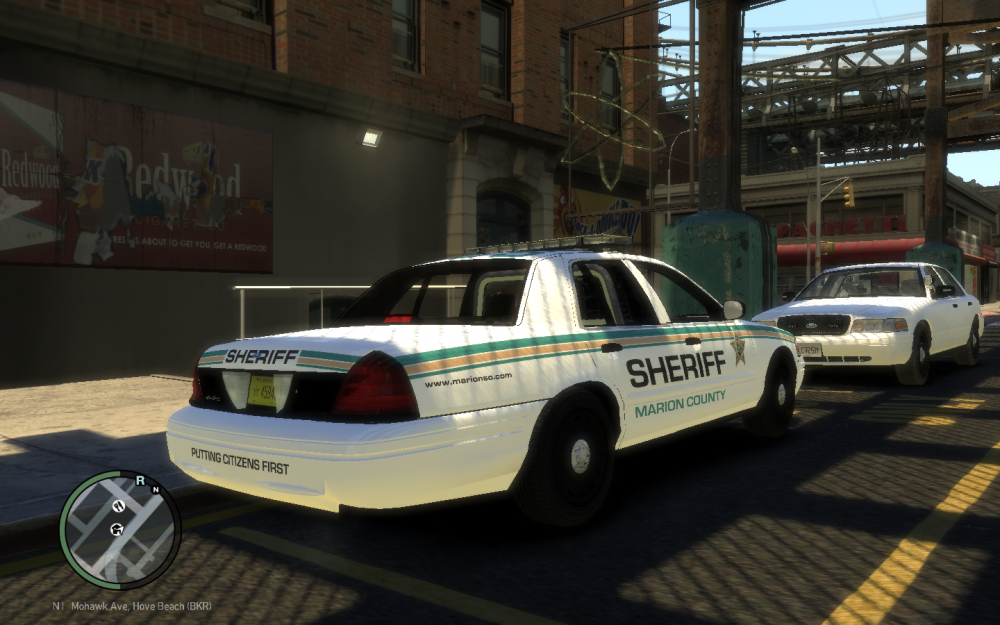
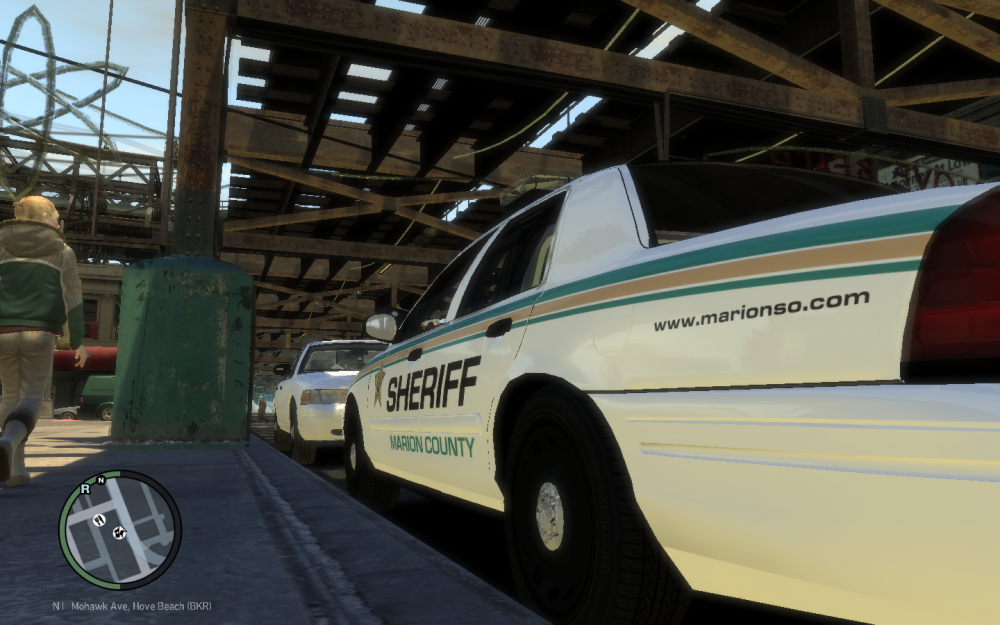
-
Can you get a better picture of the decal on the rear pillar ?
-
Is the Tahoe done ? I've got a spare 10 minutes
-
-
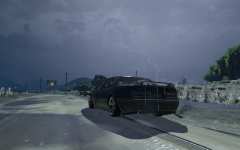 GTA5_2015-05-17_00-24-28-94.png
-
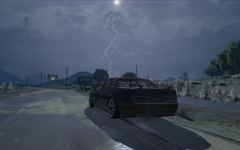 GTA5_2015-05-17_00-23-25-70.png
-
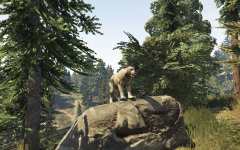 GRRRRRRRRR!!!!!
-
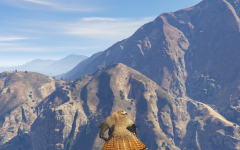 GTA5_2015-04-26_17-07-32-08.png
-
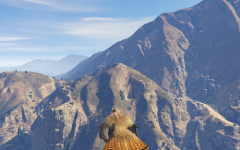 GTA5_2015-04-26_17-07-27-92.png
-
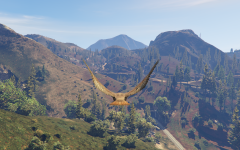 GTA5_2015-04-26_17-03-18-69.png
-
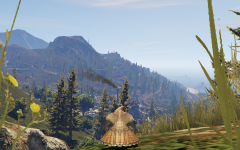 GTA5_2015-04-26_17-02-55-90.png
-
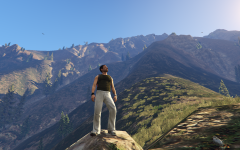 When you have one of 'Those' moments
-
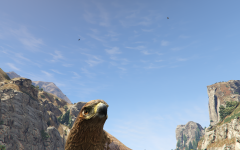 GTA5_2015-04-26_16-23-33-08.png
-
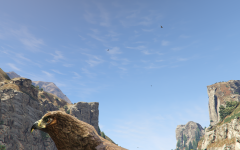 Birdseye view ( literally )
-
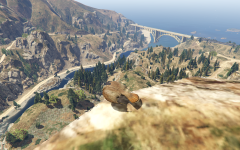 Surveying his kingdom
-
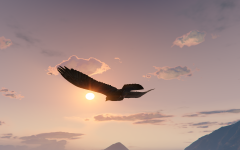 More Hawk
-
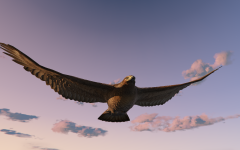 Close up hunter
-
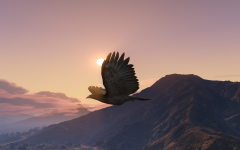 Hawk during sunset
-
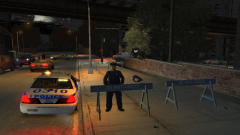 GTAIV2014 01 2222 01 34 90 zps73b7b076
-
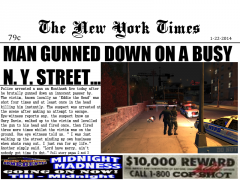 Frontpage1 zps34e13f76
-
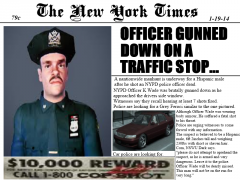 Frontpage zpsdc546cf8
-
-
From the album: My pics
-
From the album: My pics
-
You may not sleep until LSPDFR is finished
-
Ah, didn't know that, I only have the PS3 version bud :)
-


