M.Williams
Members
-
Joined
-
Last visited
Everything posted by M.Williams
-
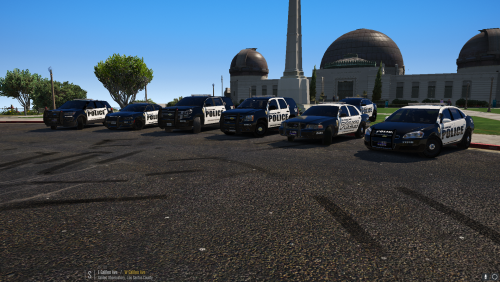 What is the visual file you used for the lights? I prefer that over the ones that keep getting placed on here.
- 27 comments
- 5 reviews
-
-
-
-
 Were the bugs fixed in this recent update?
 -
-
 Still love these callouts. Somethings will be getting fixed but other than that I am leaving a review since it works great and I use it.
 -
Thanks boss. appreciate your work 🙂 Are you planning on adding an .ini file to edit the frequencies and such?
-
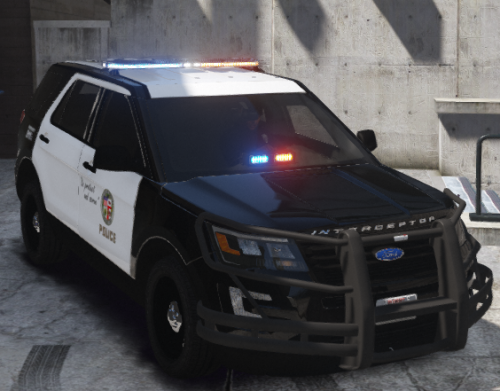 4 stars for this being your first time. 4 stars because I still enjoy the cars. They need work but this is something that can be fixed and I hope for more updates.
- 35 comments
- 5 reviews
-
-
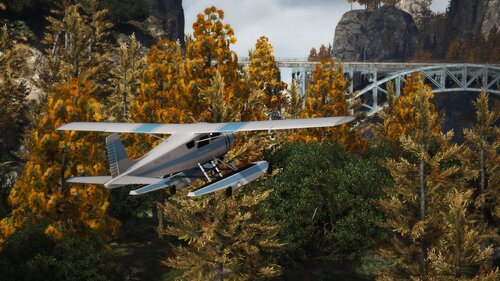 Do you plan on adding more to the entirety of Blaine County and Los Santos County area?
- 52 comments
- 17 reviews
-
This is amazing! I was honestly mystified when I installed it and wish it was this easy for all of the other placement mods. Please keep up the good work boss
- 52 comments
- 17 reviews
-
-

- 1
-
-
I am not sure why, but some of the callouts are just showing up on the map as an emergency and but with no ability to cancel them. I
-
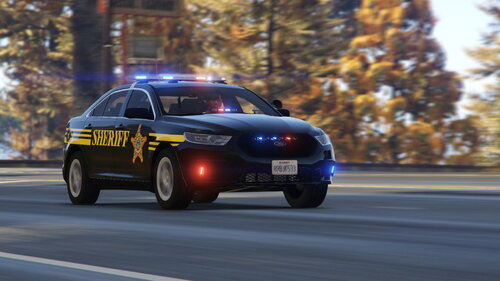
.thumb.png.24105fb4296b9892843bd85d64ae3785.png) The XML for '16 Unmarked Charger is missing '16 charger is door does not open when you get in and out of vehicle.
The XML for '16 Unmarked Charger is missing '16 charger is door does not open when you get in and out of vehicle.- 22 comments
- 1 review
-
-
-
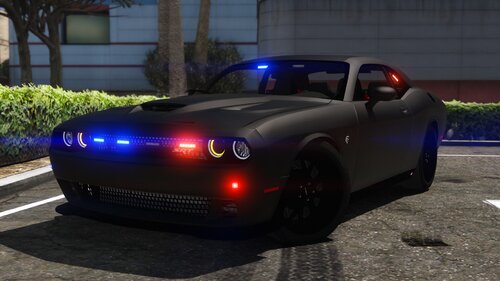 I only have an issue with the Durangos tail light being extremely bright. unsure what is going on with that. However the Challenger is great!
- 35 comments
- 6 reviews
-
Roger. Do you think the Durango back light is to bright? Or would that be on my end with VisSettings
- 35 comments
- 6 reviews
-
-
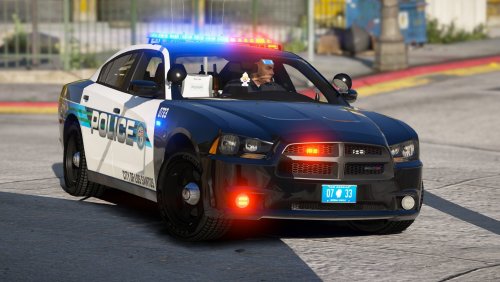 Initially I thought this was not going to be that well of a pack. I really though this was going to be like the others. I was completely mistaken. The lights were done nicely, I have that sense of feeling that it isn't to much but isn't to little either. These give you that city feel and the whole pack is just in sync. Keep up the great work!
- 22 comments
- 16 reviews
-
-
- 1
-
-
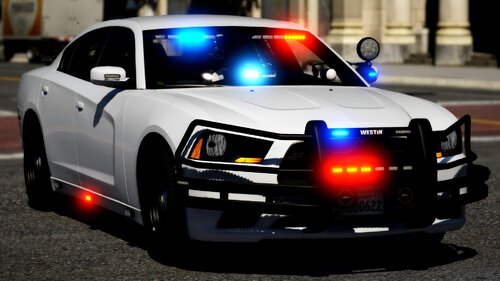 Did you already fix this? I really love file especially with the dual rear lights.
- 31 comments
- 4 reviews
-
-
 I thought I wouldn't like all of those lights but it worked well with the attack style of the vehicle.
- 253 comments
- 53 reviews
-
-
- 1
-
-
-


.thumb.png.24105fb4296b9892843bd85d64ae3785.png)