



DerangedPittman
-
Joined
-
Last visited
File Comments posted by DerangedPittman
-
-
-
On 12/13/2019 at 2:37 AM, OfficerFive0 said:
While I am appreciative that you are using my parts, just putting my name in the credits section is not good. Please just paste the credits included in the readme that came with the parts into the credit section. Often times I use assets from other creators, who also need to be credited. All in all, its easier to just copy paste what was written out in the readme, and that way you are also properly crediting the modelers for their work.
For example
Each person is credited for the work they did.
In the download file, the readme of credits is filled with that. When uploading a File it says name the authors, which is what i inserted. When the file is downloaded, the credits are full of those
-
-
Edited by DerangedPittman
As for the lighting, you can easily update them yourself in OpenIV going into the vehicles YTD file, selecting the lighting textures, and export them and open it with whatever paint software you use, (I use paint.net) and adjust them there!
-
-
8 minutes ago, frankyboy said:
i think u missing the els
Dont know why i always forget that, updating now
-
-
-
-
-
-
On 1/28/2019 at 10:14 AM, Jason4217 said:
Considering that there is a law in Georgia stating that they have to have all blues it would look weird. Just like Cali has a law stating that there has to be a Steady burn red in the front and a amber light in the back. Georgia has a law stating that all emergency services have to have All Blue lighting.
As this is true, the City of Hiram which is in Paulding (the county this pack is based on) switched to Blue and Red lighting, don't know how or why.
-
-

-
-
4 hours ago, russeaviateur said:
I added a few of these using albo's modding pack however for some reason I cannot find them. I tried spawning country and county2 even others and none show up in the script bar.
Did you follow the instructions in albo's files? You have to do vehicle meta's, car variations, etc
-
 22 hours ago, Coconutnewb said:
Hi, I'm a noob to all of this can someone please tell me how to actually install the files? Thanks
Im sorry forgot to add that! If you go here and download
Its super easy to install peds, weapons, and or vehicles! Just follow the instructions in there to show you!
On 8/12/2017 at 8:21 AM, James13 said:Do You Know how long it will take for you to add tasers to the belts?
And is it possible for you to add to female as there is no skins with tasers for females so if you could do that would be so cool.
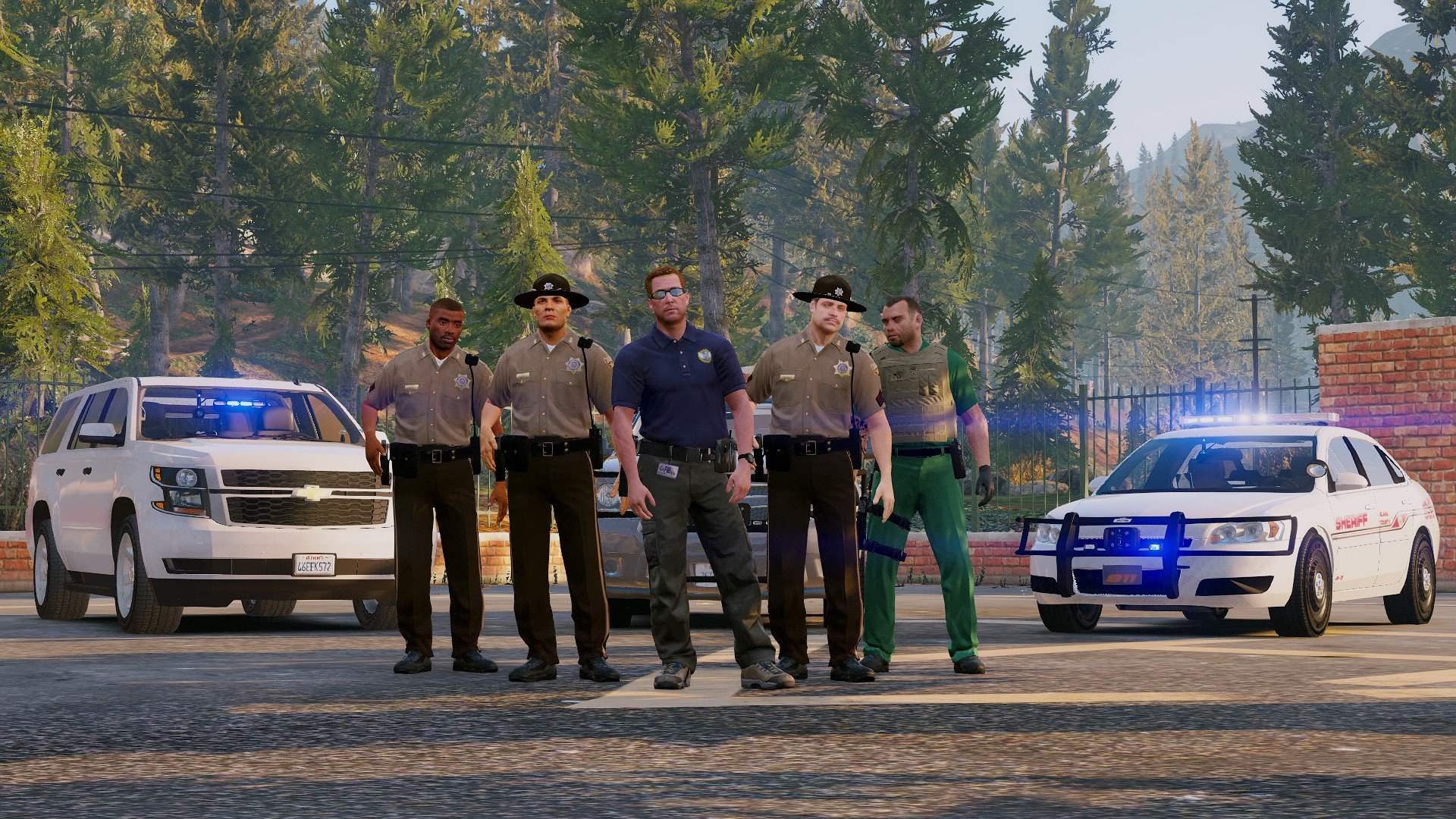
And also where is the ped for the man in the middle in a blue top?
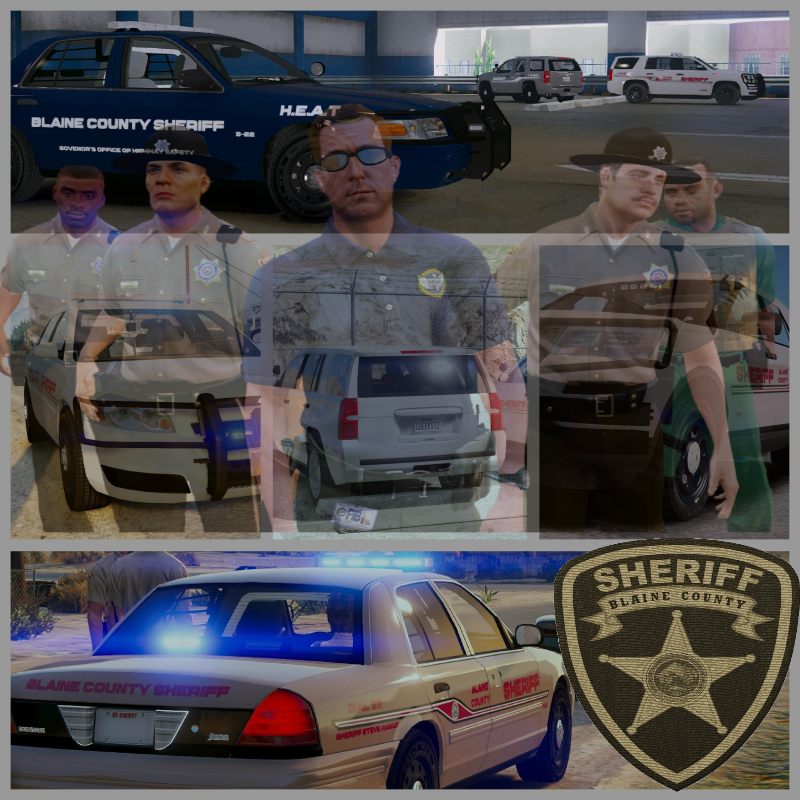
Taser models are in the works! Female peds should already be in there, if not will double check! And the guy in the middle is "Steve Haines" and it the main character in the GTA Story plot as the FIB agent, But we will be updating the pack soon to add him in the download with the re-skins and Sheriff Badges and ID Card instead of it being FIB!
-
Just now, Destroyer11687 said:
@ThePatrioticGamer Ok, I just got back from taking the slicktop for a spin. I stick by the handling being spot on. It's great! I wouldn't be opposed to a couple more lights on the front, maybe in the grill, but it still definitely works fine as is. I would say a push bar would look good, and maybe one or two small antennas on the top. But those are all just eye candy. The only other noticeable cosmetic issues other than the rear blinkers is that the glass on the front is more or less see through , and there are some small gaps in the seams of the vehicle that allow me to see all the way through. The most noticable gap is between the driver side door and the frame. I can adjust the window myself using photoshop, and the gaps aren't horrible, but I thought I'd mention it.
I myself don't really know how to make cars yet, although I'd love to start, so I say all this respectfully. I know how much work it takes to make these vehicles, so thanks for all the work!
Oh, lastly, I know that it's not the easiest thing to do, and even the more experienced modders don't always do it, but breakable glass would be awesome :)! And reading some of the other comments, I hope you are able to find someone to teach you how to do the takedowns.
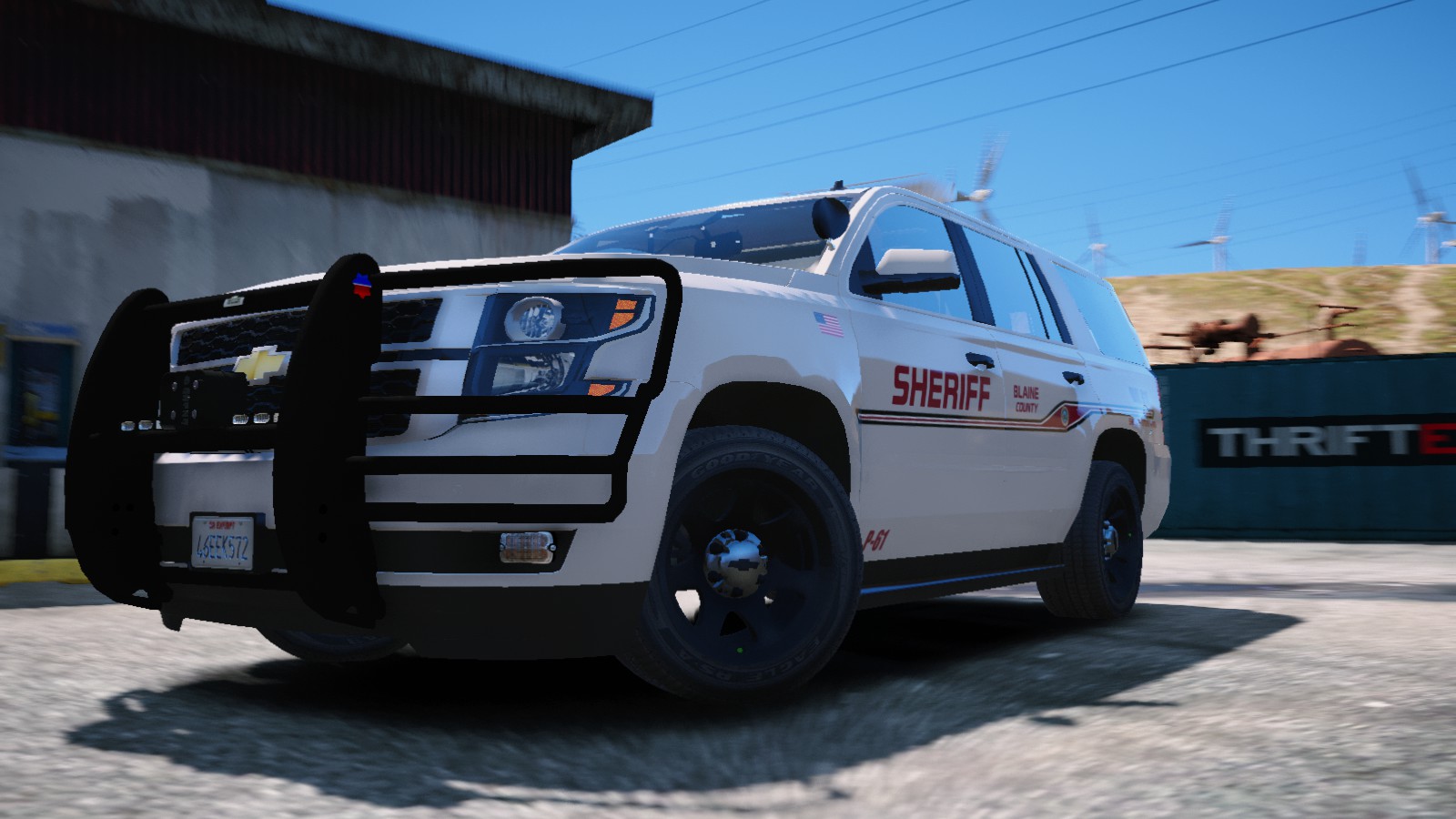
As said in the post, its based on my County and how they have it, so sadly won't be adding on the ram bar nor extra lights (other than maybe side runners), the separation may have happened while I was working on something and accidentally moved the whole vehicle a tad, without realizing it, so thanks for noticing!
-
4 hours ago, Destroyer11687 said:
@ThePatrioticGamer Hey, thanks for putting your name into the fold as a new modder! I didn't get a chance to check out any of your other vehicles, but I have been looking for a slicktop FPIU that allows skins and yours fit well in my lineup. The only thing I noticed off the bat was that there are no rear blinkers on it. I was wondering if it's possible to update with that feature. I know it's not the biggest deal, but I'm a stickler for detail and I like using blinkers. I like the minimal lighting and it handles great! I think this is a great first try and I wish others wouldn't be so condescending. They've released models that had things wrong with them too, so I don't understand it.
Hey man, I greatly appreciate comments like this, those reviews to me were based solely upon A.) He just released a vehicle pack, and I released the same (So he finds each and every mistake wrong and points them out) and The other one, everyone else criticizes so he has to do the same. But I will for sure look into that. If most read it says (Work In Progress), I believe in public testing much like most modders, And I thank the ones who truly do want to help me, then try and make me give up!
1 hour ago, OfficerJacobPaps said:Hello. My name is Jacob and I am one of the directors of a roleplay community on FiveM and we are wondering if you were to make vehicle skins for us how much would it cost? If you could please message me on discord @Jacob#6448 , Thank You.
You can find the Patriotic Creations here! https://discord.gg/46NmSR7
-
3 minutes ago, aHandley217 said:
Like the pack, However, could you please fix the HEAT Skin to spell "Governor's" without a typo :D I could, but then it would still be flawed for everyone else. Other than that, great pack, especially for a first.
Fixed, Thanks for leaving a positive comment to aware me of an issue like I asked, instead of a review! Brand new CVPI coming in a bit! New interior and all!
-
-
8 minutes ago, AwesomeBL9 said:
Marked explorer's lightbar still sometimes spawns blocked out. I already edited the tint in my vehicles.meta. Sometimes, my backup arrives in the explorer with a perfect lightbar, but most of the time, they arrive with a blocked-out lightbar.
My suggestion is spawn it, fix it how you want it and save the vehicle in the trainer, so next time you won't have to go through all of that. As of backup spawning with the same issue, possibly did the carvaritions or vehicles.meta part wrong. Or the textures as stated could have dirt making the lightbar get covered.
-
-




.png.09945f155ed953dc0b67e8fe9fe77756.png)
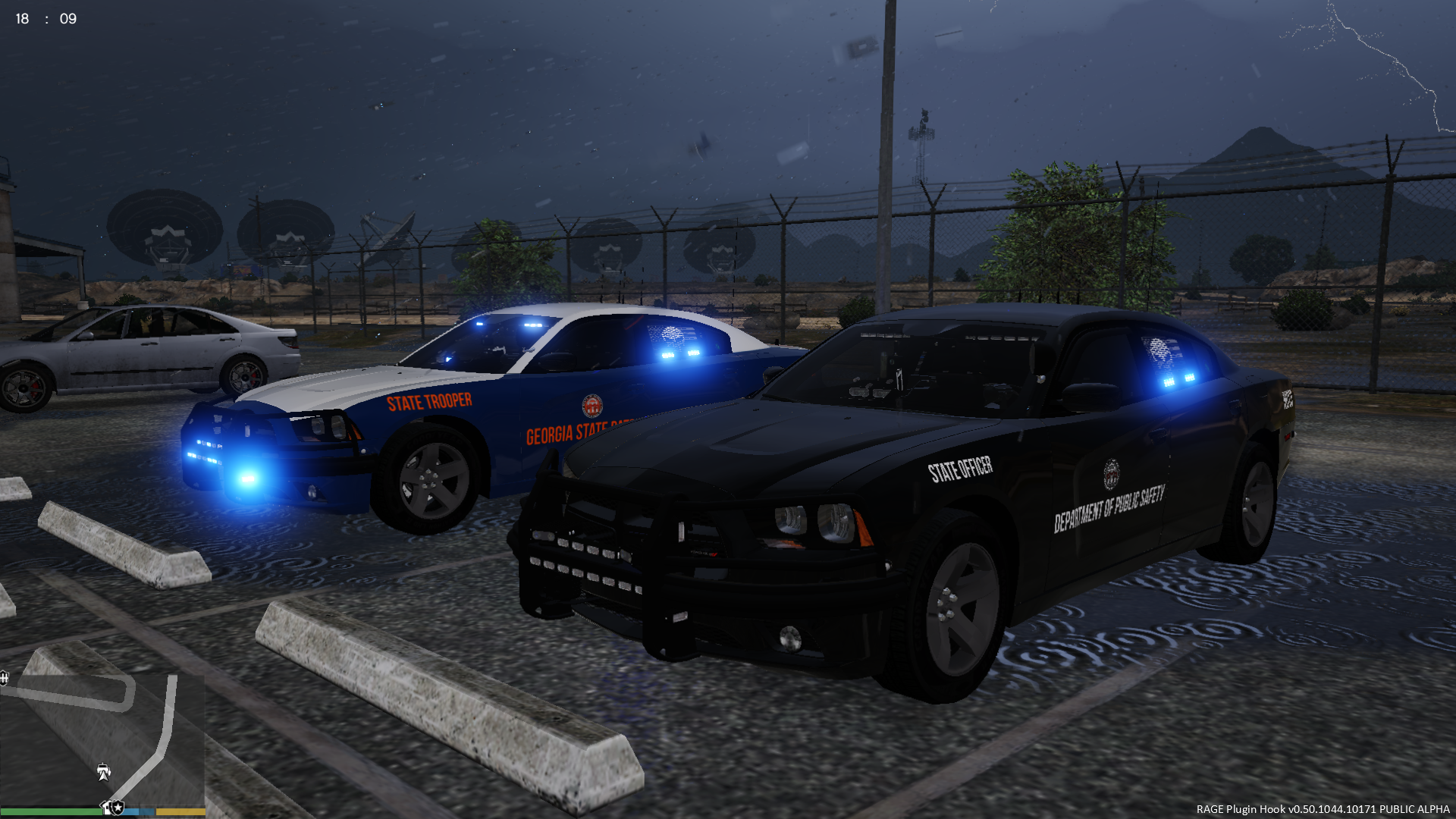
[ELS]Georgia DPS Vehicle Package Alpha
in Vehicle Models
Pretty much abandoned unless i can find a nice modeler to continue the project with me!