




lxlSemperlxl
Members
-
Joined
-
Last visited
Everything posted by lxlSemperlxl
-
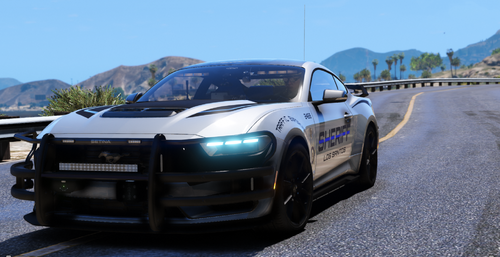 Very very nice model and really impressed however do you have a lightbar edition of this ? would love to see this with a lightbar on the roof if you already have one released can you link me to it plz
 -
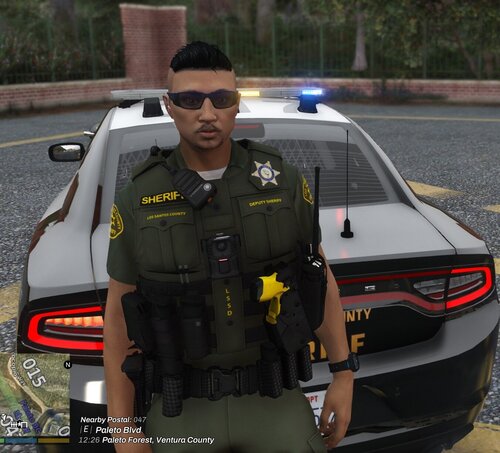 I figured that out been a while since I played we mods on this game so yeah forgot to edit post but thanks 🙂
 -
tlsguardianlbv folder doesnt exist for me where should I put these files ???
-
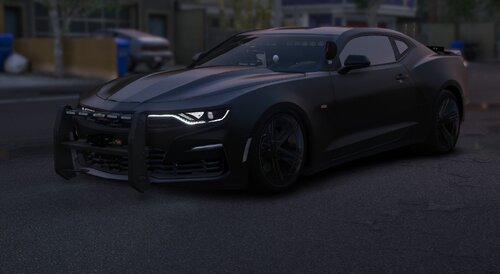 I like this model you done a good job there is a few glitches though if you shoot the front or rear bumper they go inverted which is rather stange never seen this happen before also your rear window cant be shot out like the rest of the windows but all in all really good car well done.... I do wonder this glitches I have brought to your attention will you be fixing or just leaving it.... would be a shame if you left it the way it is because its a really good model
 -
.thumb.jpg.8f43f89c83cdb0b58b0249e4cac1882f.jpg) Love this vehicle but is there a way when I call animal control that they arrive with the Emergancy lights on as they are never on ?
Love this vehicle but is there a way when I call animal control that they arrive with the Emergancy lights on as they are never on ? -
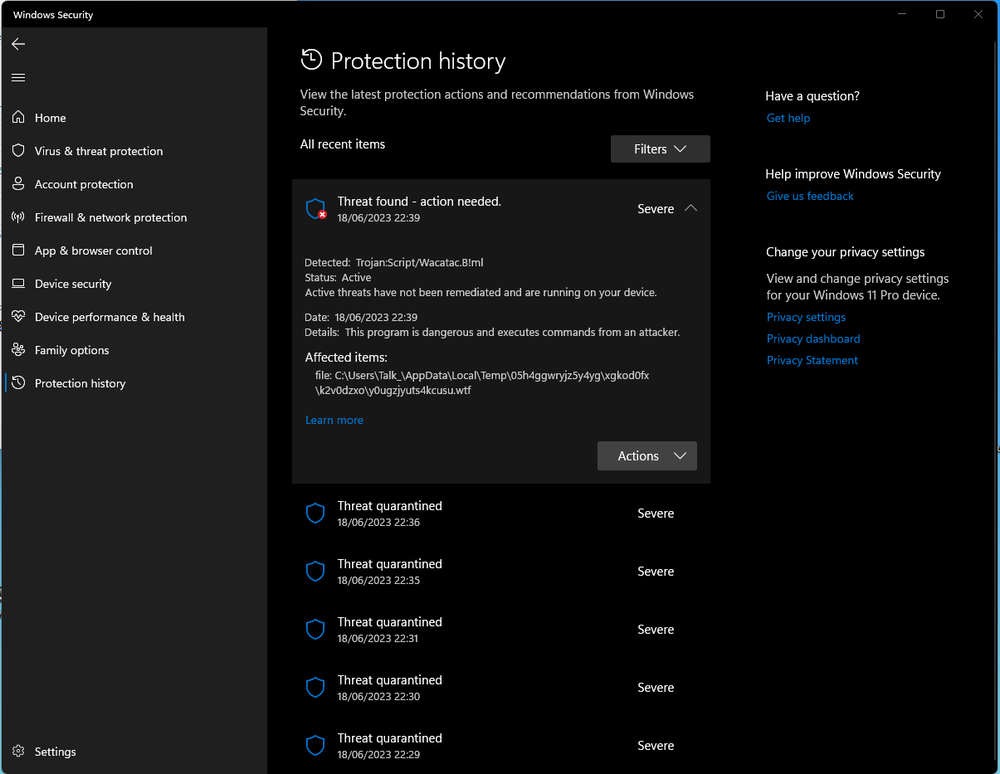
I have been playing LSPDFR for years and never had an issue like this but since recent update RPH would load the icon and state "Validating Hook" and disappear upon checking and testing this I looked into my windows firewall and its automatically come with a threat of trojan horse screenshot provided why is this happening now and with this "specific" update never happend before All the threats quarantined below this current one im showing is all the times I tried to load LSPDFR Any assistance would be appreciated thanks
-
I have attached my vehicles.meta I have installed some cars and updated the meta and all was good but I must have done something wrong because when I put a fresh vehicles.meta in the game loads fine but when I use my edited version it crashes on loading.... I have checked the file and cant find any code thats missing or misplaced I am wondering if someone on here with a little more knowledge than me can find it I would appreciate assistance thanks vehicles.meta
-
 Its a great car the superfix had an issue as the car was still flipping and going nuts but it was an easy fix just change the handle id from "DOMINATOR" to "RAPIDGT" and BOOM it was fixed.... nice vehicle !
 -
No problem glad to assist have you tried this temp fix until someone with knowledge can assist atleast it might get you on check this vid HERE
-
Sorry this might be a stupid question but do you have scripthookv installed download HERE if you dont apart from that I dont know whats causing that maybe someone else with a little more coding experiance might be able to..... you RPHLog doesnt look like its spitting out errors much so cant pin point it....
-
I updated my response the latest rageplugin hook is found in the latest LSPDFR install files re download the new files and check....
-
Hi timed I am just wondering did you download the latest LSPDFR install which has the latest rageplugin hook to load the game and if you also installed any mods recently in the mods folder to easily test if it is a mod rename the mod folder to _Mods with the _ init and try loading the game if the game loads fine without an issue it will more likley be a mod that you installed.... The only thing I can see in the the hook file was you Direct 3D failed ive personally never had that issue so cant advise on it apart from check to see if you have latest driver for Direct3D which is directx if im correct....
-
I just fixed my version I had the exact same issues as this I "Verified Game Files" on "Steam Version" after it finished it detected 3 files that was corrupt,,, It redownloaded them "1.1 gig" size and after that I run rage plugin and boom LSPDFR loading without issues 😉 also remember to load openIV before you run as it will ask you to copy mods folder again "update" 😉 Hope this helps 🙂
-
Hi I am experiancing the same problems and what I think he meant is when loading rage plugin although its been updated as mine is the same version as that screen shot above... the launcher doesnt load and displays a message stating your version is not supported and it states that the version we are on is "Unknown" even though RPH is updated to latest version as is advancedhookv and lspdfr
-
Yes I looked in this file but didnt look good enough thanks for that really appreciate it now I can alter what I need to do much appreciated 🙂 im living proof that it pays to take your time I was going to fast and past it hahahahahaha 🙂
-
I have managed to change the EMS ambulance but when it comes to the stoptheped first reponders and so forth I get the yellow basic car with lights I have a custom one I want to use how can I locate the file as its not in stoptheped.ini any ideas in right direction would be appreciated thanks 🙂
-
I did a search but couldnt find an article relating to this issue I recently wanted to play LSPDFR again and updated everything but I did however move GTA/LSPDFR to my E:\ drive not on my C:\ drive anymore as I have COD: Cold War installed on my SSD I moved GTAV/LSPDFR to my SSHD for space issue everytime I try and load lspdfr I get this popup !!!! is there anyway I am able to use this mod with the game being installed away from my SSD ? EDITED: Sorted the issue myself all I did was overwrite the files that was in the main folder again and it went through the startup process again 😉
-
I have been creating 2x sheriff and 1x fbi thought id share the video of them and will be releasing to all for FREE when complete 🙂 only doing this as a hobbie since the Covid-19 pandemic 🙂 hope you like the project so far
-
Thanks for that much appreciated 🙂
-
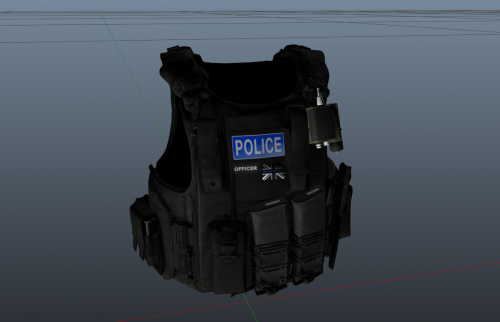 I cant install that because its asking for me to put it in a folder thats named vinewood but there is no "vinewood" folder in my eup_peds .rpf
 -
ok I dont have that vinewood location they speak of I have everything else but that "specific" location so I cant use this 😞 pitty as it looks nice 😉
-
.thumb.png.946b5fee4b67abdf76e9224ae73e80e9.png) If you dont mind me asking where did you get the Tahoe from im looking for a DEV one to work on ? The ones I have found are either incomplete without brake discs and so forth or are out of shape and poorly done I just want a complete blank canvas to work on yours looks really nice BTW
If you dont mind me asking where did you get the Tahoe from im looking for a DEV one to work on ? The ones I have found are either incomplete without brake discs and so forth or are out of shape and poorly done I just want a complete blank canvas to work on yours looks really nice BTW- 24 comments
- 1 review
-
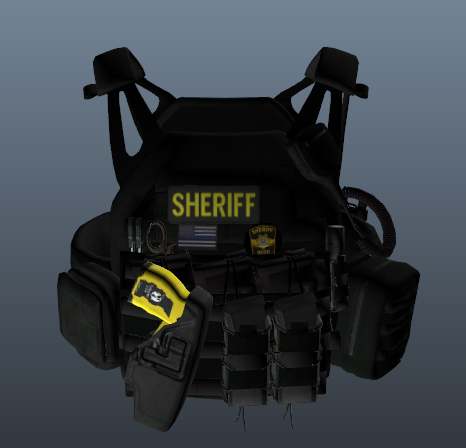 I cant seem to find the vinewood section I find everything else but the vinewood any help would be appreciated ?
- 17 comments
- 1 review
-
is this what you mean ?? would be handy for you to have a link to the vest needed for this for people 🙂
-
I replace the image in january 16 in the slot you stated replaced image the police isnt displaying in the areas as it should I dont have vinewood location any thoughts why this isnt working ?


.thumb.jpg.8f43f89c83cdb0b58b0249e4cac1882f.jpg)



.thumb.png.946b5fee4b67abdf76e9224ae73e80e9.png)
