


strikeeagle345
Members
-
Joined
-
Last visited
Everything posted by strikeeagle345
-
-
-
-
you can make them wag. just depends on how the modeler sets up the car.
-
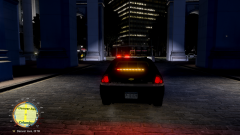 I has a sad.....
 -
So who is the RIDICULOUSLY good photographer????
-
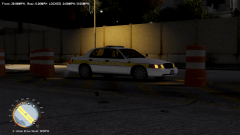 Models is by NickieB. It has not been released yet but should be sometime soon.
 -
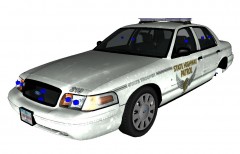 i like this
 -
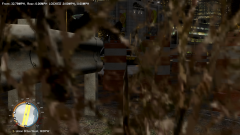 yeah, its a bush a N union drive west. Thought it was a cool angle that just so happened to pop up.
 -
LMAO!
-
From the album: Strikeeagle345's photos
Incredible model by NickieB -
-
From the album: Strikeeagle345's photos
Incredible model by NickieB -
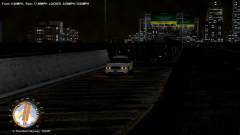
From the album: Strikeeagle345's photos
Incredible model by NickieB -
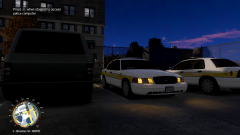
From the album: Strikeeagle345's photos
Incredible model by NickieB -
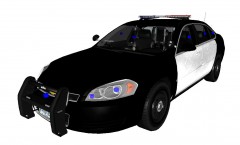 sexy!
sexy! -
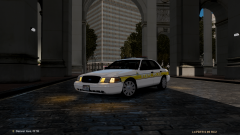 I can't remember, some guys (^^^^^^NickieB^^^^^^^the guy up there!^^^^^^^ yeah that guy)
 -

From the album: Strikeeagle345's photos
Incredible model by NickieB -
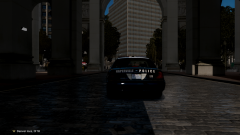
From the album: Strikeeagle345's photos
Incredible model by NickieB -
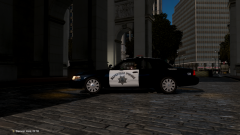
From the album: Strikeeagle345's photos
Incredible model by NickieB -
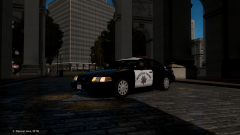
From the album: Strikeeagle345's photos
Incredible model by NickieB -
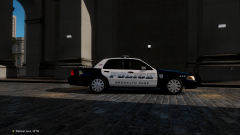
From the album: Strikeeagle345's photos
Incredible model by NickieB -
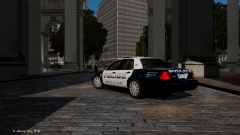
From the album: Strikeeagle345's photos
Incredible model by NickieB -
From the album: Strikeeagle345's photos
Incredible model by NickieB -
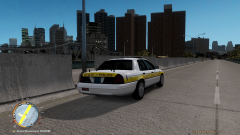
From the album: Strikeeagle345's photos
Incredible model by NickieB


