


phildo
Members
-
Joined
-
Last visited
Everything posted by phildo
-
Create a new folder in dlcpacks in your mods folder. place the dlc.rpf in said folder, work your way to the vehicles.rpf list. Then highlight the units you want and move them to your desktop, rename, and move them to the location you normally drop vehicles. You can then delete the new folder you created to rip them from.
-
Youtube is your friend, a dude named Benzo has some really good how to videos on how to install various add on and script modifiers. But to answer your question, you need a mods folder. It basically makes a copy of the original file (for most things) that you can modify or change out. Use the mods folder. Don't be like me the first time and not do it. Will save you from having to reinstall everything. And make a back up copy of your GTA game. Here is his how to install cars video. Is very long, but the first time I didn't know anything about the game files either. Start with this, and look at his how to collection. There are several other people that have made some good how to videos. I would also suggest looking at the following how to add cars write up when you get a little more familiar with the modding process. Hope this helps.
-
 I would second the Forest Fire Uniform, would be nice on a brush rig in the forests.
- 80 comments
- 28 reviews
-
Second Edit, rethought the wording completely. So what ever is sitting in the "firetruk" spot, populates outside of fire stations across the map. This is with an exception of Sandy Shores, figure a meth head stole it. Is there a file somewhere in the directory folders so that I may change the vehicle to a different one. I want to change the trucks sitting at a few locations, if possible. And in doing so, would that change the truck that responds based off where you sit on the map? For example, I can keep my Pierce engines outside of any LSFD, but put an Oshkosh crash truck on base, and a pumper and tender at say Paleto? I've been looking through anything that I thought would make sense, but no luck.
-
-
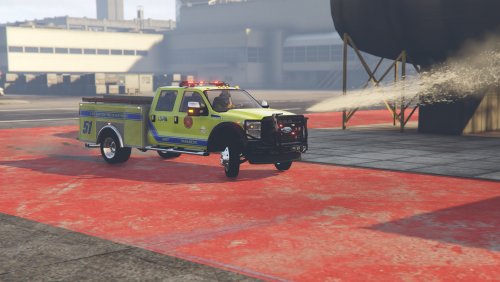 Your Forest Service Skins look awesome. Went and used all the meta file info here so I could try to get the sounds and lights to work, no dice. Any suggestions?
 -
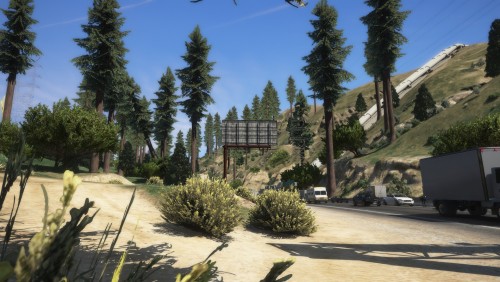 Now this, this looks amazing. A serious upgrade over the base game map. If you haven't already, I would give this a serious thought for adding to your game.
- 11 comments
- 3 reviews
-
-

- 1
-
-
It was the 16Charger. Just added that line back in as 16CHARGER. All seams to be in orders now. Thanks again Rabbit.
-
Okay, I got it fixed, thanks to rabbit1988, vaultcop, and DezeGames for the assistance. Issue came down apparently to one unit that I added into the game as an extra slot. I spawn the car just fine, and it works like it should. However, when adding this one line into the Duty Roster, it messes things up.
-
Here is the new log file.
-
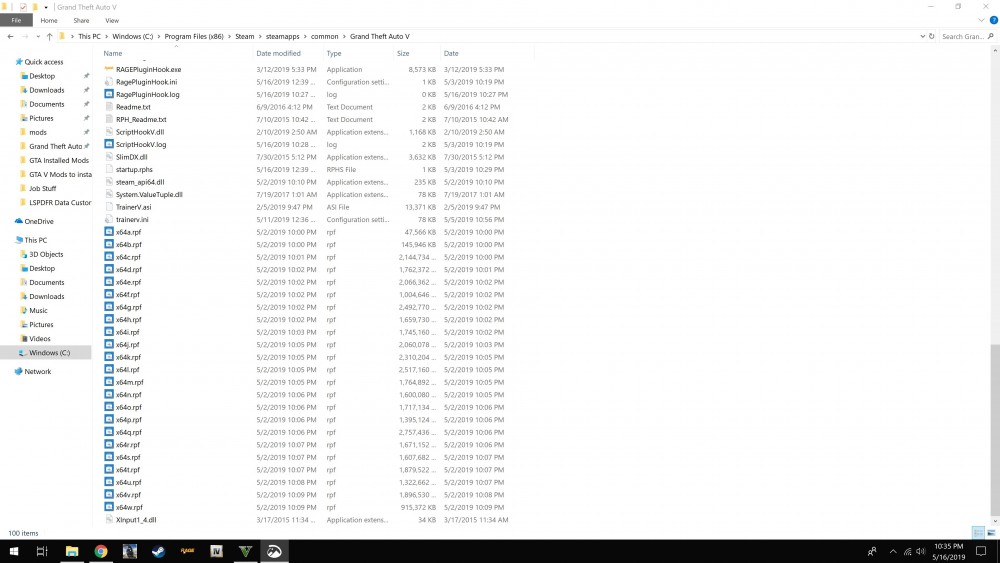
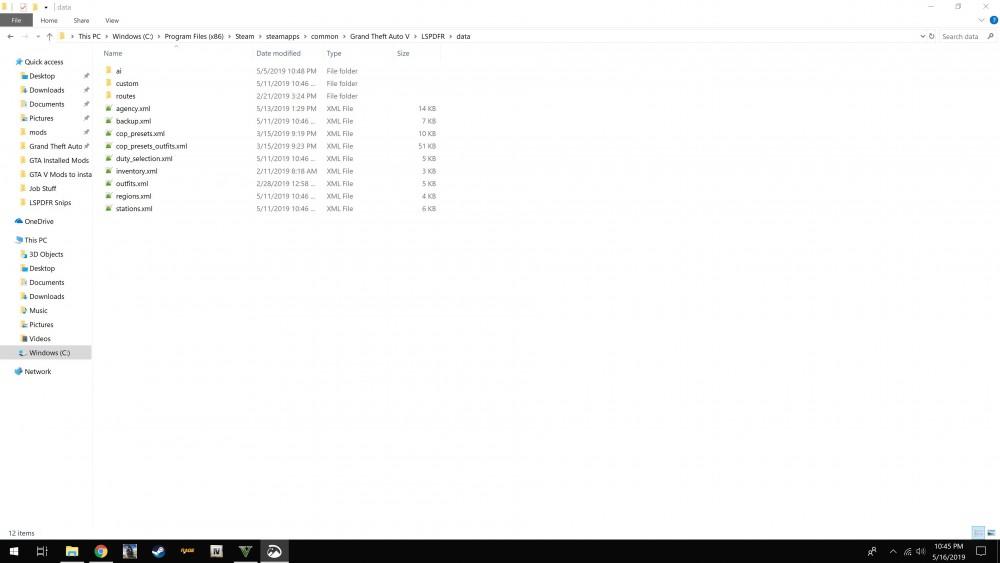
I went back to the log since you have mentioned that and saw where it says Fatal. Went in and fixed that portion. Thank you for pointing that out, but it still doesn't seem to have fixed the issue. Black loading screen with the spinner in the bottom right currently going on for 7 minutes. I am going to go through the logs from Monday evening and compare data, see if anything doesn't look the same. I have attached snips below. Starting to think it may be easier to just uninstall all LSPDFR files, and start over from scratch from the beginning if I don't figure this out by tomorrow night. But thank you for helping none the less.
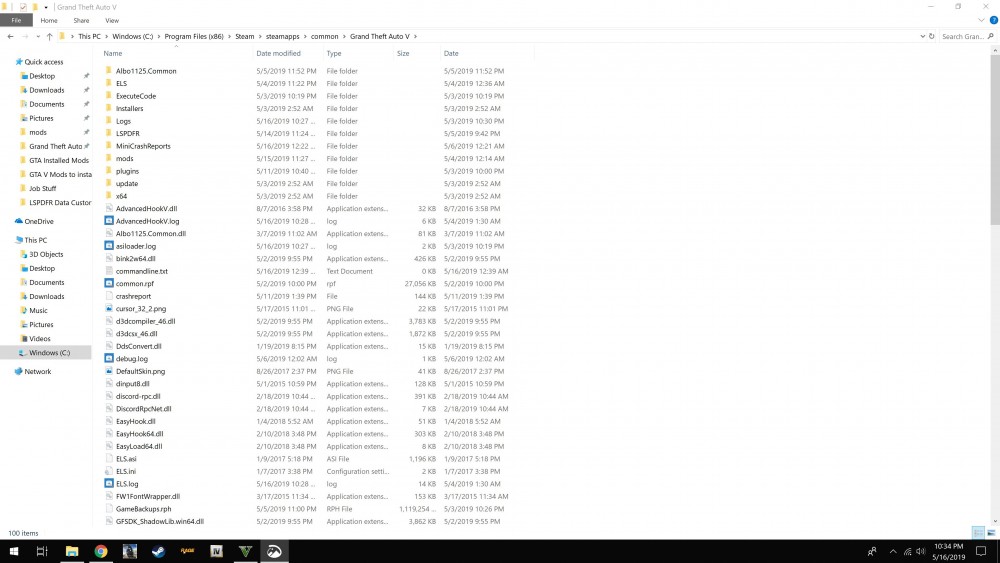
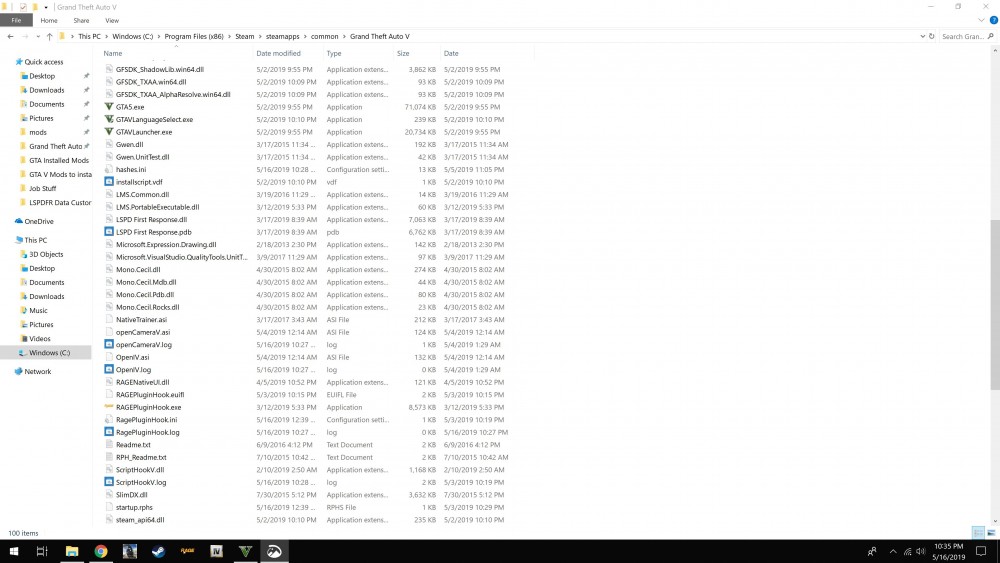
-
I have LSPDFR 0.4. I haven't installed or modified anything since Monday afternoon. Played after that, as well as Tuesday into Wednesday morning. GTA 5 basegame is through my steam folder. I can get everything but LSPDFR to work. Any assistance is appreciated. Below is the latest log.


