DangerousRobot
Members
-
Joined
-
Last visited
Everything posted by DangerousRobot
-
 Does the new version work with LSPDFR 4.1 or just 4.2? And so i need to replace the .ini file too?
- 3,646 comments
- 306 reviews
-
-
If i upgrade to the new version will all the plugins for LSPDFR 4.1 still work?
-
 Whenever I get the killer clown with a knife callout after i have killed/arrested him the little red dot is permanently on the screen until I restart all of GTAV, just a little bug.
- 635 comments
- 53 reviews
-
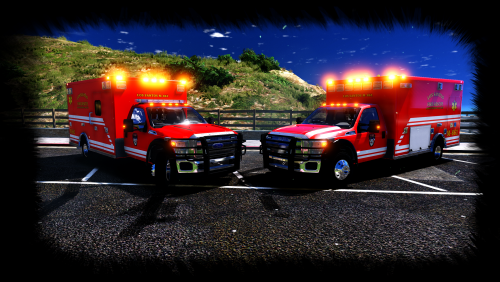 As you can see the lights are not the same on each side so.... if you can please fix. See how it's skinny on one side but the square one on the other?
- 53 comments
- 17 reviews
-
 what LSPDFR version is this compatible for? Cause whenever the suspect is killed or arrest it crashes LSPDFR, you said they were required plugins for this to work, what are they?
- 62 comments
- 11 reviews
-
-
-
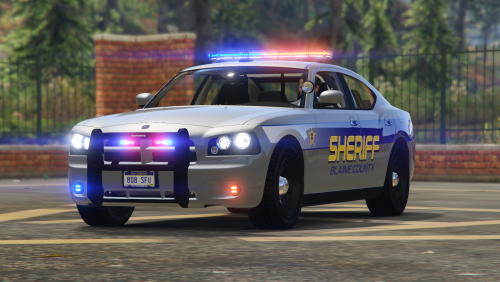 I hate to automatically request more vehicles but any plans for a Tahoe? I always really like sheriff Tahoes in packs so i was wondering. But yeah, looks great, don't see many colored lightbars anymore.
- 17 comments
- 5 reviews
-
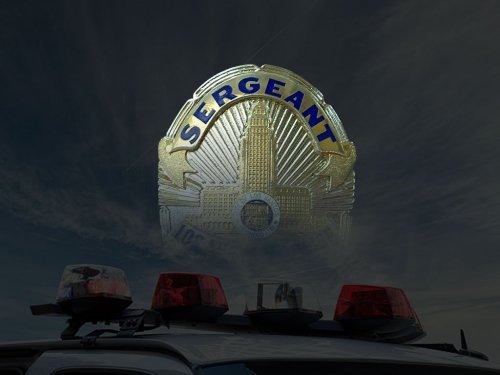 Is there a way to change the key binding in a .ini file? Cause i checked and i didn't see any key binding options.
- 101 comments
- 18 reviews
-
-
 If you're still developing this please add in a pickup truck of some sort, maybe a Chevy Silverado or Ford F250 or a Ram 1500 with the extended cab so we can put people in the back, much appreciated if you do.
- 131 comments
- 45 reviews
-
-
 Looks great! I like how it's got more ghosted and non-ghosted livery options. Downloading right now.
- 206 comments
- 94 reviews
-
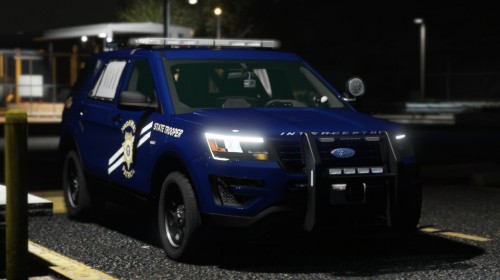 The 16 FPIU skin doesn't work on the one in the description. the 2016 charger skin is in the 2014 charger slot for some reason.
- 57 comments
- 4 reviews
-
 i really like this truck but i use it off road all the time and i was thinking please add in a new version with an optional raised suspension for better off-road please and thank you.
- 93 comments
- 17 reviews
-
-
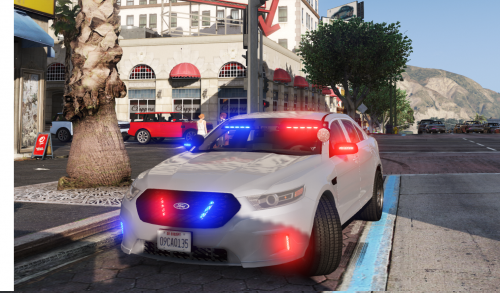 Small suggestion: please add a rambar which can easily be added and removed in the vehicle components, please and ty. You can also change the vehicle color with a trainer, that's what i do.
- 47 comments
- 24 reviews
-
 What letter or symbol or what do i use in the .ini file to change the voice sound? Cause it's not working Also another question, when you use the megaphone will the AI react and listen to it? Or is it cosmetic?
- 72 comments
- 10 reviews
-
-
-
When i did it the cars would spawn half-way underground since the bike spawns in sideways tilted a little bit.
-
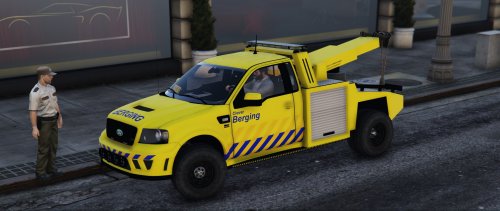 When i install it it doesn't exist, it's not there the model is invisible, please help. wait nvm it's there it just spawned under the ground.....
- 29 comments
- 6 reviews
-
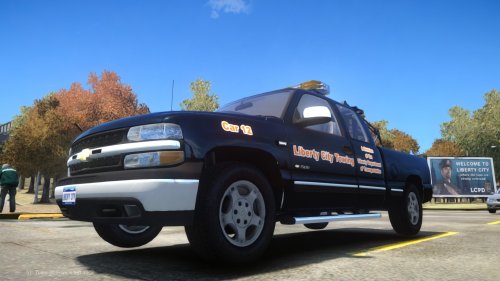 This is pretty cool, i'm gonna replace the small tow truck with it. Good job. Wait is there a way to replace the small tow truck with it like most vehicle mods or do i have to do the default download? Cause i am using stop the ped and i want it to replace the small tow truck.
 -
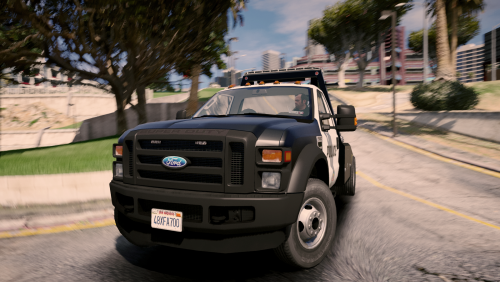 Looks great, am using it 10/10. Also suggestion: add in a non-police version for people who want tow truck companies instead.
- 26 comments
- 24 reviews