




bevarnow
Members
-
Joined
-
Last visited
Everything posted by bevarnow
-
-
-
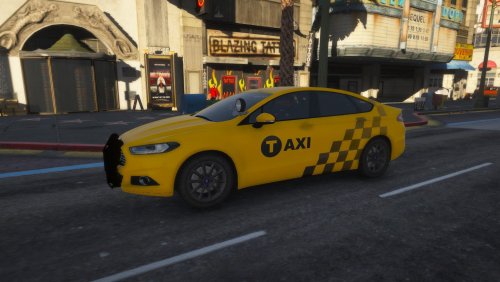 Howdy Folks! I bring y'all a totally fine and normal Taxi. There is nothing special about it. Totally Skin is based on the skin given to it by Ford when first released. I'd say its pretty accurate. But not there, this is @bevarnow for sake. I realize that this skin could be used for Civilian vehicles, but is meant for Undercover Ford Fusions Join my Discord!: https://discord.gg/wTuE3p3 <<<Important>>>: Skin is made for CL Mods' Ford Fusion, but will work for any Fusion templated by Britishgamer88. Skin is Optimized for CL Mods' Ford Fusion:
 -
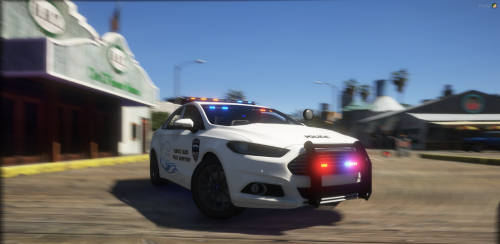 Very Nice. Very Simple and Nice Lighting Setup. Only complaint it that the Headlights don't light up when turned on. You turn them on, the area lights up but the headlights physically don't light up. Same with the Brakelights
- 5 comments
- 1 review
-
-
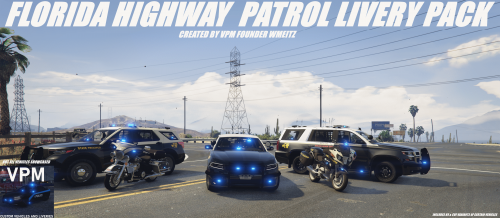 Eric, I'd rather you not use my bike skins in your screenshots. Please remove them.
 -
-
-
-
-
-
-
-
-
-
-
-
-
-
-
-
-
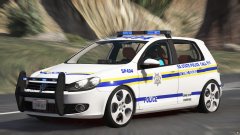 It's meant to be a Lore-Friendly Livery. As every other vehicle in this pack.
 -
-





