




bevarnow
Members
-
Joined
-
Last visited
Everything posted by bevarnow
-
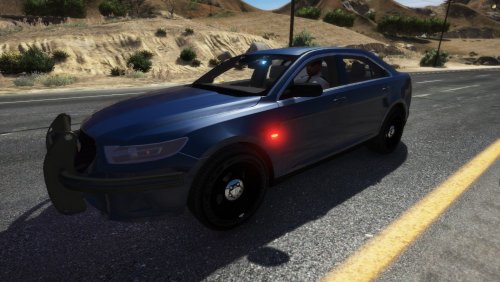 Did you download the vehicle? Because the windows are very slighted tinted.
 -
Will Add, my bad sorry.
-
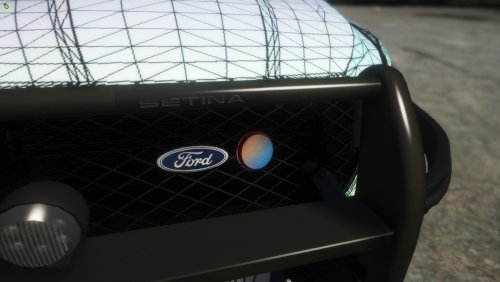 Well Howdy! I bring yall a Puck thing. Im not really sure what to call it, so I'll call it that. Lemme put this here and paint it red, DO NOT ATTACH THE PUCK TO ANY BODY PART (it will break the animation/rotation of the Doors/Trunk/Hood) It is UV-Mapped, so all you have to do is Mount It and Put something on it. Join my Discord!: https://discord.gg/wTuE3p
 -
Well Howdy! I bring y'all a Ford Taurus. Build of the car ain't based off anything in specific. Join my Discord!: https://discord.gg/wTuE3p3 Feel free to make skins for the Taurus, just please credit me. Also feel free to convert the car to R/R, B/B, A/P. Just dont rerelease claiming as your own.
-
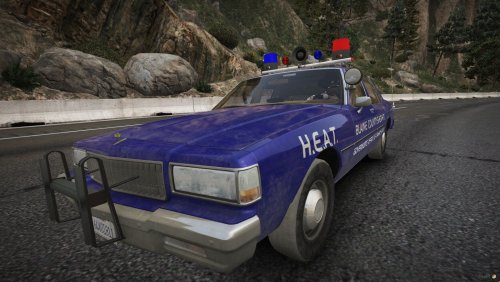 Why are you changing the carvariations?
 -
I'm pretty sure I know how to fix the lights. But I'm not sure whats happening there. Is that FiveM or SP?
-
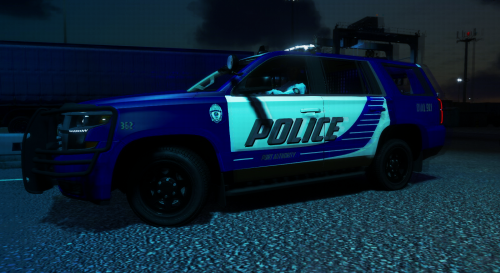
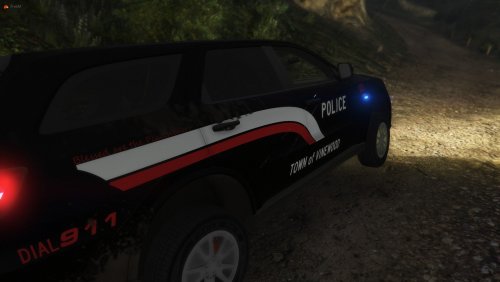 Well Howdy! I bring y'all a 2018 Dodge Durango. Skin is based on some city in Tennessee, credits to Tmparro for doin' some of the skin. Feel free to skin the Durango and upload the skins, just credit me (maybe tag me). Also feel free to convert it to R/R, B/B, A/P. Just dont reupload claiming as your own.
 -
From the album: Weird Things I do with Pictures
-
From the album: FiveM Adventures
-
From the album: FiveM Adventures
-
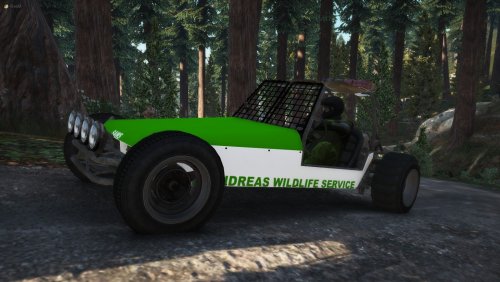 Can agree with the livery. But hey, its templated so have at it. But the lightbar, I'm not sure of any other lightbar that comes with a mini-version of itself. And if I were to scale any other lightbar to fit the car, it'd look even odder
 -
 Yea, I'm not exactly sure on how to do it for Singleplayer. My best answer to you is find someone who knows how to or use YouTube
- 17 comments
- 1 review
-
-
-
I'm sorry what? Thats the scaling of the Mini-Freedom
-
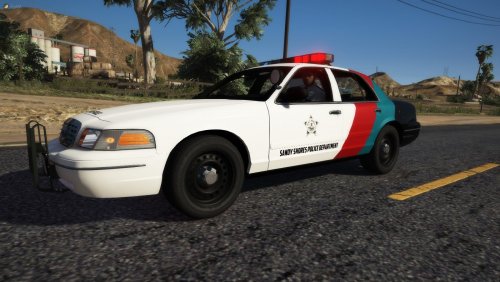
Well Howdy Folks! I bring yall a 1998 SSPD Crown Vic. 98 Vics are underrated. Also the skin and build of the car are not based on anything special. Just my imagination Feel free to make skins and upload them, just credit me. Also feel free to convert the car to R/R, B/B, A/P. Just dont reupload and Claim as your own! Also there is only One small bug, the Blue Light on the end of the Lightbar have a little piece of the Alley Lights clipping with them. It was too late to realize I made that mistake. Join my Discord!: https://discord.gg/wTuE3p3
- 17 comments
- 1 review
-
-

- 1
-
-
 Ok
Ok -
From the album: Weird Things I do with Pictures
Dis is Sea of Thieves -
From the album: Weird Things I do with Pictures
Dis is from Sea of Thieves -
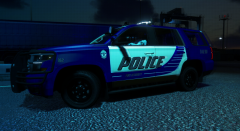
From the album: Weird Things I do with Pictures
Dis is a Tahu -
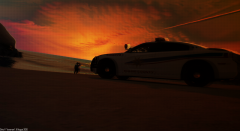
From the album: Weird Things I do with Pictures
Dis is from my BCSO Pack -
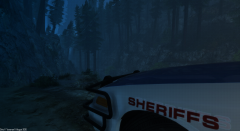
From the album: Weird Things I do with Pictures
Dis is From my BCSO Pack -
From the album: Weird Things I do with Pictures
-
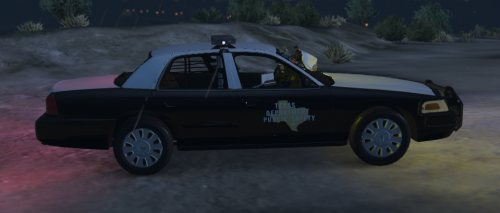 I didn't care if my pack got 3 downloads. All I cared about is that people made skins with it. Much thanks < 3
 -
Well Howdy Folks! I bring y'all a Police Version of the Dune Buggy, I dont know why I made it but its here. The only bug known at this time is that the hands arent on the steering wheel. Feel Free to make skins (I templated it myself <3). Also feel free to convert it to B/B, R/R, A/W, just don't reupload and claim as your own, Join my Discord!:: https://discord.gg/wTuE3p3 And thank you LCPDFR.com for takin' 4 Hours for me to try to upload this

