Skip to content
View in the app

A better way to browse. Learn more.

LCPDFR.com

A full-screen app on your home screen with push notifications, badges and more.

To install this app on iOS and iPadOS
  1. Tap the Share icon in Safari
  2. Scroll the menu and tap Add to Home Screen.
  3. Tap Add in the top-right corner.
To install this app on Android
  1. Tap the 3-dot menu (⋮) in the top-right corner of the browser.
  2. Tap Add to Home screen or Install app.
  3. Confirm by tapping Install.

ZeroSphere

Members
  • Joined

  • Last visited

  1.    Keith. reacted to a review on a file: Michigan State Police pack [ELS]
  2. ZeroSphere changed their profile photo
    Amazing pack! I have been waiting for a MSP pack for a while and I am not disappointed by this one. Now I can make my game feel like home.
    100/10, Accurate and it looks amazing. Nice Job! I'm from Michigan and now after minutes of searching the web I find this masterpiece to complete my state police cars.
  3. Dudeeeeee yessssssssss love it so much
  4. ZeroSphere started following OfficerFive0
  5. This looks like Auburn Hills Michigan PD Just what I was looking for
    10/10 car great quality, make sure to dm him on discord if you want a custom car like this I requested this and it looks great! I highly suggest getting him to make custom skins for you! Skin is amazing!
  6.    ZeroSphere reacted to a gallery image: FIB Police
  7. 42 is the meaning of life, love the unit number Also these look great
  8.    ZeroSphere reacted to a file: LSPD Pack (Redmond) [ELS]
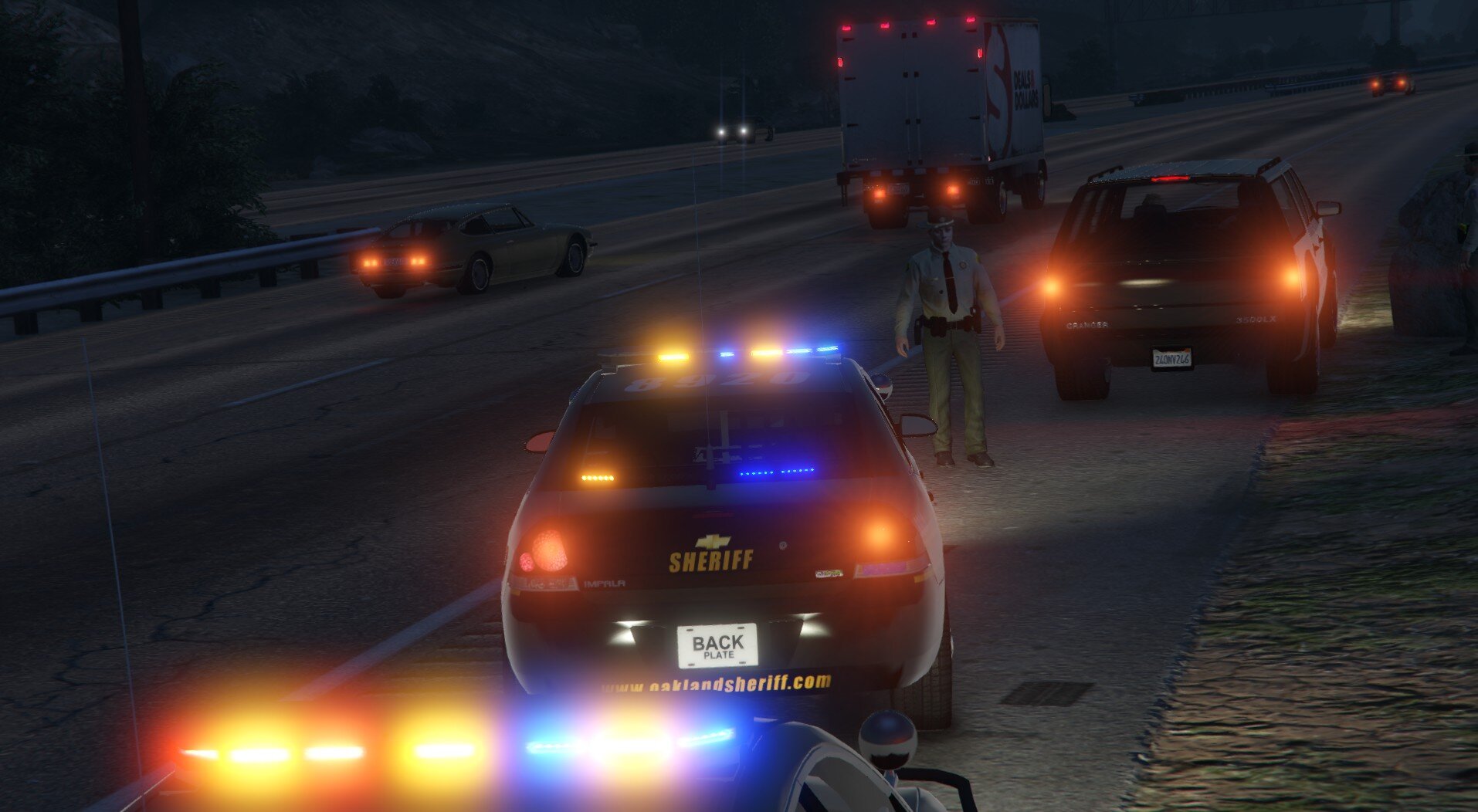
  9.    ZeroSphere reacted to a gallery album: Oakland County Sheriff
  10.    ZeroSphere reacted to a gallery image: Saw this at the seafood buffett
  11. ZeroSphere started following Nutt
  12. Is there a ELS version? (edit found it)
  13. ZeroSphere joined the community
  14. ZeroSphere commented on Nutt's gallery album in GTA V Galleries

Account

Navigation

Search

Search

Configure browser push notifications

Chrome (Android)
  1. Tap the lock icon next to the address bar.
  2. Tap Permissions → Notifications.
  3. Adjust your preference.
Chrome (Desktop)
  1. Click the padlock icon in the address bar.
  2. Select Site settings.
  3. Find Notifications and adjust your preference.