


Creators: Due to background reprocessing of files, approvals and file security checks may be delayed. Thanks for your patience.
.png.7d8fc4dae5cc7fb13451d70b8ed27c92.png)
Robbie X
Members
-
Joined
Everything posted by Robbie X
-
 Thanks! can’t wait!
 -
No vehicles.oac?
-
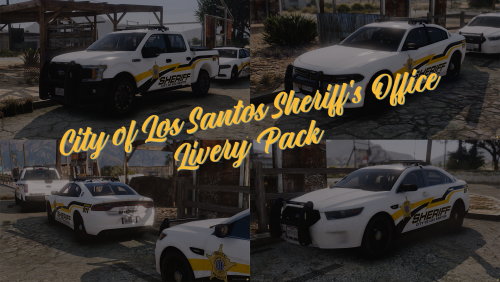 Love the first 3 liveries so far! defiantly can’t wait for the rest of them!!
 -
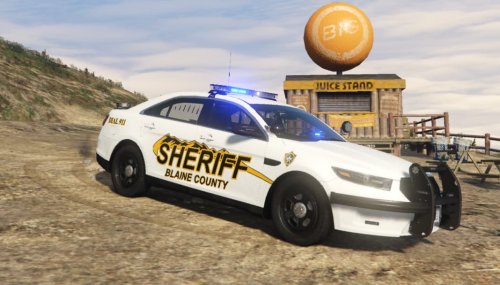 What vehicles were used in these photos?
 -
-
Having this same problem BUT my antivirus is turned off ect and no overlays. Help if can thanks!
-
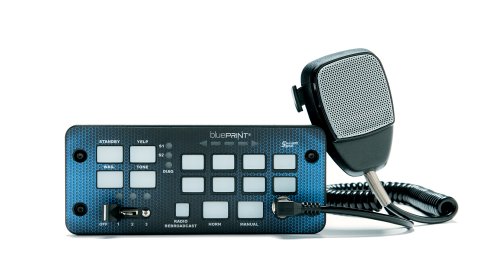
 Any chance of making this into a awc file? simple import open format? awsome siren though!
 -
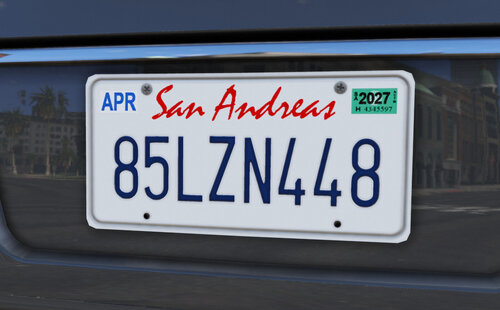 Can confirm doesn’t work anymore with the new update 😕 UPATE: nvm found the problem. It does work, thank you!
 -
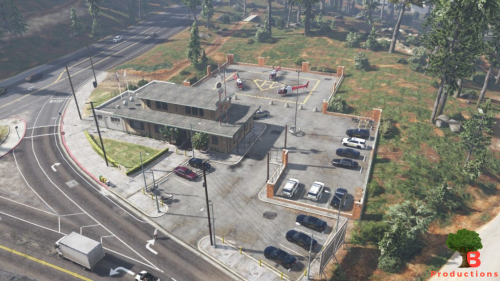 Hmm, well thank you anyways for trying. Greatly appreciated and still awsome!
 -
Yes and yes
-
Yeah it didn’t load, and yes correct
-
Update: Ymap version didn’t work 😕
-
Woah that was fast! lol. Thank you!
-
Hope to see an optional Ymap file sometime soon, and no problem!
-
Any chance of making this into a Ymap? 👀 awsome AWSOME by the way!
-
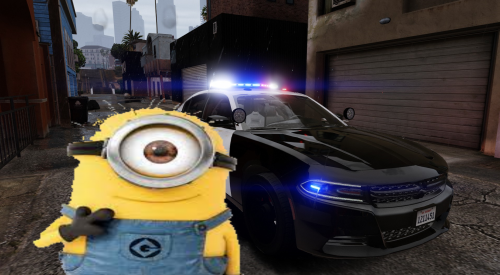 This would lowkey be soooo annoying every code 3 call 🤣🤣 but awsome job still!
 -
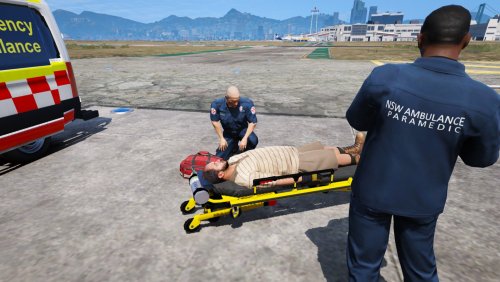 Where did the stretcher come from? 👀
 -
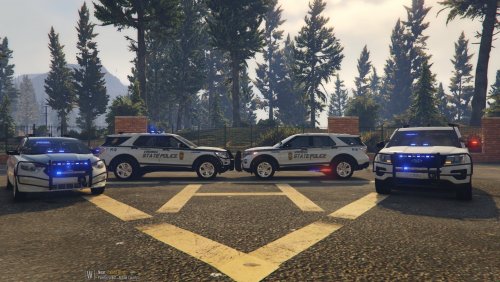 Wich vehicle was the fpiu with the ram bar in the picture please?
 -
I live in Virginia and these are defiantly accurate! thank you for adding this!
-
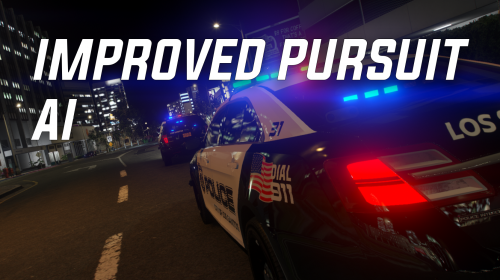 It’s defiantly traffic and fluidity. I had the same problem and i found out it was only one of the files and after I took it out it worked perfectly fine.
- 61 comments
- 8 reviews
-
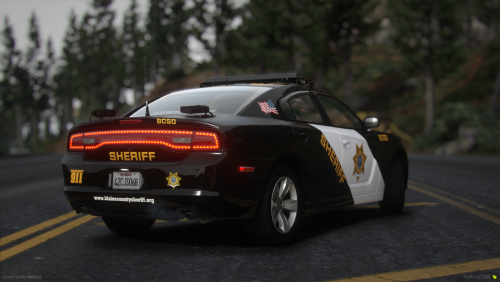 Where did the cars come from?
 -
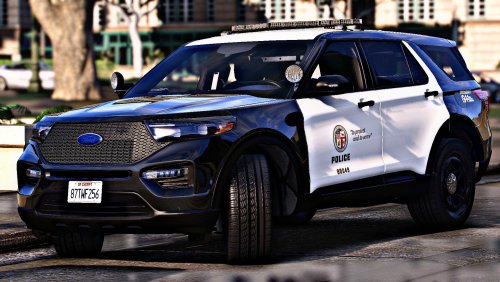 You seriously make some of the best and realistic cars I’ve ever seen in lspdfr. Thank you for your hard work!
 -
-
 So does mine and I installed it correctly to. And I triple checked no other mods are clashing with it ect.
- 23 comments
- 5 reviews
-
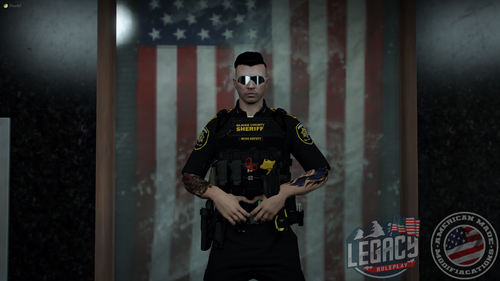 Interested in purchasing the vest option, but how do you apply texture??
.thumb.png.d13e981c34ef5460e233f67e52e9a0da.png)



