


Creators: Due to background reprocessing of files, approvals and file security checks may be delayed. Thanks for your patience.


Gruntelicious
Members
-
Joined
-
Last visited
Everything posted by Gruntelicious
-
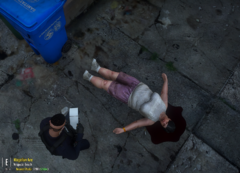
From the album: FivePD - Tales of Los Santos
-
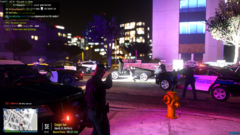
From the album: FivePD - Tales of Los Santos
-
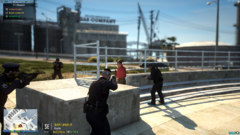
From the album: FivePD - Tales of Los Santos
-
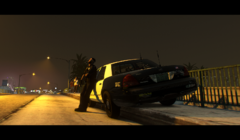
From the album: FivePD - Tales of Los Santos
-
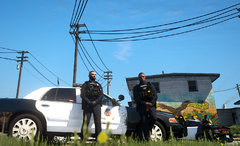
From the album: FivePD - Tales of Los Santos
-
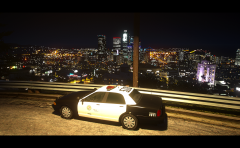 This is a Vapid Cruiser Police Interceptor, not a Bodycam 😄 But I know what you mean. I use 3 Mic/Bodycam-Mods: - Laggo's Motorolas + Axons (Best one) - HANAKO's Motorolas + Axons (Close to Laggo's, but only one Variation) - Howard03's Motorolas (Only Mics, but the wire goes around the lower back under the right arm - I like that) I'm sure you asking for Laggo's but they can only be purchased at his discord.
 -
Deleting and redownloading it from LSPDFR Sync etc. also didnt work. Hmm... so I have to hope someone has Mercy on me? 😕
-
All of them, who don't? 😄 This. Sucks. I'm not a "Jay Doherty" Type of Person .
-
Hi! I just noticed that the Name of my LSPDFR-Character changed without any actions by me. I created that char months ago as "Errol Armstrong". The File in the Characterfolder and the Name at LSPDFR-Sync are still "Errol Armstrong", ingame i'm suddenly a "Jay Doherty". I dont know when this happened, I just saw it now. Has anyone an Idea how to switch back to my correct name? It looks like something similar to this thread:
-
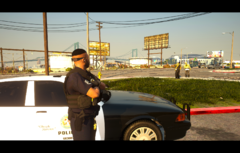
From the album: Obey & Survive
Keep an eye on the Boyz! -
-
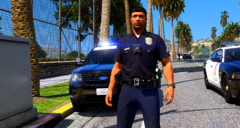 The "LA Style" looks great, nicely detailed and well done! For myself I like to keep my game lorefriendly, but your "Los Angeles" looks like a nice experience 😄
 -
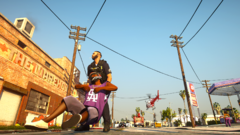
From the album: Obey & Survive
To Protect and to Serve... ¯\_(ツ)_/¯ -
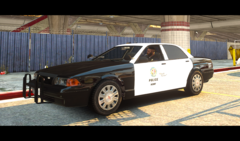
From the album: Obey & Survive
11john11's Police Cruiser Slicktop - A beauty to Lore-Friendly-Lovers! -
-
-
-
Haste die Configs hier auch gezogen?
-
-
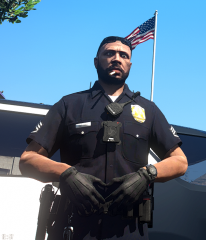
From the album: Obey & Survive
FINALLY got those Laggo Motorola Mics... Huge credits to him, his stuff is awesome! -
Still no one here who can read my log and find the error? Or any other place to ask? The official techforum of RPH seems to be down.
-
 To be honest... I dont think a update is necessary anymore. StP and co. replaced everything in my opinion and is under good and active development.
- 3,646 comments
- 306 reviews
-
Hmmm... for me this is a workaround, not a solution. I dont buy GTA another time or support another Gamelauncher. But can someone explain hot this can be, and whats the Cause is? Because of what you wrote I checked my steamsetting. I found out that my RHP runs as admin, but steam doesnt. I did that because RPH told me everytime after the installation that my steams runs as admin so RPH needs also. Maybe that will solve the problem.
-
From the album: Obey & Survive
-





