


Obey & Survive
Album created by
Gruntelicious ·
Updated
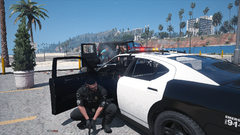
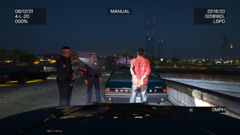
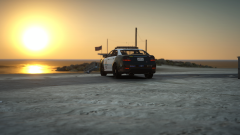
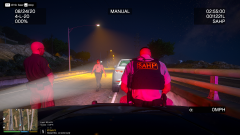
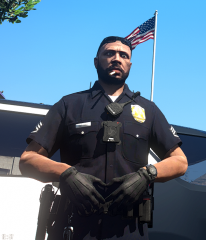
My Adventures as Sgt. Errol Armstrong!
*Insert Epic Introjingle here*
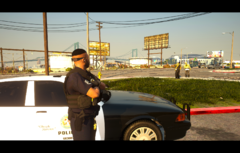
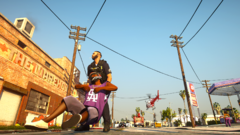
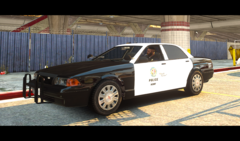
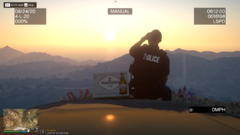
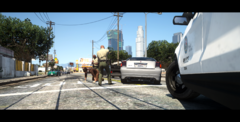
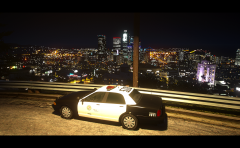
In this album I will share some moments of my daily LSPDFR experience.
The good ones (I write tickets. AND reports!) ... and the bad ones (Smoking pot, drinking beer, giving zero fucks...) 😄
But atleast its nothing spezial - Just some screenshots with a little story sometimes🤷♂️
P.S.: I like my game lorefriendly and "vanilla-like", modded with modern cruisern, buffalos, scouts etc... Vapid > Ford
P.P.S.: The purpose of this album is to keep some memories, not to provide something to someone.
42 images
-
-
By Gruntelicious · 5 comments
-
-
-
-
-
-
-
-
-
-
-
-
-
-
-
By Gruntelicious · 1 comment
-
-
-
-
-
By Gruntelicious · 2 comments
-
-
-
-
-
-
-
-
-
-
-
-
-
-
-
-
-
-
-
-










Recently Browsing 0
- No registered users viewing this page.
0 Album Comments
There are no comments to display.
Join the conversation
You can post now and register later. If you have an account, sign in now to post with your account.