




Caesar
Members
-
Joined
-
Last visited
Everything posted by Caesar
-
Good, a lot less activity because of school and all though.
-
I saw a video on a POV firefighter car, and sooo...I decided to model after it :P CREDITS: - Rockwell Collins Laptop by BxBugs123 & DoTTGaMMa - Skin byMe - Model Chevrolet Silverado by Bxbugs123, parts from nik287, converted to GTA IV by Bxbugs123 - Bed Cover, Bed Liner, Side-Steps & Better Built Toolbox by bxbugs123 Here is what I based it off of: http://www.youtube.com/watch?v=-i9iSf2Lrmw&playnext=1&list=PLNqTUrQ1RnyPFBIiyHVhjO71xzDKZJO0j&feature=results_video
- 7 comments
- 3 reviews
-
You can use this as a undercover type of thing..
-
I guess...im....gonna....release it
-
I just made this...it was a very fast and easy thing to do..this is based off of the video below...of course that light is not a talon...but the talon is close enough...should I release, would people actually download it? Based off of: http://www.youtube.com/watch?v=-i9iSf2Lrmw Final Product: http://www.youtube.com/watch?v=eKXvsyxE9Qs
-
Ah..Thanks mate.
-
http://gtapolicemods.com/showthread.php?5461-Official-Font-Knowledge-Sharing-Thread Might be on there somewhere
-
There is no patch on steam for it... go here http://games.softpedia.com/dyn-postdownload.php?p=30489&t=0&i=1 , just change the directory of the install path.
-
Because, I was planning to start making that car the night I posted this.
-
Can anyone tell me what this lightbar is? Has anyone actually made this? If you have and not released it to the public...can you please send it to me privately!
-
-
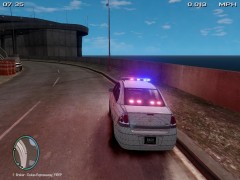 Well that sucks..looks nice :(
 -
I dont know...I wont be making it..I was just suggesting you should post what you would like..I would totally do it for you..if I had more experience on zmodeler...sorry bud
-
What is that light in the rear window?
-
You should really post on here what type of fleet you want...don't need to waste time sending PM's.
-
So you say to watch a video on your YouTube account...and you don't post any links...
-
You just posted this less than 3 hours ago...this is normal. Anyways. Don't think there is, sorry.
-
I have an idea who did this(not saying who). But I don't like it at all. If you have something to say to me, don't be a coward and say it to me. Just because I don't know how to do something, doesn't mean you need to ruin my reputation. I'm fairly new to modding, and using zmod, and I never used to "edit" things except the police_sign_1 paintjob in the .wtd file. So doing something like this discourages me,and other people. Here is what I am referring to: LCPDFR.com User Comment: Too bad
-
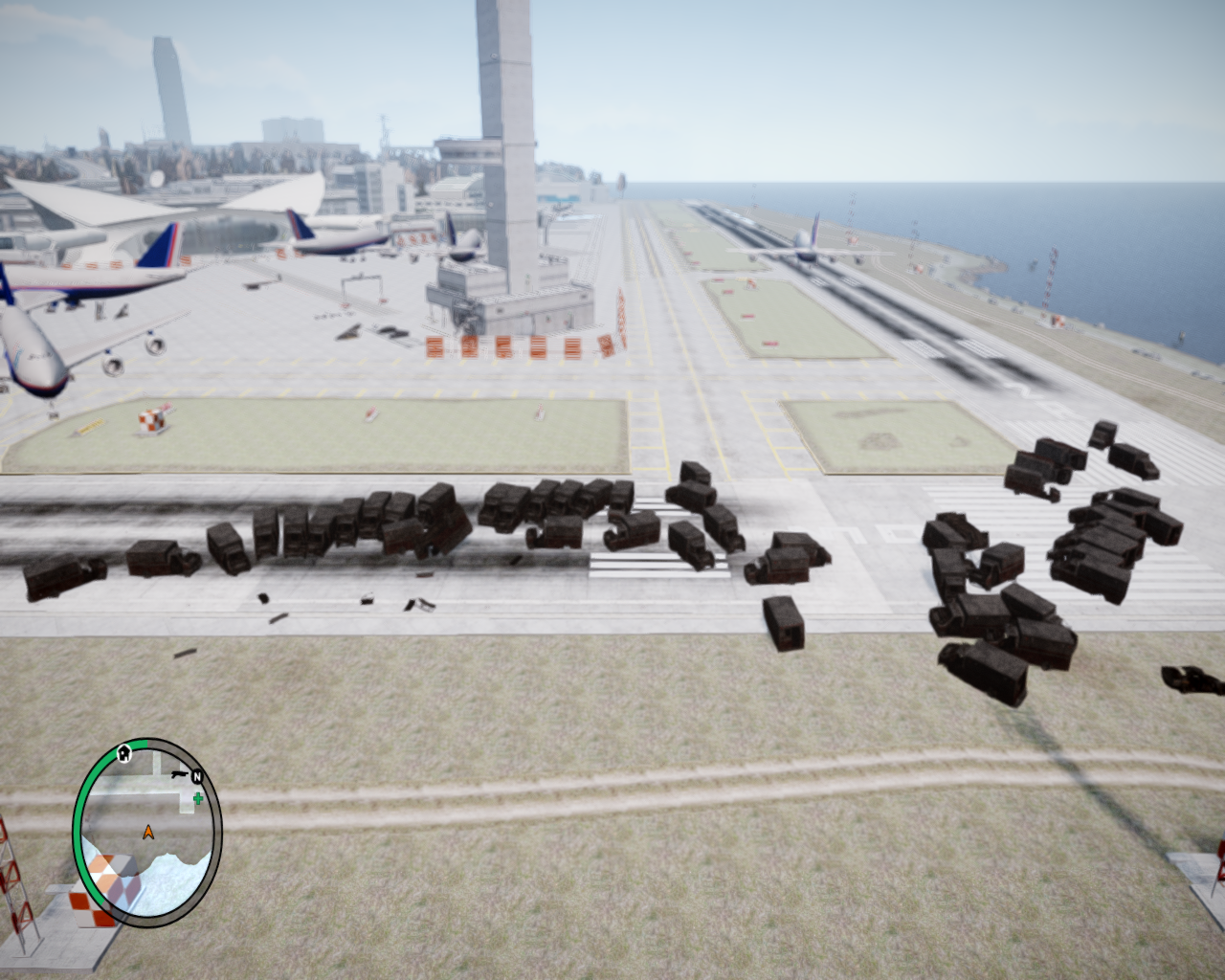 A little? Psssh.
 -
-
I've got no clue on how to do something like that.. Will do
-
Thanks! I was planning to use most of his stuff
-
I was planning to :)
-
I will probably make two versions...one with and one without.
-
Thanks!!


