IndianaisMyState
Members
-
Joined
-
Last visited
Everything posted by IndianaisMyState
-
-
 Hey there, thanks for the comment, the gauges, I was not aware of and am not sure how to fix as I've never done one of them before, the takedowns are a weird issue I will have to look into that, as well as the headlights. I was just informed today about the wheel issue and will work on a fix tomorrow (Wednesday, EST Time) after I am off work. I had to work today, so I was not able to get a fix done. Thank you!
- 22 comments
- 12 reviews
-
-

- 1
-
-
Take the car files go into GTAV\update\x64\dlcpacks\patchday11ng\dlc.rpf\x64\levels\gta5\vehicles.rpf. ELS into GTA Direc\ELS\pack_default\ Drop there
- 22 comments
- 12 reviews
-
I took it down to preform fixes, and the wheel size is where you are wrong. The wheels have been scaled down to PPV size as noted by pictures and assisted in turning into a PPV size of wheel. By hah. I will take your suggestion and work on it. The screenshots do not show these fixes. I'm working with people to get screenshots that will show these improvements. Thank you.
- 22 comments
- 12 reviews
-
The cage in the back is the Cargo Barrier, it is not a cage. Also, this is not a transport car, this is why it doesn't need a cage.
- 22 comments
- 12 reviews
-
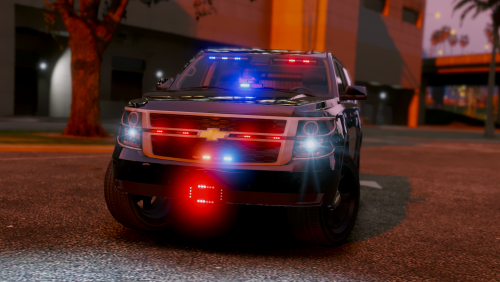
PROJECT HAS BEEN DISCONTINUED DUE TO UNFORESEEN ISSUES NOTE: The screenshots shown do not show the fixes, in working with some people to get screenshots that will show these, these will be included in a later update! Thank you! This version has been completely fixed to the best of my knowledge. IF you find any bugs please let me know. *The Bumper, and wheels have been fixed, but are not shown in the picture. It is only shown on the pictures with the Rambar This is a Tahoe I was just working on, people in a Discord I am on wanted a Siderunner Tahoe, so I made it, and it evolved into this, and we are now here. I will continue to update every so often, but not ALL the time. Thanks! Thanks to EMT for this: People to Thank t0y Mr.Dudeman TrentMU - boarder (edited) Razontex EMT This Kid named Matt that said my stuff was crap - THANKS BRO! Slendis Him1250 FRGamer - Alex From your dearest friend, plfirworka
- 22 comments
- 12 reviews
-
-
- 10
-
-
3 Have died according to a news update I received.
-
-
The visual settings is the issue. I would recommend finding a visual setting that will work for you. RadianceV could take care of this.
-
hot 10/10 would reccomend
-
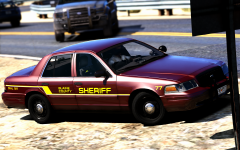 very hot. 10/10 would reccomend
 -
vehicles.metaTry this and let me know if it fixed it.
-
You sent the META for the Felon. Could you show me your whole meta folder so i can see?
-
You said you did change the tint in the meta? It should look like this <diffuseTint value="0x00FFFFFF" />
-
Can you post your RPH log? Would help us out! Thanks.
-
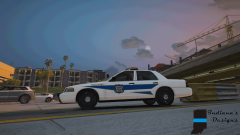
From the album: GTA V Conversions/WIP
© IndianaIsMyState
-
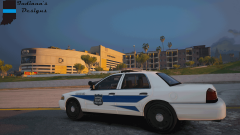
From the album: GTA V Conversions/WIP
© IndianaIsMyState
-
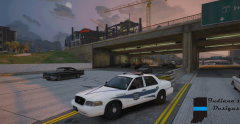
From the album: GTA V Conversions/WIP
© IndianaIsMyState
-
It appears to be the LOD's. WHen in ZMod, go to the top and check the LOD's.
-
It has to be at Ultra though? Also, I think I fixed it anyhow
-
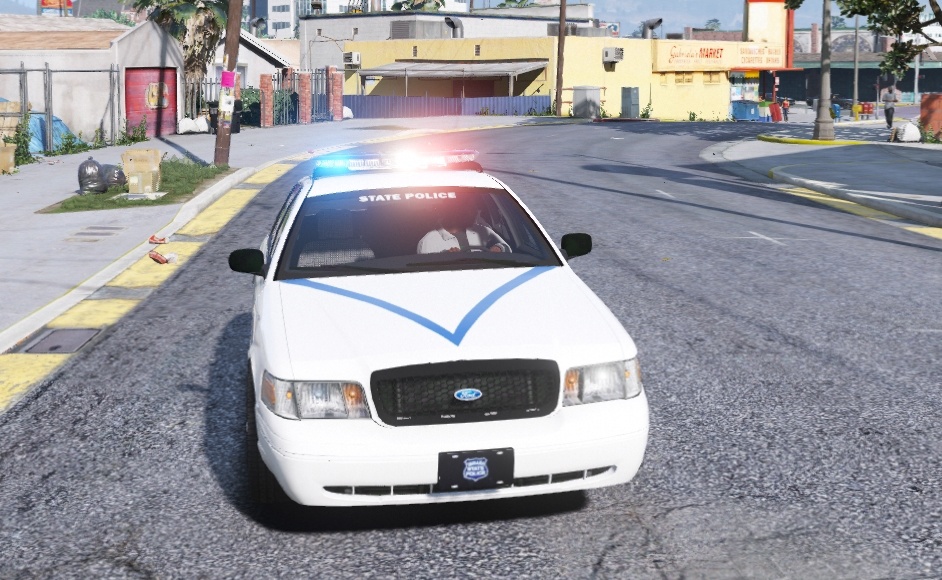
Howdy, im having a issue with my ELS lights, they have a halo around them and they are blurry, I want them to be bright, but crisp. Any ideas? Thanks! Fixed!

-
 11/10 Would reccomend
 -
 Not bad at all. But, the lights in the charger and tahoe on both the window and the Rambar, are WAYYYY too big. Other than that 9.5/10
- 70 comments
- 30 reviews
-
-
- 1
-
-
Suicidal Man/Woman, needs help. Shoplifting? Gas Drive off? Possible DUI? [Car Fire, Road needs shutdown?]. Just a few that come to mind. But I like it!
-