.jpg.a8b184e26c2c7143438a65893a1b7496.jpg)

danksg
Members
-
Joined
-
Last visited
Everything posted by danksg
-
LSSD Patrol The Sheriff's Department was alerted to a wanted suspect which turned out to be Michael De Santa.
-
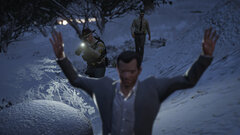
From the album: Dank LSPDFR Adventures
LSSD - We've got Michael De Santa -
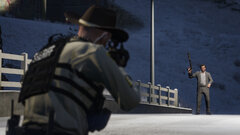
From the album: Dank LSPDFR Adventures
LSSD - Confronting Michael -
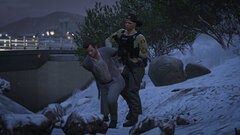
From the album: Dank LSPDFR Adventures
LSSD - Arresting Michael -
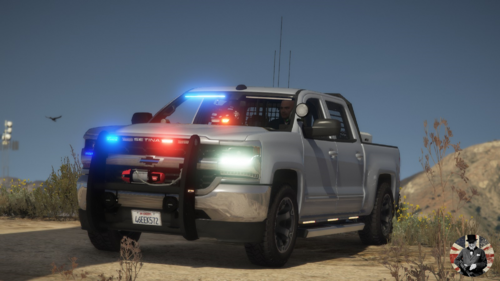
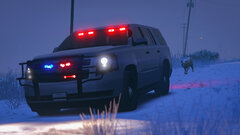 Yeah! I keep thinking that maybe I should swap out for a more subtle looking Tahoe, then I bring this bad boy out and I'm like heck. I WANT EVERYONE TO KNOW THE POPO'S HERE.
 -
HAHAHA! Always happy to serve. Here you go! (Don't you just love that ram bar?)
-
San Andreas State Patrol Is that a lion?
-
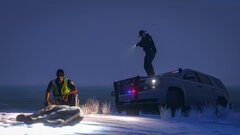
From the album: Dank LSPDFR Adventures
SASP - GETITAWAYFROMME -
From the album: Dank LSPDFR Adventures
SASP - I'm Being Followed -
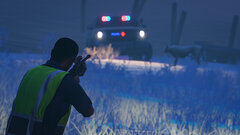
From the album: Dank LSPDFR Adventures
SASP - Animal Control -
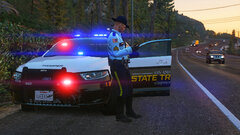 It's the MP Freemode ped with this EUP uniform set:
 -
-
LSPD Undercover Patrol Patrolling Los Santos in an undercover taxi.
-
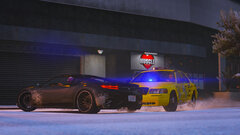
From the album: Dank LSPDFR Adventures
LSPD - Undercover PIT -
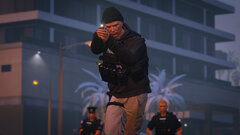
From the album: Dank LSPDFR Adventures
LSPD - Plainclothes -
From the album: Dank LSPDFR Adventures
LSPD - Approaching Suspect -
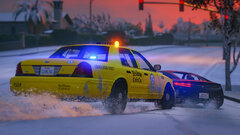
From the album: Dank LSPDFR Adventures
LSPD - Undercover Pursuit -
LSPD Patrol Dangerous pursuit through a snowy Los Santos.
-
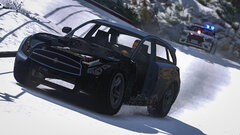
From the album: Dank LSPDFR Adventures
LSPD - Reckless Driver -
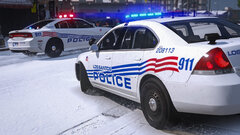
From the album: Dank LSPDFR Adventures
LSPD - Charger & Impala -
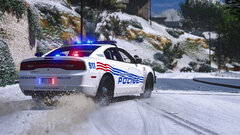
From the album: Dank LSPDFR Adventures
LSPD - Charging through snow -
Aw, you're too kind! Have a Merry Christmas!
-
Here's a simple tutorial, mate. Enjoy!
-
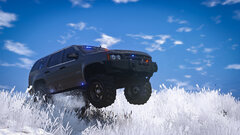 This actually is an ELS model I picked up from GTA5-mods.com. The lights could be better, but aren't half bad. Only thing is that the Tahoe didn't have a license plate on the back so I had to add on a texture myself. Check it out here: https://www.gta5-mods.com/vehicles/offroad-chevy-minipack
 -
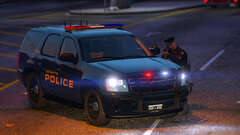 Yes it is! It's part of Bradm's Detroit-based LSPD texture pack. I did make some minor changes for my personal use though.