


.jpg.a8b184e26c2c7143438a65893a1b7496.jpg)

danksg
-
Joined
-
Last visited
Everything posted by danksg
-
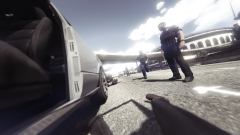
From the album: Dank LSPDFR Adventures
Final moments for the suspect before going to the great beyond. -
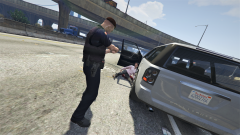
From the album: Dank LSPDFR Adventures
He's down. -
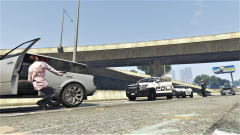
From the album: Dank LSPDFR Adventures
Play stupid games, win stupid prizes. -
State Patrol going after a speeder with a motorcycle unit and a charger. (LSPDFR 0.4)
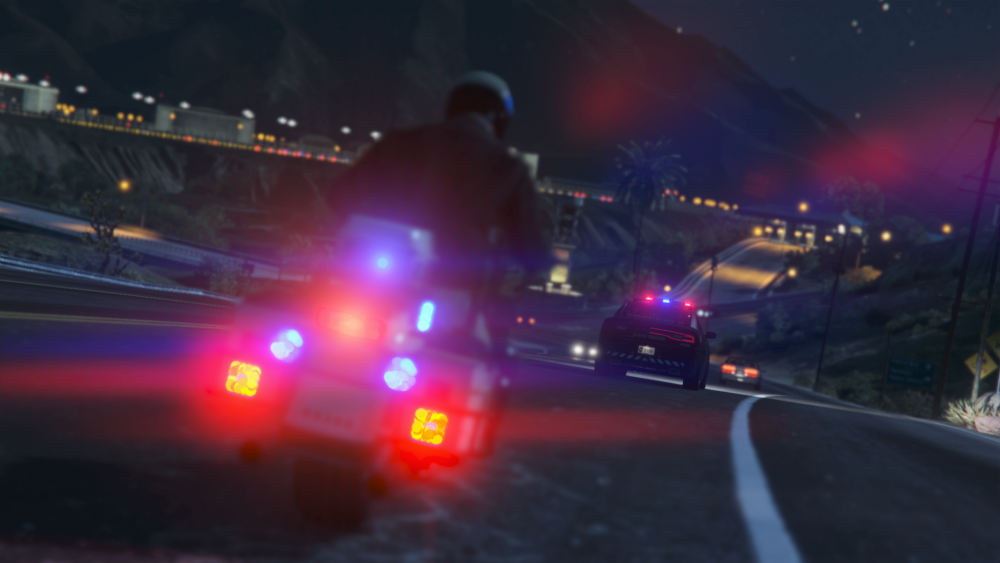
-
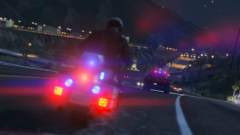
From the album: Dank LSPDFR Adventures
Motorcycle unit supporting a State Patrol Charger during a pursuit. -
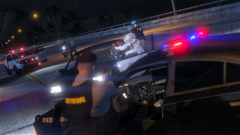
From the album: Dank LSPDFR Adventures
Can't spell "teamwork" without some "GET OUT OF THE DAMN CAR". -
 Hey guys, Could anyone advise me on how I could use this to get the NPC officers to be wearing vests as well? Thanks.
- 195 comments
- 24 reviews
-
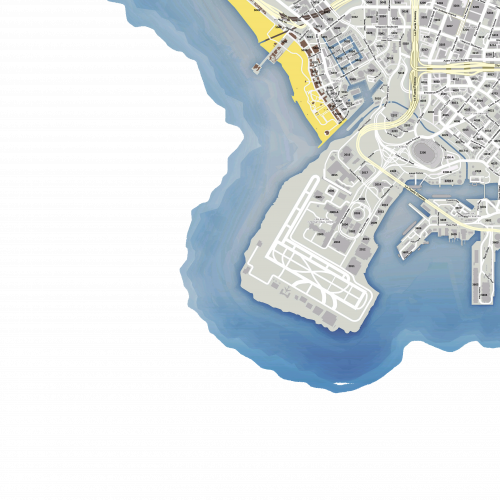 Hi there, I'm having the same zooming issue. I've tried all sorts of variations using the SP map zoom meta with SP YTDs, FiveM map zoom meta with FiveM YTDs, SP map zoom meta with FiveM YTDs, and FiveM map zoom meta with SP YTDs. Regardless of what I've tried, the zoom issue still persists. Is there any advice someone could give me on how to resolve this? I really really love this map and would like to have it with me! Thanks!
- 33 comments
- 7 reviews
-
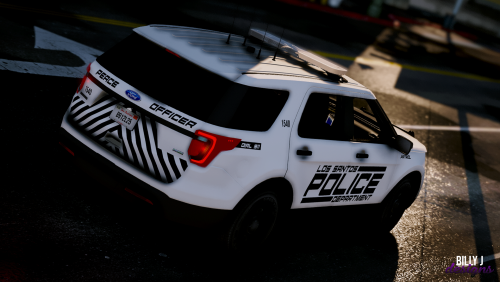 Looks absolutely great! What's not to like? Looks and feels slick, it's well designed, and of high quality. Goes really well with @BradM's state police pack.
- 3 comments
- 3 reviews
-
-

- 1
-
-
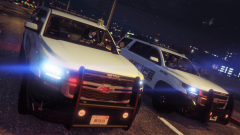
From the album: Dank LSPDFR Adventures
Absolutely loving how these Tahoes look! -
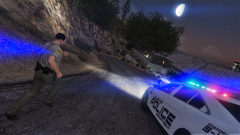
From the album: Dank LSPDFR Adventures
LSSD and LSPD working together to chase down a perp. -
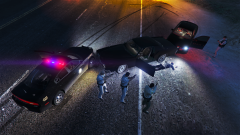
From the album: Dank LSPDFR Adventures
-
This is absolutely great. Now all the NPC cops use EUP outfits according to how I want them to look. And it's so easy to tweak and customise!
- 195 comments
- 24 reviews
-
Thanks for sharing! Here's what I have on my end so far: Not Working (for me at least): 1. Interaction+ (Causes LSPDFR plugin to crash whenever I walk up to a pulled over suspect. When interacting with peds on the street and the menu pops up, fps drops by 10-20.) 2. ALPR Lite (Causes LSPDFR plugin to crash whenever something is detected.) 3. Search Warrant (Nothing happens whenever I initiate a search.) 4. Traffic Policer (Plugin won't even load.) Working: 1. Realistic Guns Sounds (If this is the one you're referring to https://www.gta5-mods.com/weapons/realistic-weapons-sounds.) 2. Cop Holster 3. Spotlight 4. Cheep Callouts (So far the most stable callout pack for me. Some others I've tried [Tacco, Highway] seem to always trigger close to my current location which thus causes the callout to immediately end.) 5. EUP* (Works, and this is a must have: https://www.lcpdfr.com/files/file/22088-eup-outfit-settings-for-lspdfr-04/. Basically causes the NPC police officers to spawn with EUP outfits. *Disclaimer: I have encountered one small problem which is my LSPD outfits are not able to have rank decals (only the stripes, Lieutenant onwards is fine). This seemed to have only started after I installed EUP. But I'm kinda okay with that.
-
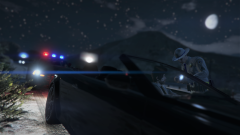
From the album: Dank LSPDFR Adventures
I love how the AI pulls over in 0.4. Makes a lot more sense. -
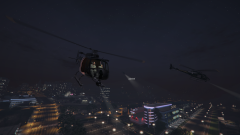
From the album: Dank LSPDFR Adventures
I don't know how we ended up with 3 air units during the pursuit. Feels like Fortunate Son should be playing. -
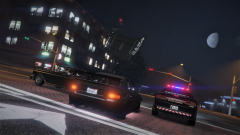
From the album: Dank LSPDFR Adventures
-
That would be hella cool!
-
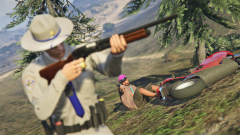 It's the best, eh?! Sure, it's more difficult but the immersion is just something else. I used to drive around praying and hoping for like a crazy callout with a shootout or terrorist attack. Now, I pray for a quiet patrol and when I do take fire, I'm exceptionally mindful of taking cover and the type of cover I use. I remember once when I took cover behind the door of my cruiser but a single round went through the glass and hit the top bit of my head which just happened to be exposed. Instant death.
 -
It's not like 0.3 isn't playable or enjoyable in the meantime. We'd all love 0.4 to be ready right now, but the team needs to do what needs to be done still. I believe that @Sam and the team have shown nothing but the utmost commitment to this so let's just enjoy 0.3 in the meantime. Some things in life are just worth waiting for. Like a fine wine. I'd rather wait so that whatever necessary fixes and tweaks are done before it's launched. This way, LSPDFR 0.4 will be: Great? Absolutely. Amazing? Definitely. Hotel? Trivago.
-
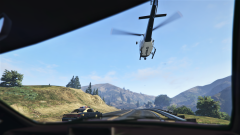
From the album: Dank LSPDFR Adventures
It's not everyday that you get a view like this. -
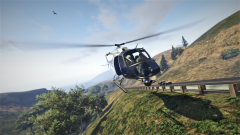
From the album: Dank LSPDFR Adventures
If you think you can outrun us, think again. -
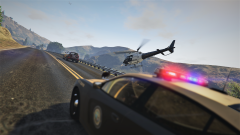
From the album: Dank LSPDFR Adventures
Air unit flying in tandem with a SASP unit during a pursuit. -
From the album: Dank LSPDFR Adventures
I suppose this is why all suspects must be restrained or at least have their weapons removed. I thought this guy was down, but it turns out he was just knocked out for a while. Took a grazing shot from him which knocked me to the ground and the rest of his shots all missed. I managed to get up and take him out. (FYI I use the gunshot wound script which makes such moments possible and also very lethal. It is quite fun though.) -
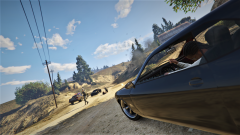
From the album: Dank LSPDFR Adventures
Perp was opening fire on a deputy in his Tahoe so I had no choice but to take the shot.


