


.jpg.a8b184e26c2c7143438a65893a1b7496.jpg)

danksg
-
Joined
-
Last visited
Everything posted by danksg
-
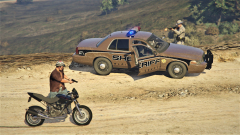
From the album: Dank LSPDFR Adventures
Managed to link up with the sheriff's department who took some of the heat off me. Managed to grab my shotgun and took cover behind one of the deputy's car. -
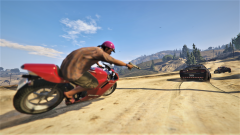
From the album: Dank LSPDFR Adventures
Was being chased down by 3 motorbikes and 2 sedans with all of them opening fire at me. -
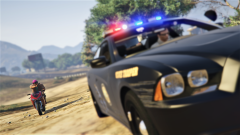
From the album: Dank LSPDFR Adventures
Was in pursuit of a suspect in a vehicle who had suspected links to ISIS. He called in reinforcements and I found myself in the fight of my life. -
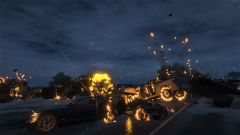
From the album: Dank LSPDFR Adventures
Some people just want to watch the world burn... -
It was weird. A gang shootout had just happened behind me too.
-
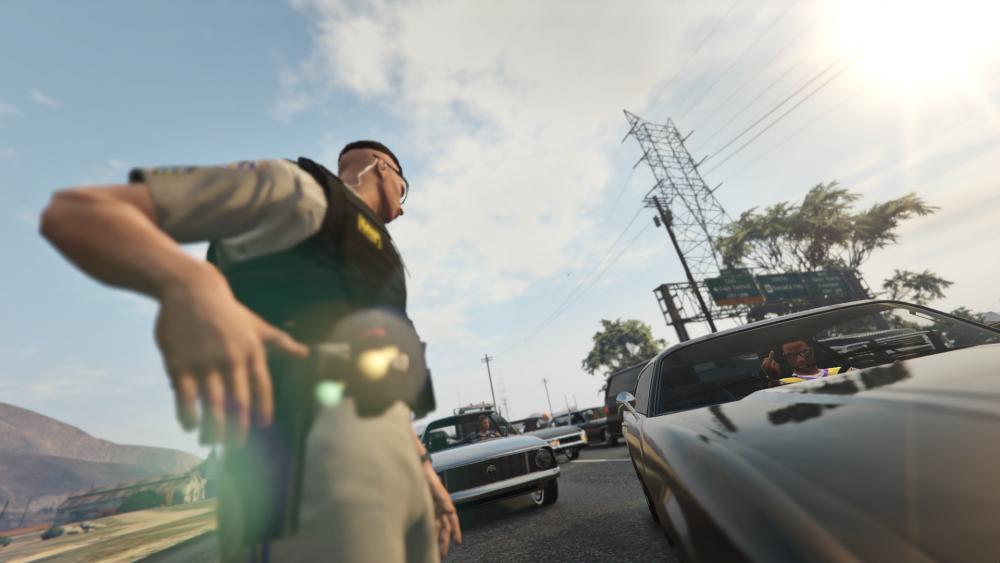
At least the conversations here seem to have gotten back to being lighthearted. For a moment there it kinda went like:
-
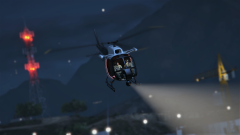
From the album: Dank LSPDFR Adventures
Always good to have an eye in the sky. -
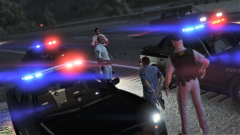
From the album: Dank LSPDFR Adventures
A successful felony stop. -
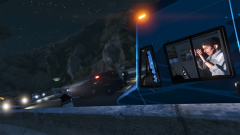
From the album: Dank LSPDFR Adventures
Funny thing is that this guy got stuck cos there's only one door to his vehicle. And said door was blocked. -
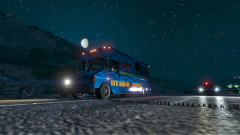
From the album: Dank LSPDFR Adventures
That moment just before he spun out of control and all hell broke loose. -
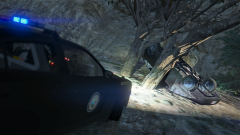
From the album: Dank LSPDFR Adventures
A successful PIT I suppose? It did end the pursuit... -
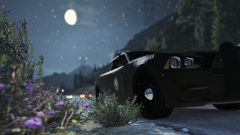
From the album: Dank's Vehicles
SASP Charger -
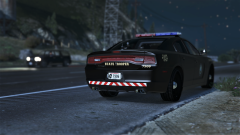
From the album: Dank's Vehicles
SASP Charger -
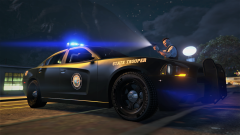
From the album: Dank's Vehicles
-
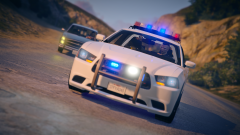
From the album: Dank's Vehicles
LSPD Charger with rotators. -
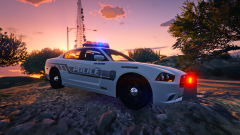
From the album: Dank's Vehicles
-
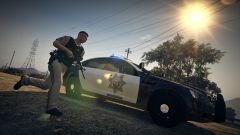
From the album: Dank LSPDFR Adventures
We've got an active shooter. Show me going. -
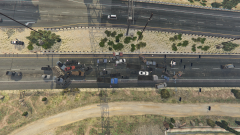
From the album: Dank LSPDFR Adventures
All I needed was a couple of minutes to secure the scene. But noooooo, the police AI had to get into a shootout with someone which then made everyone go berserk. I'm counting 8 body bags and another 14 bodies laying about. -
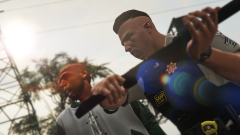
From the album: Dank LSPDFR Adventures
You get a shotgun butt to the face for assaulting an officer during a shootout. Just be glad you didn't get shotgun buck to the face instead. POW! Right in the kisser! -
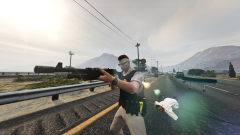
From the album: Dank LSPDFR Adventures
Another option when superior firepower is needed. -
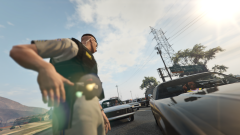
From the album: Dank LSPDFR Adventures
Okay, to the LEOs out there, how often do you encounter something like that? -
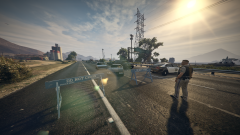
From the album: Dank LSPDFR Adventures
Road's closed due to 2 gangs shooting each other up. Coroner's got a lot of people to go through so you guys are going to be stuck for a while. -
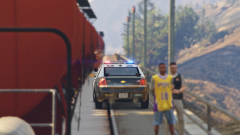
From the album: Dank LSPDFR Adventures
On hindsight, I shouldn't have driven my patrol car up onto the railway bridge. Just barely made it when a train went by. -
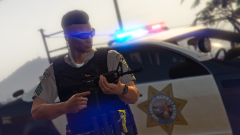
From the album: Dank LSPDFR Adventures
Responding to automatic gunfire with superior firepower. -
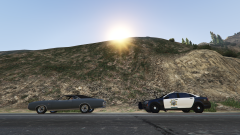
From the album: Dank's Vehicles
SAHP Caprice



