



OfficerGramfel
Members
-
Joined
-
Last visited
Reputation Activity
-
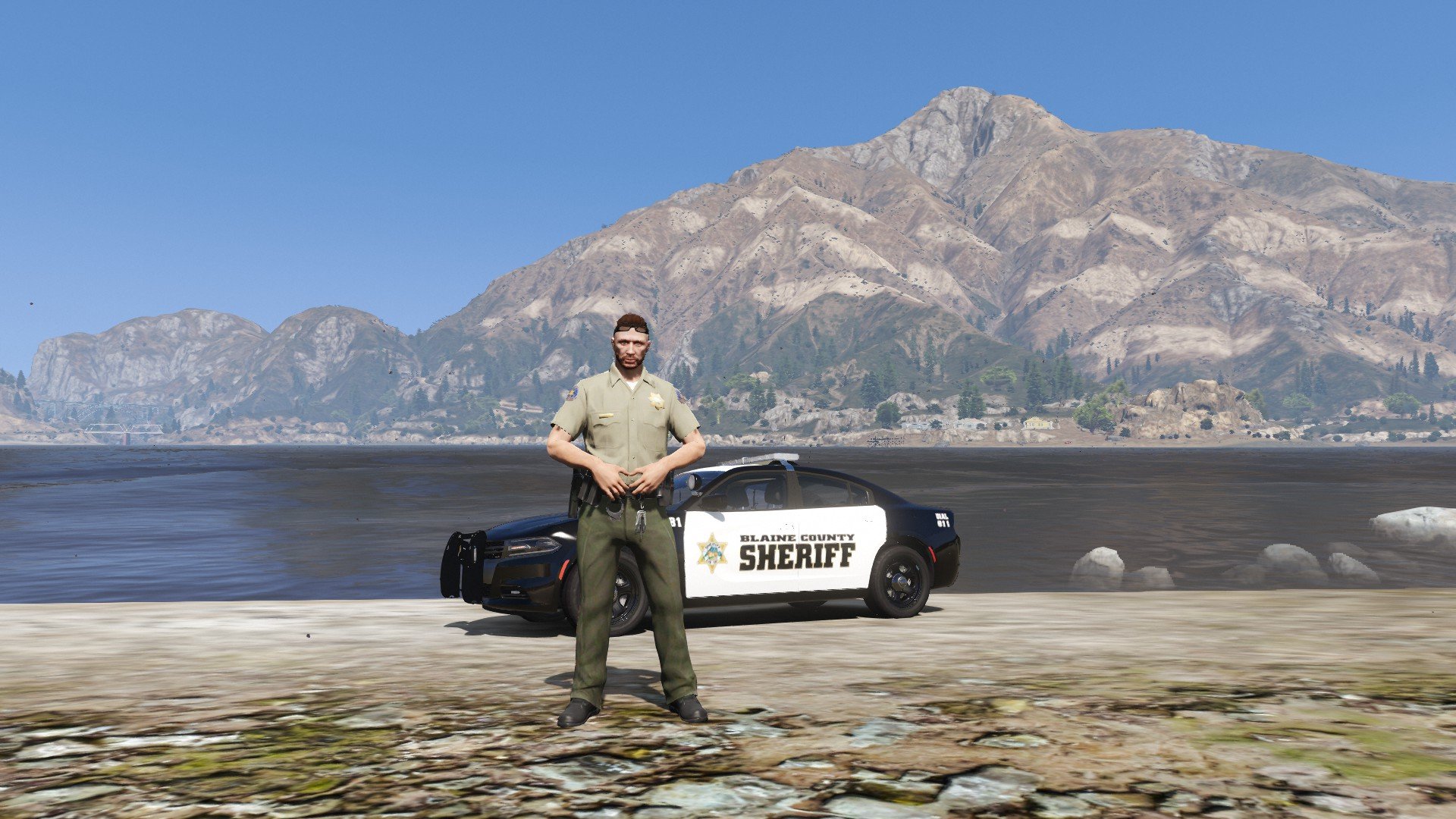
 OfficerGramfel reacted to KLE0 for a file, [ELS] 2016 BCSO FPIUFeatures
- Full 3-stage lighting with traffic advisor, take-down and cruise modes.
- Two lighting options - default with rear red/blue and a California style with added rear amber flashing at stage 3.
- Three variations including no pushbar, pushbar only, and pushbar with a fender wrap.
- There will be lights integrated in the pushbar if it is spawned; otherwise the lights will be inside of the factory cut-out of the interceptor grill.
- Breaking glass, working dials, pushbar collision, wobble antenna and bullet resistant windshield.
- The coronas are setup correctly so they help in env lighting and make the lights look better from afar, especially at night.
- Template included.
PLEASE NOTE that this is a ELS/non-ELS hybrid vehicle which means it requires custom carcols/carvariations for the lights to work properly. For ease of installation I've provided a DLC pack for the policeold3 addon slot. This setup is required in order to have correct environmental lighting and the designed light patterns.
More about the model
- This model uses a hybrid of ELS and non-ELS lights so it can have more realistic patterns while also having the mirror and hatch lights move with the doors. This does mean however it will require a custom carcols to work correctly. For the ease of installation I've provided it as an add-on/DLC to policeold3 slot.
- It is possible to manually replace the files and/or replace an existing vehicle. Advisable for experienced players only.
- (For non-CA version only) I used the ELS "CHP" lighting group for SECL lights (i.e. the traffic advisor) so the player can cycle between left, right and center-out modes very quickly. If preferred, you may change the VCF to use "TRAF" lighting group instead for more TA patterns.
- It is possible to prevent any of the pushbar variations from spawning by editing vehicles.meta. Instructions are included in the download.
- Four additional bonus liveries included (see the last screenshot). Please note that they need to be placed into the ytd file.
- The BCSO livery is based on Orange County, CA. The vehicle setup is fictional but draws inspiration from SFPD.
Acknowledgements
- See Credits tab for general credits.
- Black Jesus for the BCSO door decal in the livery.
- Special thanks to PNWParksFan for his Live Lights plugin which makes customizing and debugging siren settings much easier.
What's Next
Kane is currently working on an update of the base model, thus I am holding off updating this vehicle until said update drops.
The next version will feature a partition, brand new equipments, more realistic light patterns and a lot of bug fixes.
Permissions
- You MAY modify and re-release the liveries without my permission. Crediting is appreciated but not required.
- You MAY NOT upload this mod to other websites or redistribute via other channels without my permission.
- You MAY NOT, in any circumstances, use this model for your financial gain in any way, shape or form.
-
OfficerGramfel reacted to HANAKO for a file, EUP Safariland Holster & Taser Drop Leg HolsterINSTLLATION
First, install the EUP
Put all folders in this location Grand Theft Auto V\mods\update\x64\dlcpacks\eup\dlc.rpf\x64\eup_componentpeds.rpf You can find these in the "Teef" section in game
Do not ask me!!
Request for Textures Request to unlock a model Request for the release of development parts The source of model
FREQUENTLY ASKED QUESTIONS
Q.How do I use multiple textures? A.Rename the YTD and YDD correctly and install them in, for example, January2016, or edit the YMT to enable multi-textures. Q.Will it work with FiveM? A.YDDs with a file size of 26 MB or less can be used with no problem. However, don't ask me how to install it on FiveM. Q.Can I upload a texture? A.Textures only, no problem.
Credits:
HANAKO Hussky9 Alex Ashfold
ATTENTION
Do not unlock, edit, leak or sell the file Editing textures at non-profit is allowed
My other mods
https://www.gta5-mods.com/misc/ai-cover-animations-mod-hanako
Highly Recommended
