
OfficerGramfel
Members
-
Joined
-
Last visited
Everything posted by OfficerGramfel
-
-
 I use the normal walk style, when I open the lspdfr menu the walk style is normal but when I close the menu it switches to cop walk style
- 403 comments
- 24 reviews
-
-

- 1
-
-
-
-
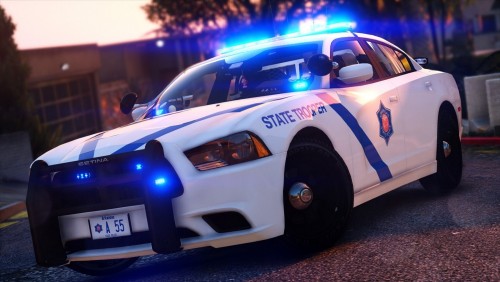
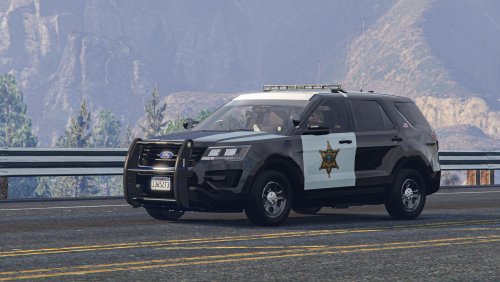 Everything is great about this, interior, the liveries, flash pattern and the model. 5/5 would recommend
- 71 comments
- 16 reviews
-
-
- 1
-
-
This is very nice car but it would be better with a wrap around rambar as an extra
- 71 comments
- 16 reviews
-
-
-
-
-
-
-
-
-
-
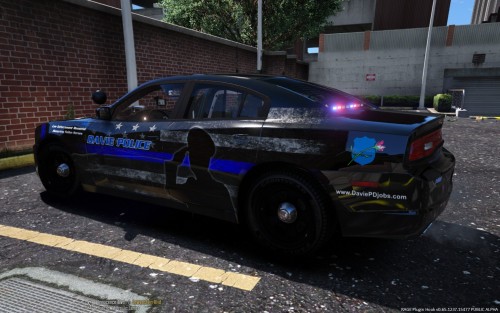 nod squad?
 -
-
-