



Flyinpandaman
-
Joined
-
Last visited
File Comments posted by Flyinpandaman
-
-
-
-
-
-
 1 hour ago, FatBluLine said:
Update>x64>dlcpacks>eup>dlc.rpf>x64>eup_component_peds.rpf and then: "mp_m_freemode_01_male_freemode_hipster".
It actually says it on the files, you just need to think a bit😄😄😄 make sure to rename those files so that they dont have the folder name in them just the "accs_diff_002_a_uni.ytd"
and "accs_002_u.ydd"
Oh shoot yeah man thats my bad I use fivem so sometimes I forget
-
-
2 minutes ago, otatoprm said:
Does the model ban people?????
Yes, in the ytd you can select perm ban or temp
-
-
7 hours ago, 10 DAVID 01 said:
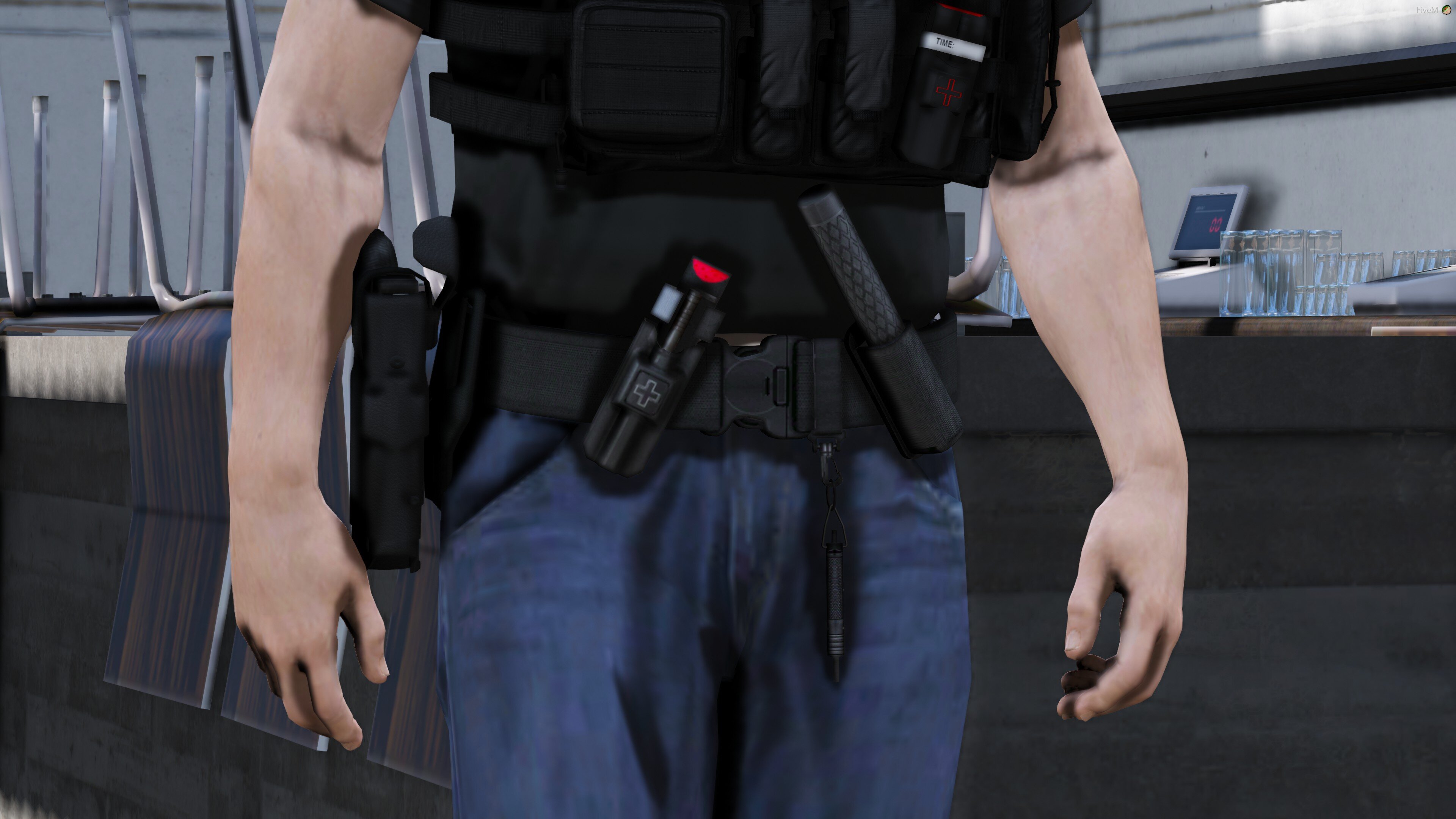
Looks really good, suggestion, move the cuff cases to the far left and far right side on hips instead of the center of the spine, in RL most officers avoid placing cuffs in the center of the back because if you fall onto your back the cuffs can cause injury to your spine. Also, maybe put the TQ holster horizontal a little less close to the buckle. Of course you don't have to change any of that if you don't want to, the belt looks really good 🙂
Ill remember that ! 😄
-
 1 minute ago, Jake's Designs said:
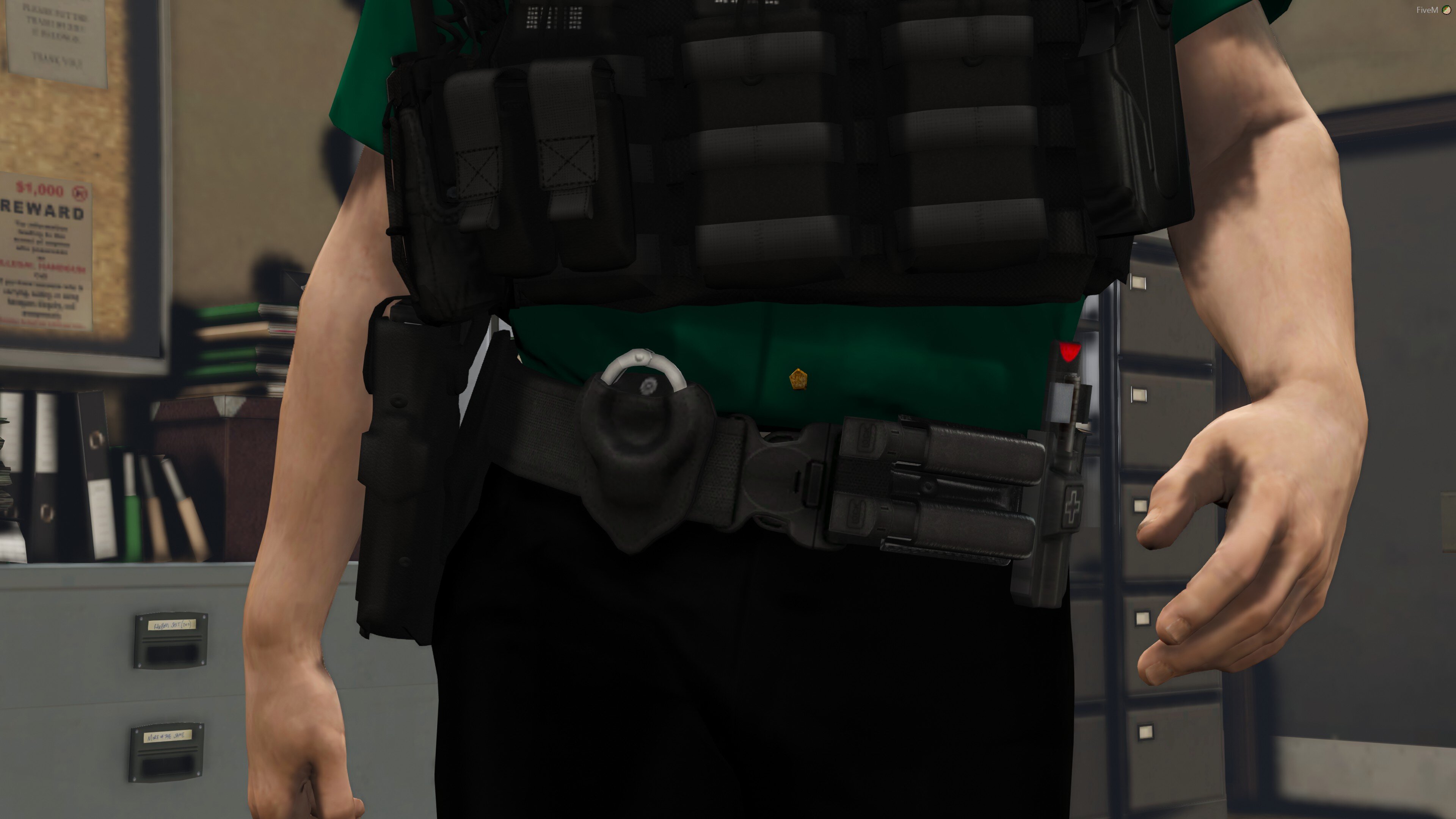
add more to the back of the belt. Having one pouch makes it looks empty. add a closed cuff pouch or an open one to match the front one.
Its meant to not have alot of gear 😄 for some of those big ass vests
Just now, Flyinpandaman said:Its meant to not have alot of gear 😄 for some of those big ass vests
Although thanks for the input its real nice of you
-
-
24 minutes ago, CryptEclipse said:
there's no link I can go to. people keep saying his discord but there's no link
-
-
-
-
-
-
-
 On 9/20/2019 at 11:42 PM, GrandTheftPD said:
Oh its 100% an edit of my skin lol. I completely changed the whole texture file the base color, straps, clips, everything. He took it and slapped his own text and badge on top of where i had mine and then released it as his work.
His edit of my skin :

My skin he ripped :

The vanilla skin (minus my patches) that clearly looks nothing like my version that he ripped :

I have a bunch of different skins for that model and i took one look at his texture file and knew exactly which one he edited.
Oh im sorry thats completey my bad I apoligize. Let me give you the credit you deserve
-
-
-
-
-




.png.6ef8643dba397f205b89b79299c7a7f5.png)



Houston Police Livery Pack
in Vehicle Textures
Looks Great.