
Yoey
Members
-
Joined
-
Last visited
Everything posted by Yoey
-
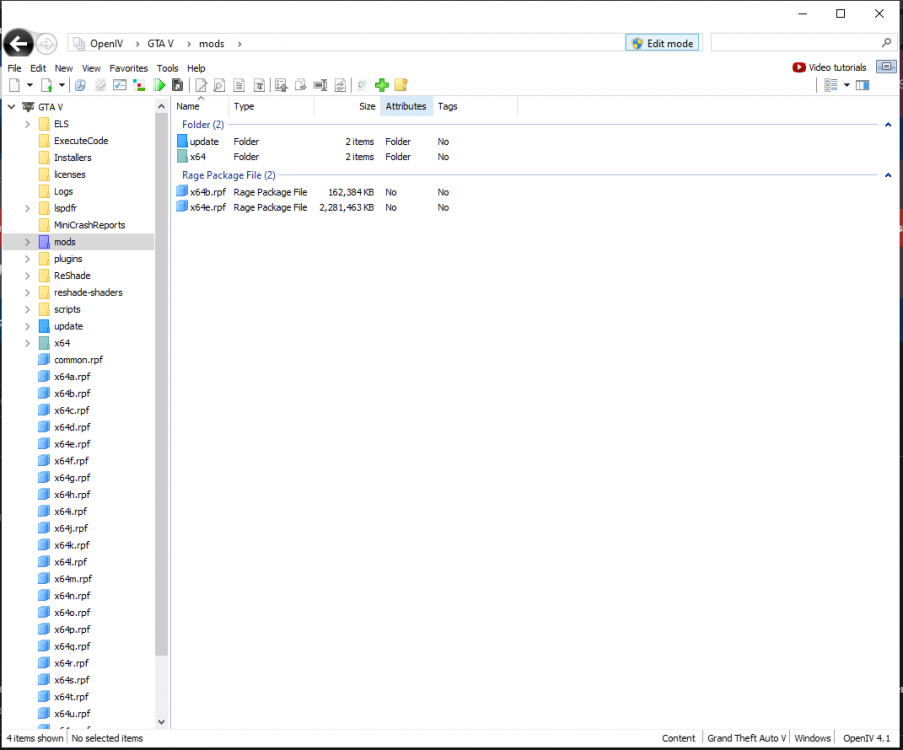
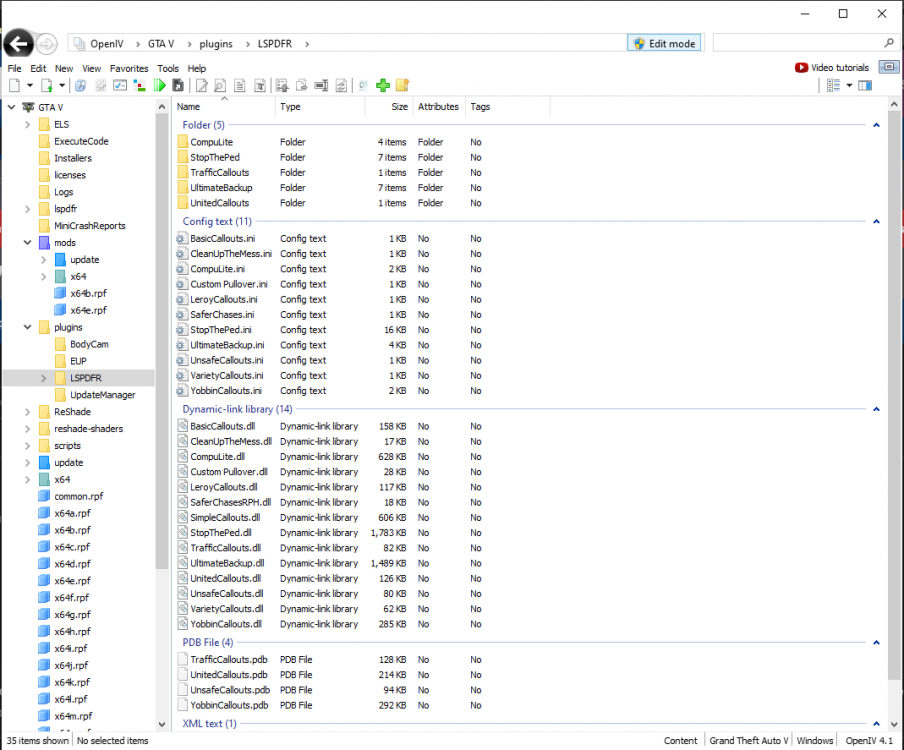
Any help would be greatly appreciated. Crash log:
-
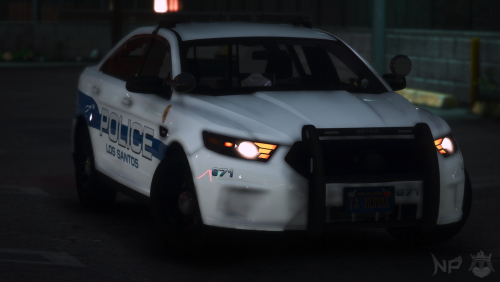 I kept them as dds files to preserve the quality of the textures. You can still use the textures in two ways. 1. You can either find the texture in whatever model you use and then right click and replace with the corresponding texture in the download. 2. You can rename the textures in the download to the corresponding name in the models texture directory and then drag and drop. Let me know if you have any further questions.
- 4 comments
- 1 review
-
-

- 1
-
-
-
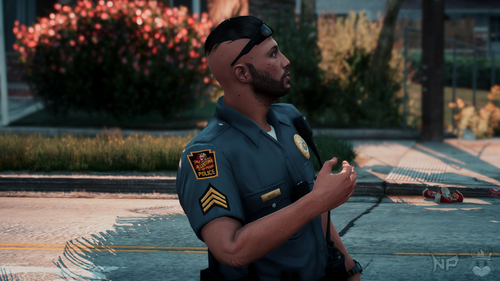 Exactly. I included the actual models with the textures already replaced which is most likely why it is showing as a false positive.
 -
-
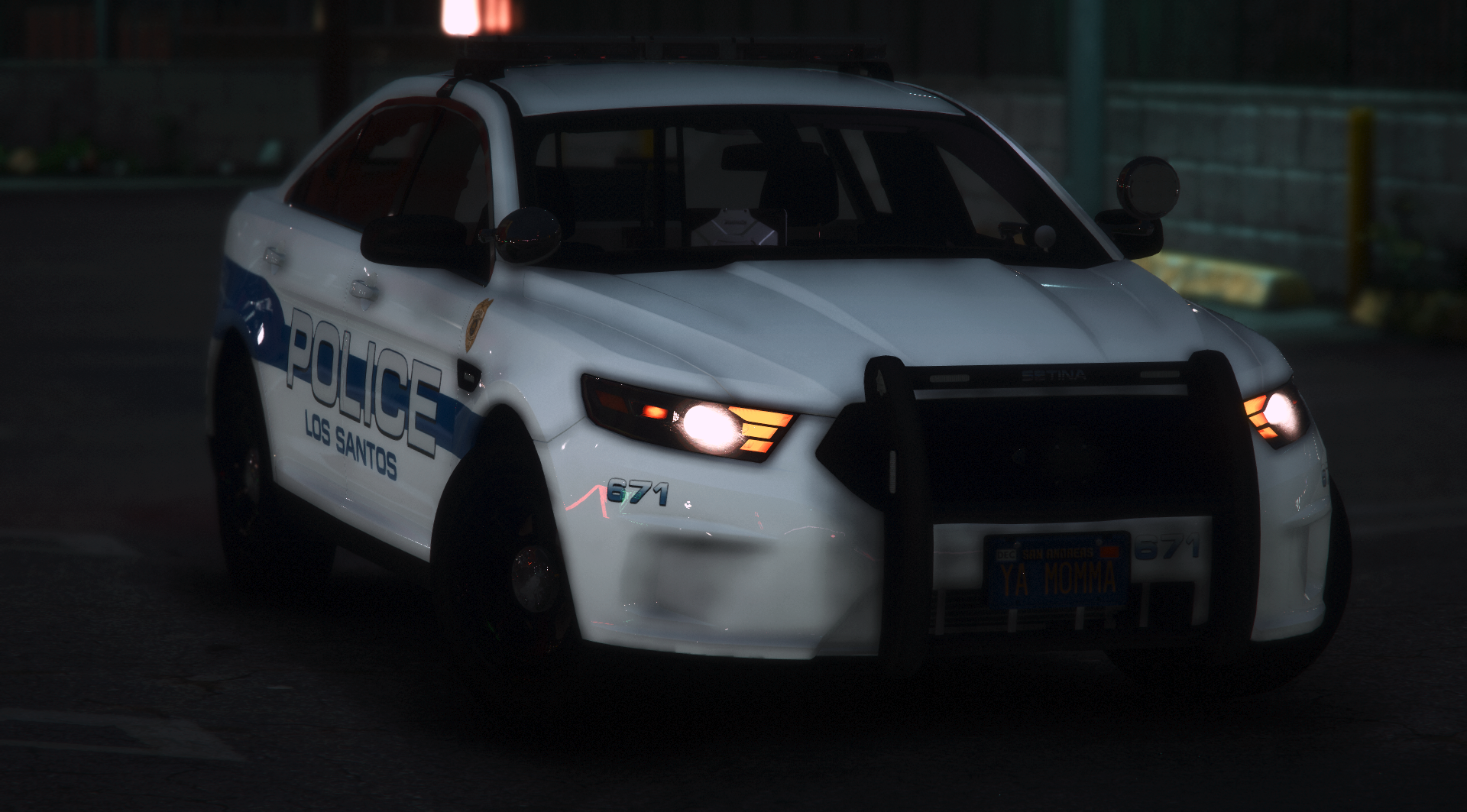
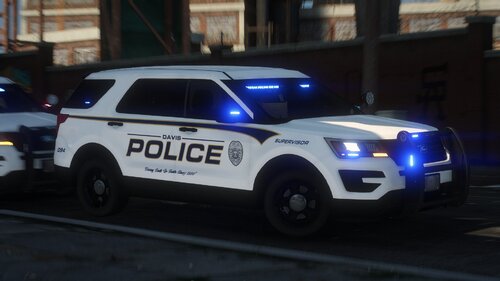
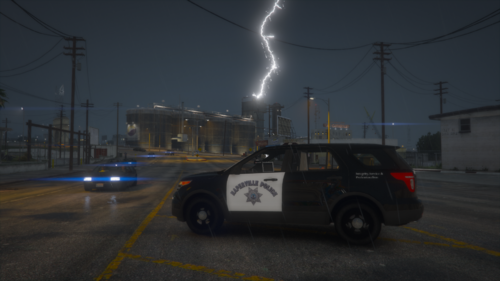 Very nice, although all their marked vehicles should have Municipal Police plates at the least, as attached. Their motto could also be a little big larger. Other than that, great work! Look forward to other skins packs you release in the future!
- 5 comments
- 1 review
-
It doesn't. I ran RAGE with just LSPDFR installed and it still occurs. When I use the CleanUpWorld command through RAGE, LSPDFR terminates a bunch of pursuit. Still have no idea what the problem is.
-
No. Just Super Callouts. I copied my LSPDFR folder (inside my plugins folder) to my desktop and removed it from my GTA as well as my scripts folder. I still had the issues. I'm almost certain its an issue with LSPDFR itself. I also randomly get a joining bar at the bottom left of the screen and then I join a pursuit for no apparent reason. Don't know if that helps with diagnosing the issue.
-
It was set to true, changed it to false. Still didn't make a difference.
-
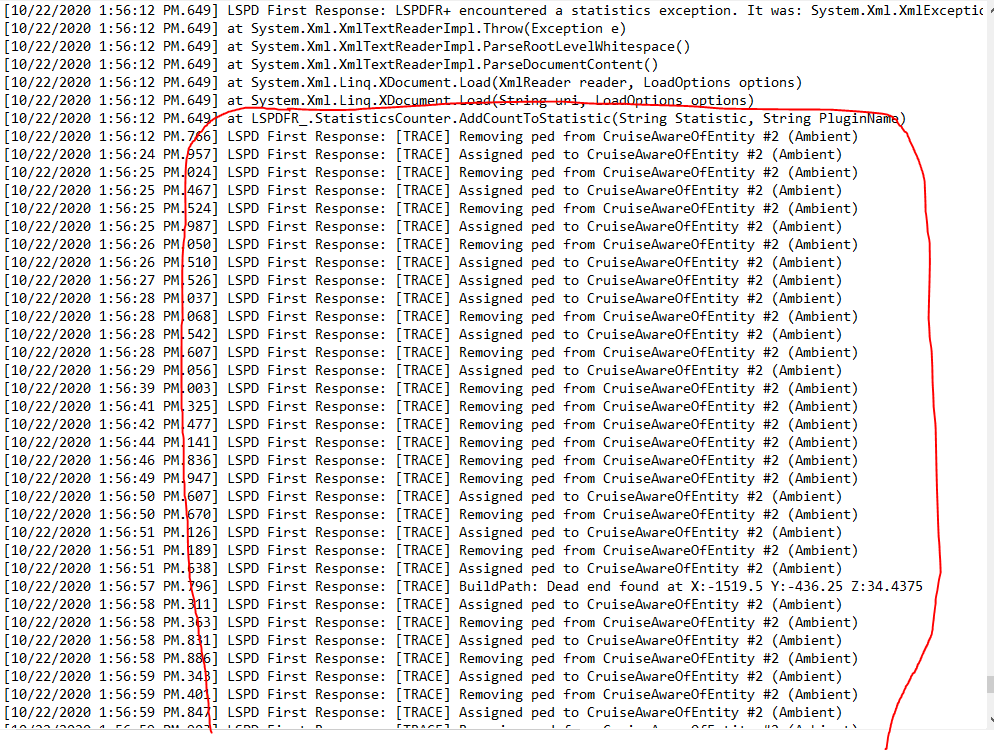
Already did. I parked on the side of the street while on patrol and waited for it to happen before sending that RPH log. I'm suspecting its this in the log. Uncertain though.
-
Done. Here's my log. RagePluginHook.log
-
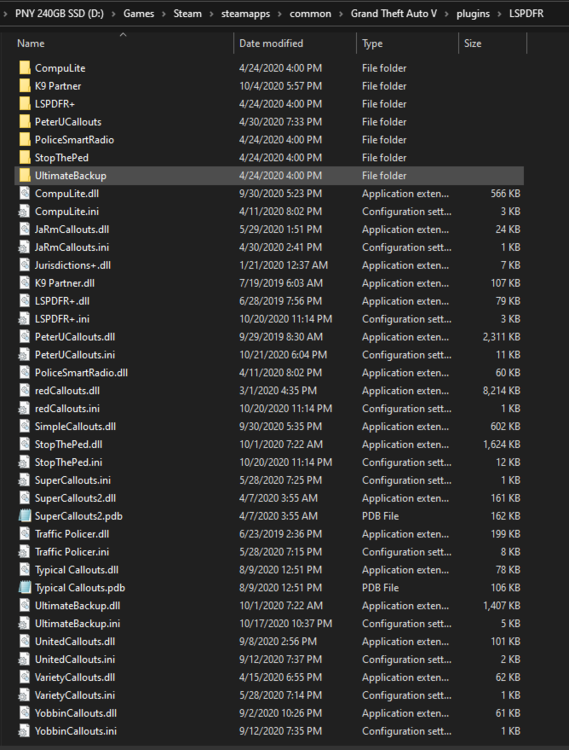
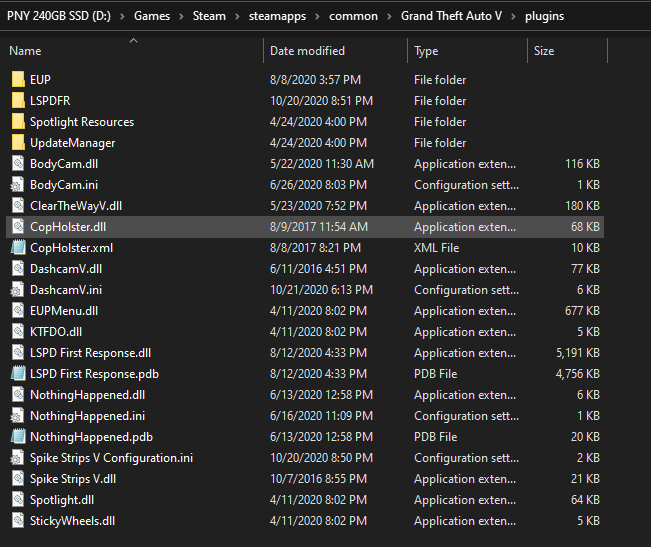
Howdy, As of recently, I've been having this weird, what I'm assuming is an ambient event where the AI randomly begin to attack or shoot each other. As seen in the video below, 3 people get out of the car, and one of the passengers start shooting the driver, and then start shooting at a different car. Sometimes, 2 people will get out of different cars and then start beating each other. Other times, people will just get out of their car and run, making my backup chase after them. This event makes the game damn near unplayable with neighborhoods being a shooting fest every time I'm driving through them. I'm assuming this stems from a plugin but don't know which one. Any help would be great. DEMO Video #1 Demo Video #2
-
 hawt
hawt -
 I'm sure. But people are going to be less likely to download it if they don't know what it is that they're downloading. 🤣
 -
-
-
-
-
-
-
-
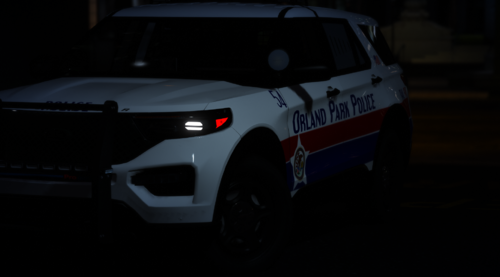 Only about half of the skins are pictured. Guess you'll have to download to see the rest 😉
- 17 comments
- 2 reviews
-
-
- 9
-
-
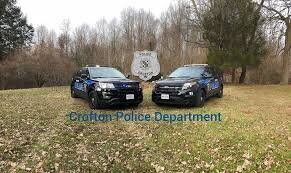 wtf am I looking at 😆
 -
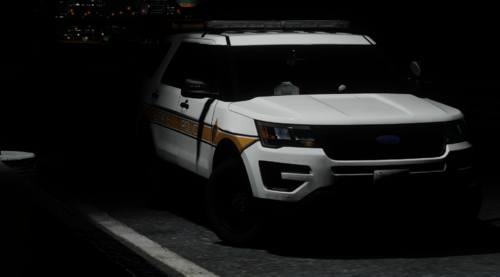
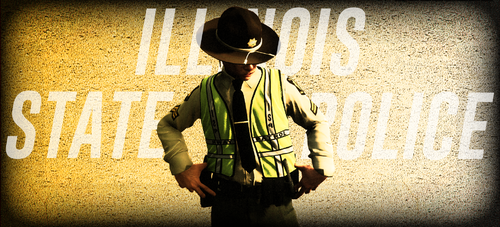 Working on a Chicago PD and Cook County Sheriff's Police addition. Peep the post in a week or two.
 -
Unsure actually. Had a buddy take the screenshots for me. Well yes, replacing the files as they are named will replace the highway patrol outfits in EUP.