



Yoey
Members
-
Joined
-
Last visited
Everything posted by Yoey
-
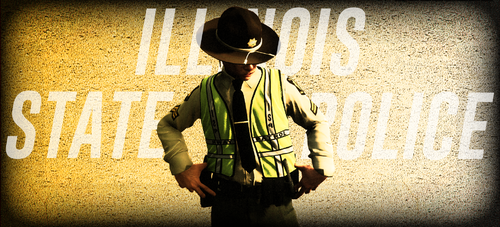 Laggo does. You can purchase it from his discord server.
 -
Vest used:
-
Can anyone explain this. When I try to move my mouse when having Computer+ open, it re centers my cursor to the middle which makes it unusable.\ https://www.dropbox.com/s/pwykgmse4k7q6my/IMG_0335.MOV?dl=0
-
Hello, I was wondering if there is a way to remove the key bind of "e" for opening the read door of vehicles. I find very often then when I press "e" to open the stop the ped menu, my character goes running across the map to go open and rear down and take a seat in it. I have already check the keys file in the lspdfr folder and have no luck. Thanks!
-
Thank you!
-
Hello everyone, Just like most, I recently updated to LSPDFR 4.0, (and then 4.1). I found out quickly that you can remove the camera focus (which was really annoying) when in a pursuit by adding a command line to the lspdfr.ini file. I was just wondering if there is a similar command line I can add to remove the map from expanding when a new emergency call is requested. Thanks for the help!
-


