


Whisk3yTango
Members
-
Joined
-
Last visited
Everything posted by Whisk3yTango
-
Yesterday the website was inaccessible, looked all jumbled together like I tried to load it on an old flip phone. Today every time I'm browsing a file page like a vehicle model the website is hijacked spam or an add page asking to allow notifications or even shows up as a captcha challenge saying "click allow if you are a human" thus allowing them to send notifications. Windows 10, Chrome. When I click "X" on the add it sends me back to google. These ads do not appear anywhere else on the site but "downloads" pages. The add or spam hijacks the page automatically similar to opening a new tab. it does not come up as a new tab. It takes the place of whatever page I was on.
.thumb.png.716263b0b659a8773c808bc9f76bb80a.png)
-
-
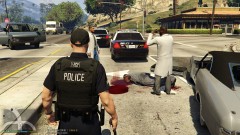
From the album: GK's Screenshots
-
Just a collection of cool or random WTF moments on LSPDFR
-
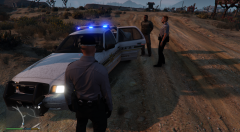
From the album: GK's Screenshots
-
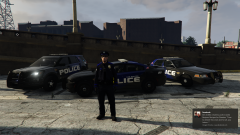
From the album: GK's Screenshots
-
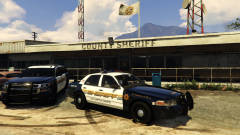
From the album: GK's Screenshots
-
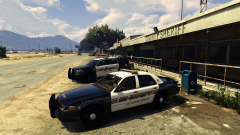
From the album: GK's Screenshots
-
Love it! Couldn't get it to work in the "Custom" folder so I backed up the original inventory.xml file and replaced it with yours. Works great, no issues. Really cool to see the NPC's using these weapons as well.
- 3 comments
- 1 review
-
 Favorite pack so far! I love the lighting setup and how well the livery fits with @GrandTheftPD's Cranston based LSPD ped pack. Thanks for this awesomeness!
- 27 comments
- 15 reviews
-
-

- 1
-
-
.thumb.jpg.182dedb1a55dea252c1853d35d4d1e3c.jpg) I noticed that but im not sure how to format it. Like what would I put for "name" and "script name" Also your format is Hat=11:6 would that be "prop text=1, ID=1, drawable=6"? Also I noticed that as long as I go on duty wearing one of your EUP outfits the Peds spawn accordingly. This is probably due to the EUP settings for LSPDFR .4 XML I have. Except for the SAHP. when calling backup, one shows up as the CHP style and one with your style. I edited the code so the hway_cop spawns and not the freemode_01 but do to me not knowing how to format the textures they spawn without hats.
I noticed that but im not sure how to format it. Like what would I put for "name" and "script name" Also your format is Hat=11:6 would that be "prop text=1, ID=1, drawable=6"? Also I noticed that as long as I go on duty wearing one of your EUP outfits the Peds spawn accordingly. This is probably due to the EUP settings for LSPDFR .4 XML I have. Except for the SAHP. when calling backup, one shows up as the CHP style and one with your style. I edited the code so the hway_cop spawns and not the freemode_01 but do to me not knowing how to format the textures they spawn without hats.- 256 comments
- 29 reviews
-
-
-
That would be awesome! I am currently using all of your ped packs for LSPD SAHP and BCSO. Im using Mkalash's EUP outfit settings. If I had the names of your EUP outfits maybe I could replace the default ones with yours?
- 256 comments
- 29 reviews
-
-
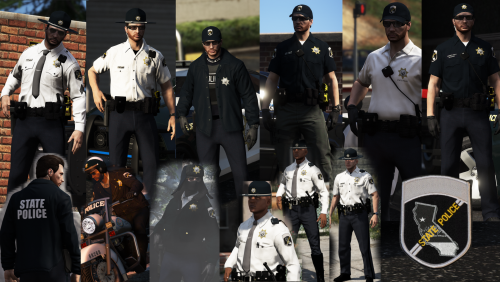 I was using awezip for Windows 10. Downloaded and used 9Zip from the Microsoft store and I was able to extract the the folder. Thanks for this awesome pack and quick response!
- 67 comments
- 5 reviews
-
There's no ped hats folder. Downloaded it twice just to be sure. I saw someone else had the same issue but said it was on their end. Really weird. Doesnt seem to be an issue with anyone else. Any ideas? UPDATE Tried it a third time and when through the files before I extracted them. Its definitely there but doesnt show up after the extract? Tried to extract just that folder and it said "extract failed"
- 67 comments
- 5 reviews
-
randomly having the same issue. they were working fine yesterday. only difference from today is that I added a few callouts.....
-
Nope GTA V worked fine.
-
I have GTA Comes Alive with the latest api but its the only mod I have that uses the darkmyre.api and it works fine. Doesnt crash and loads properly however I havnt seen much of a difference using it.
-
Sorry for the long delay. I uninstalled GTAV for a while. Recently did a clean install of GTAV and LSPDFR adding only one mod at a time. Installed Traffic Policer and I get ForceDuty crash. Remove it and everythings fine. It really sucks because a lot of other mods I love require Traffic Policer as a prereq as well. I've seen alot of posts about this so I'd like to add that I do not have Police SmartRadio installed and still got the full game crash with traffic policer.
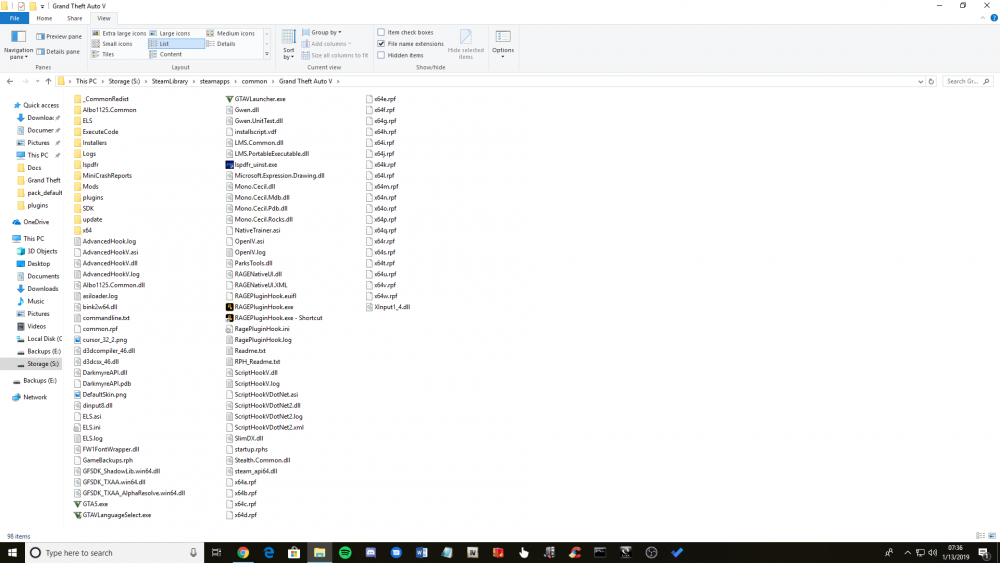
-
UPDATE added a few mods at a time everything was going good so I added more mods and callouts and boom CRASH. Removed all mods and started again two at a time. Most recent two mods I installed were Traffic Policer and Police Smart Radio. I'm starting to see alot more posts about Police Smart Radio so I'll assume that was the problem. Attached is my RPH Log. RagePluginHook.log
-
Forced windowed + Forced Directx11. Works now with no mods. So the problem must have been caused by one of the mods possibly being dependent on scripthookV but I had alot so I have no idea which one it is. If i find out I'll let you guys know. Hopefully they get an update for scripthook soon Thanks for the help!
-
Reinstalled LSPDFR GTAV and RAGE again and did not install scripthook..... Now the game does not crash but RAGE and LSPDFR are not present in the game. no F4 no nothing. the loading screen is normal as well no RAGE loading screen even though the game is launched by RAGE RagePluginHook.log
-
So I recently migrated my OS to another drive and thus had to reinstall GTAV and LSPDFR so I do not have a revert game before the latest GTA update. SciptHookV is preventing launch. I removed ScriptHook as well as the dependent mods listed by RPH. Without scipthook the game crashes immediately after it is launched by RPH . With scripthook it makes it to the loading screen then the RPH window informing you that scripthook is preventing launch pops up, however GTAV proceeds to load without RPH..... the game works fine without RPH. In my case scripthook seems to be a requirement? Anyone have any idea whats going on?

.png.3e7b7bdc055a6a30f59e10801af7ce4e.png)
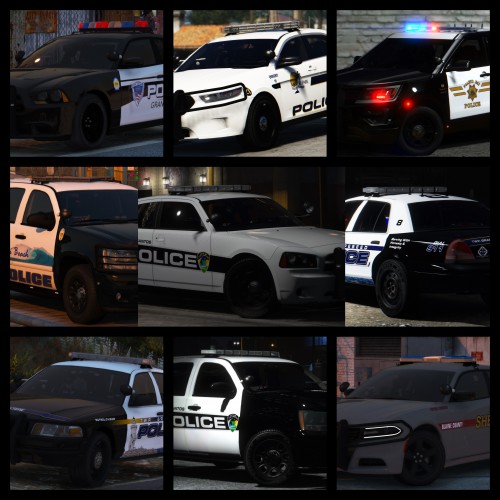

.thumb.jpg.182dedb1a55dea252c1853d35d4d1e3c.jpg)
