
Mcgarret.
Members
-
Joined
-
Last visited
Everything posted by Mcgarret.
-
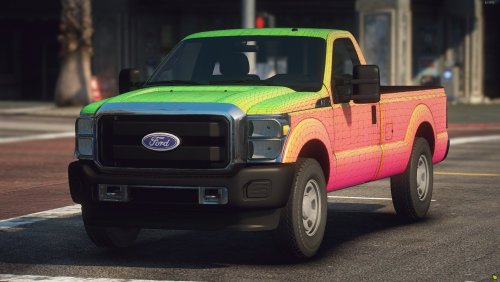 Well I was gonna leave a review but even though I downloaded won't show the review option so whatever. Overall great work Jack. I would say that you should make sure when you list the Poly count that you give the triangle, this is far from 201k it was actually just under 400k. The dash isn't to spec with the XL but isn't bad. I love the options you gave, gives people plenty of choices so thats a plus. Some small details and a lot of poly crunching will make this model great, so thank you for providing this to the community.
 -
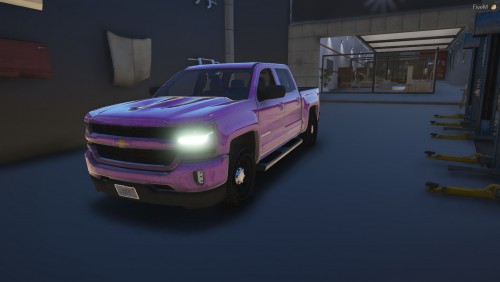 I don't care what you do with it as long as you give credits and don't claim as your own.
 -
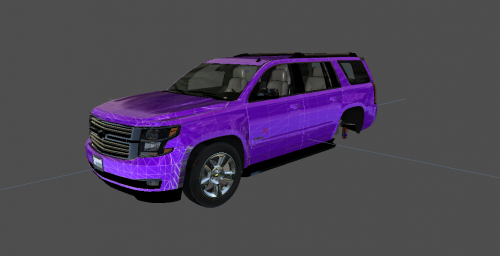 I don't care how you use it just don't upload to other sites claiming it as yours. If you use it make sure you give credits even if you edit it
 -
-
 Nice @Royal Modifications thanks for giving back to the community
 -
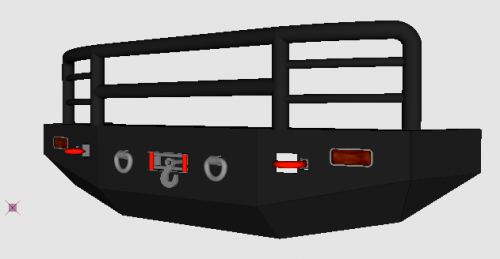 Just convert it, pretty simple
 -
-
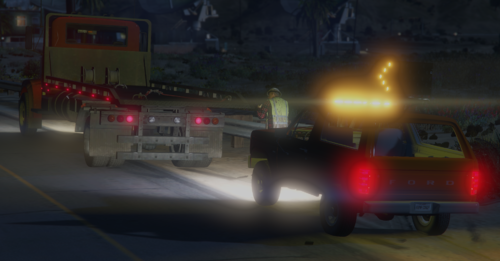 Definitely different that's for sure, not bad
 -
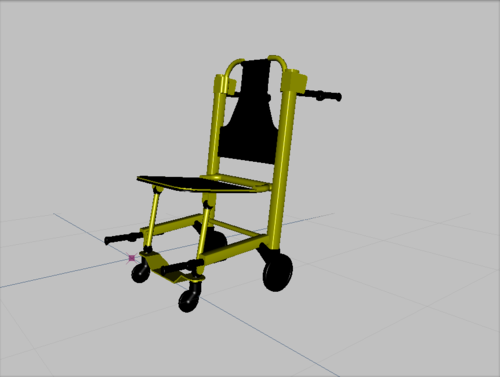 What do you mean?
 -
 Converting to quads doesn't remove any polys, just hides them, and it definately doesnt change the look of the car.
 -
 What's wrong with you kid? You do realize sometimes there are updates to old models resulting in a repost. Screw off with these kind of comments, what have you released??
- 14 comments
- 1 review
-
 Very nice.
 -
 Sorry i didnt check the tools section as this is a vehicle not a tool. I was referring to the idiot that leaked it to begin with which cause Exclusive to just release it.
- 69 comments
- 6 reviews
-
@RangerZ If Exclusive gave you perms fine, but this Corvette was never uploaded to the DEV section, it was upload to the vehicle models section with a z3d that Austen had no business doing. This means that yes you do not have perms unless the ACTUAL developer gives them to you.
- 69 comments
- 6 reviews
-
I'm glad you have perms but it being released publicly doesnt mean you have perms when it was released without perms.
- 69 comments
- 6 reviews
-
-
-
-
-
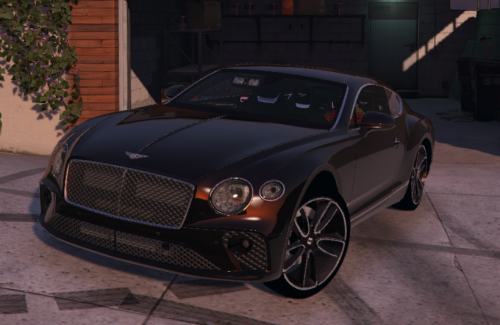 I have decided to release a ELS version of my 2018 Bentley Continental GT I made based on the movie LIFE. While I may have added more lights that the Detective had in his Bentley this makes a rare personal vehicle for those wealthy LSPD Detectives. I have included a READ ME for those who feel the need to leave a 1 star review for not providing one. Features a Whelen Flatliner Visor light, SoundOff Ultralite 4 series, SoundOff NForce rear deck, Whelen Ions, and integrated lighting in the Foglamps and Headlamps. Join my discord to see more of my work https://discord.gg/RyJjNzA
- 10 comments
- 3 reviews
-
-

- 1
-
-
-
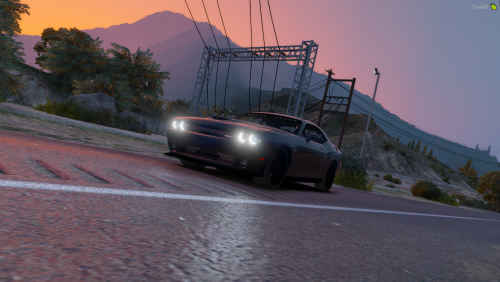 I have decided to release my 2016 Dodge Challenger I made based on a real vehicle made in Houston, TX by Emergency Fleet Services. This is meant to be unmarked but uses Potatocat's Challenger as the base. Active Takedowns set as Extra 1
- 9 comments
- 1 review
-
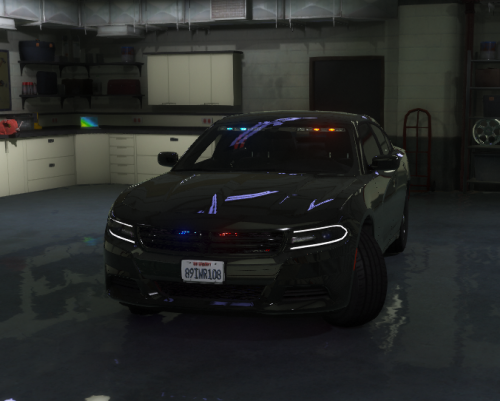 Great vehicle, love how you actually used realistic lights in the taillights instead of what people are doing with the blue in a red lense. Great job man keep it up.
- 9 comments
- 2 reviews
-
-
Thank you