antl
Members
-
Joined
-
Last visited
Everything posted by antl
-
 I know I'm asking a lot and that you guys aren't robots but one feature that would be really cool to see is related to warrants. I was messaging a ped who had a warrant and asked if we could meet up to talk and resolve it together at his place etc. However to actually arrest/get him, I still had to use the standard warrant option. Would it be possible to add an option in the phone/messaging app to schedule a meetup with the ped?
- 60 comments
- 4 reviews
-
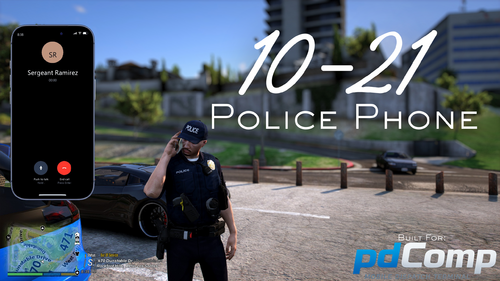
No, thank you for making such a cool plugin :)! I'll keep sharing any other bugs I find or suggestions that I think would be cool to see. By the way will the phone be a separate plugin or will it be built into the MDT?
- 60 comments
- 4 reviews
-
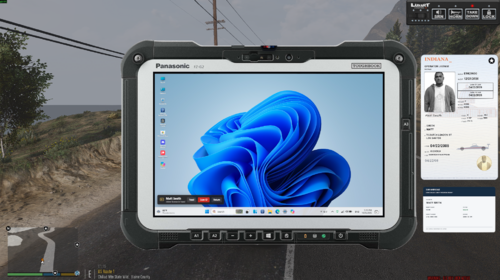
Hello, I just installed the MDT and it is really really cool for me but I got some suggestions for you (for now) :). For ALPR it would be nicer/better (in my opinion) for hits to be a red dot, if possible to add detective work (like go to different locations and speak/investigate with peds, npcai supported), border patrol work (like cars come at military base also npcai supported if possible) and fullscreen option. Also, I found some bugs like MDT changing the mode from dark to white mode, department chat and ped messages don't have any logo and for example you can't move the recycle bin to the right side of the screen. Good luck and all the best!
- 60 comments
- 4 reviews
-
 Hi, I tried the plugin and I really like it. However, I have two suggestions. Please make the modifier key optional so I can use just K, J or other keys. And also, could you add an option to disable the UI? I didn't see an option for that in the .ini file. Good luck and great job!😄
- 60 comments
- 6 reviews
-
-
-
-
 Keep up the great work with your callout pack, they're really interesting mate! Also, I laughed a lot when I rescued the dog from the car. Right after I saved it the dog jumped back into the vehicle and just started driving away..😂 One quick note: my game crashed while I was speaking with the protesters. It might be an issue with the plugin or it could just be on my end, but I thought I'd let you know!😁
- 24 comments
- 2 reviews
-
-

- 1
-
-
- lspdfr callout
- legacy
- translation
- us
-
Tagged with:
-