antl
Members
-
Joined
-
Last visited
Everything posted by antl
-
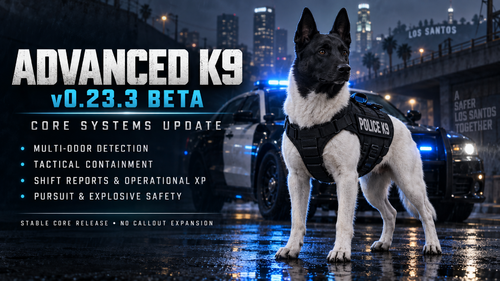 Hi, I tried the plugin and I really like it. However, I have two suggestions. Please make the modifier key optional so I can use just K, J or other keys. And also, could you add an option to disable the UI? I didn't see an option for that in the .ini file. Good luck and great job!😄
- 34 comments
- 5 reviews
-
-
-
-
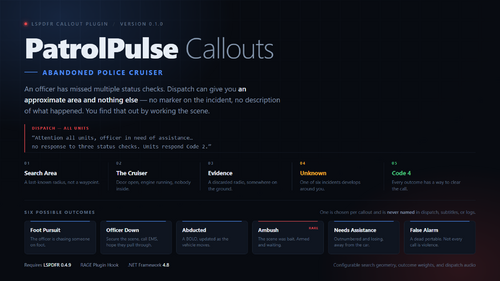
 Keep up the great work with your callout pack, they're really interesting mate! Also, I laughed a lot when I rescued the dog from the car. Right after I saved it the dog jumped back into the vehicle and just started driving away..😂 One quick note: my game crashed while I was speaking with the protesters. It might be an issue with the plugin or it could just be on my end, but I thought I'd let you know!😁
- 24 comments
- 2 reviews
-
-

- 1
-
-
- lspdfr callout
- legacy
- translation
- us
-
Tagged with:
-