



ovilexfan
Members
-
Joined
-
Last visited
Everything posted by ovilexfan
-
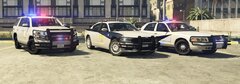
From the album: Personal Projects
-
-
From the album: Off-Duty
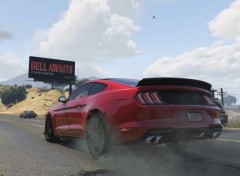
55 years since this beast entered the world. -
Fire department pictures.
-
From the album: Fire Dept
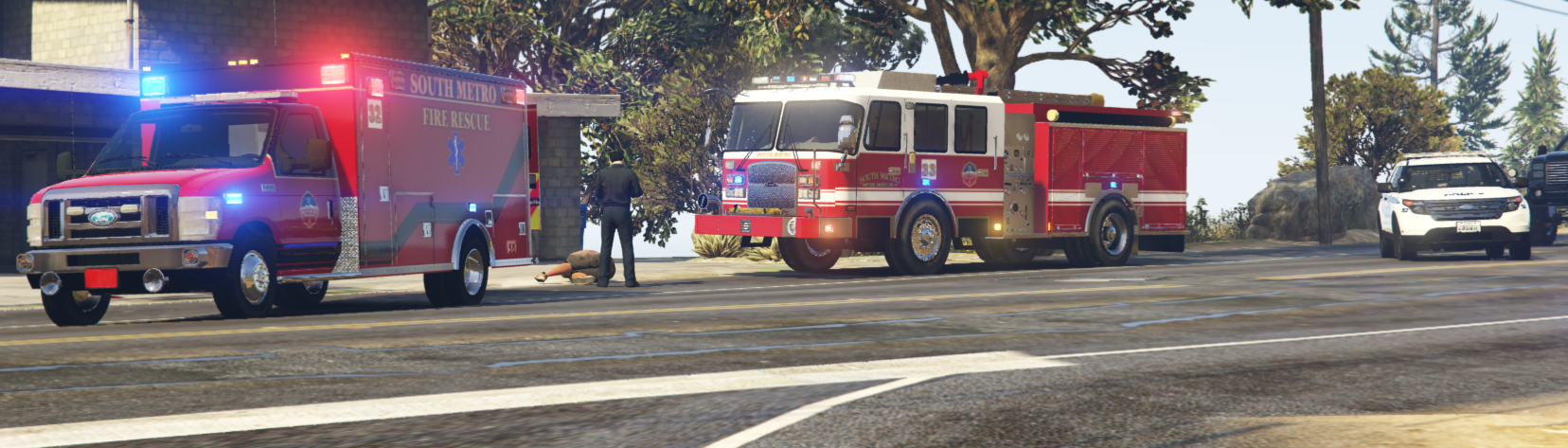
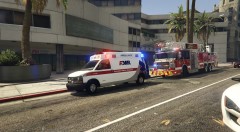
Truck 5 and an AMR ambulance on scene of a person having a stroke. -
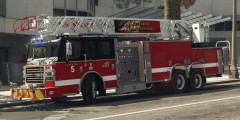
From the album: Fire Dept
Truck 5 parked at an medical call. -
-
 Absolutely beautiful, I love patrolling in these vehicles. I love the CVPI and the Tahoe. Great job!
- 131 comments
- 45 reviews
-
-

- 1
-
-
FIXED: It was Police SmartRadio, not sure why though. I deleted all of the Police SmartRadio files, and it works great now.
-
It worked for not crashing on startup, but I am still having the original issue.
-
I already did, but now LSPD:FR is crashing on startup.
-
Hello, LSPD:FR always crashes when I ask for ID. I haven't had this issue before. I installed Police Smart Radio, and Traffic Manager, it worked fine at first, but then LSPD:FR started crashing when I ask for ID. In the spoiler below is my log, the only way to get around this crash is to let the person go without checking their ID. I put all my installed plugins in the spoiler below that. Help would be appreciated.
-
Random Images from GTA V and some random LSPDFR photos.
-
-
My game is crashing, no matter what.
-
Game crashed on startup,
-
It did not work.
-
I already have that, it worked great until I had this error.
-
mods/update/update.rpf/common/data/dlclist.xml (not a folder)
-
It did not work for me, same problem again.
-
Sadly, my issue is not fixed. I reinstalled EUP Law and Order and got the same error that I don't have it installed. None of my vehicles loaded. I hope my game file isn't corrupt in a way where the game engine and steam can't register it.
-
I don't know how that happened, thank you.
-
Here it is: https://pastebin.com/EzaAzJs4
-
I am using 1493.0, I checked today, and it showed that version. I also checked the dlclist.xml and showed all my lines.
-
This morning, I started up GTA V and played LSPDFR without any errors, and played with thehurk's CHP pack When I started up GTA V around 4 hours later, none of my vehicle models and EUP said that I had Law and Order pack not installed. I am using a mod folder and Albo's modding DLC Pack V, which have never given me errors like this. I tried adding vehicles and removing them, but none of them worked. The only models I could get to load was policet witch I replaced with this vehicle: I modified and installed all vehicles properly and checked with Albo's LSPDFR troubleshooter. I am using game version 1.1493.0. None of my troubleshooting showed errors. Here is the troubleshooter log: https://pastebin.com/LKJARE7c and here is my RAGE log file https://pastebin.com/gx72wEVv I have never had an error/bug this bad before. Help would be appreciated. Sorry for the confusing title.


