WhisperPGG
Members
-
Joined
-
Last visited
Everything posted by WhisperPGG
-
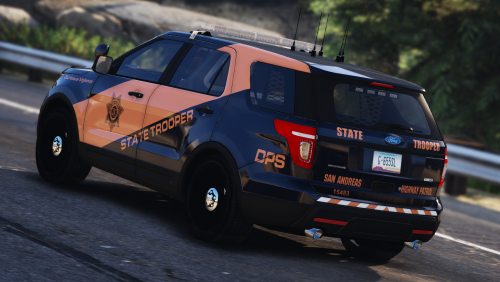
So i download a vehicle pack to use in my upcoming skin pack. I wanted to use teh FPIS in the police slot, yet there isn't a police ytd file with this pack. I have never ran into this situation before and have no clue what to do. I already created a Livery for it and wanted to put it in game to fix any issues with it but i can't add the Livery because no ytd file. Any suggestions? Thanks
-
Albo1125 has some of the best tutorials and mods. Check him out
-
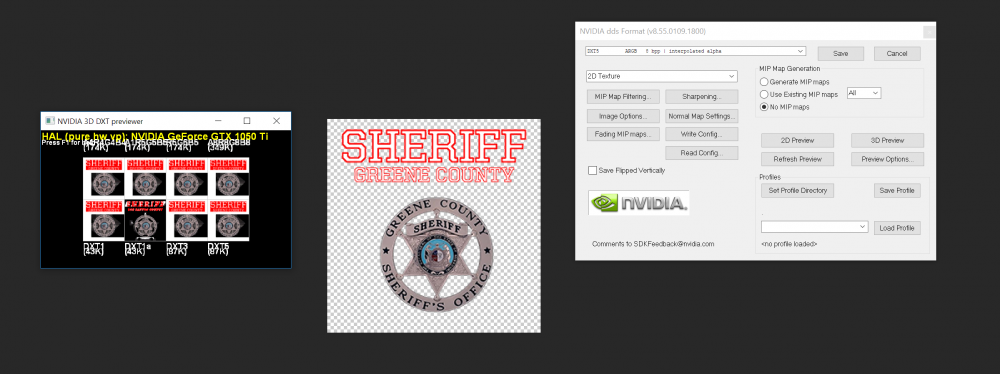
So, i am currently making skins for a Local sheriff dept to be used in GTA5. I wanted to go a step further and change out the sheriff signs and flags on the buildings to be more realistic. I have the location of the textures for teh sheriff station in Sandy Shores (can't find the flag texture yet,anyone know where this is located?) I have recreated the texture in Photoshop and imported to the correct location in OpenIV. This didn't change anything for me so i started looking some more. I opened the model file for the door and found it linking to another texture, a 256x256 texture not the 512x512 in the other file. So i exported all the textures for this model and opened the correct one into PS and added my textures to it and went to go save it to import it back in, but i dont know what the settings should be for a DDS file. I look at the 3d preview as I save it and it looks messed up. My text colors are combined and distorted, the badge has black behind it. Has anyone edited these textures before or know which settings r needed for dds? Thanks for the help
-
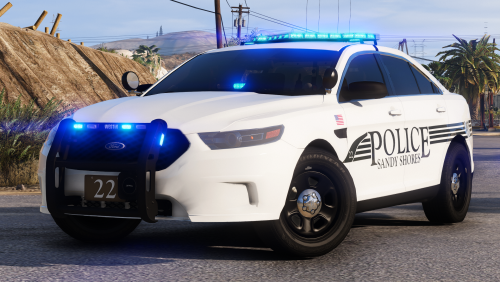 oh ok. love the look of the vehicles, just need to find ones with alpr's on the trunk. lol
- 25 comments
- 7 reviews
-
r the alpr's stuck to the roof or r they set as optional so they show on trunk as well?
- 25 comments
- 7 reviews
-
 The original vehicle can be found here. I take no credit for the model or equipment, just the livery.
 -
-
From the album: Green County Missouri Sheriff's Office WIP
-
WIP These are just a few shots of the new charger I am working on. Still a work in Progress and stuff to touch up. I wanted a charger with ALPR cameras but couldn't find any. The lights are way to dim with ELS and can't get them brighter for some reason. This will be included in my upcoming pack with Greene County Sheriff, Springfield PD and Missouri State Patrol.
-
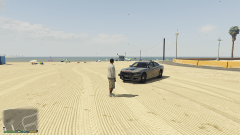
From the album: Green County Missouri Sheriff's Office WIP
-
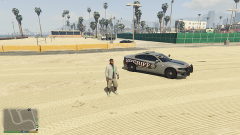
From the album: Green County Missouri Sheriff's Office WIP
-
-
 Looks good so far. Would like to see added to it though where you have lights on and/or lights and sirens running where peds stop or dont walk in front of u. I have some many times get the cars out of the way to only have a ped step in street in front of me n get hit
- 530 comments
- 42 reviews
-
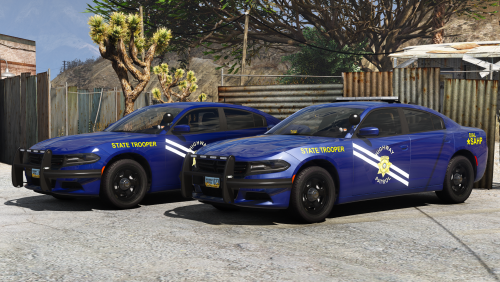 i would like to make a skin for this. Can i have your permission to make it and upload it? is the template in the file?
- 24 comments
- 9 reviews
-
-
-
-
The sound is very nice. But...that's not how it works. When the officer pushes HIS panic button, a SILENT alarm is sounded and dispatch is notified. That tone is the actual alert tone the dispatcher uses to give officers listening on the radio a heads up that something major is happening and is usually followed by dispatch relaying information to listening units. I see where you are going with that and its a nice touch, just not totally accurate.
- 3 comments
- 1 review