


grizzbear
Members
-
Joined
-
Last visited
Everything posted by grizzbear
-
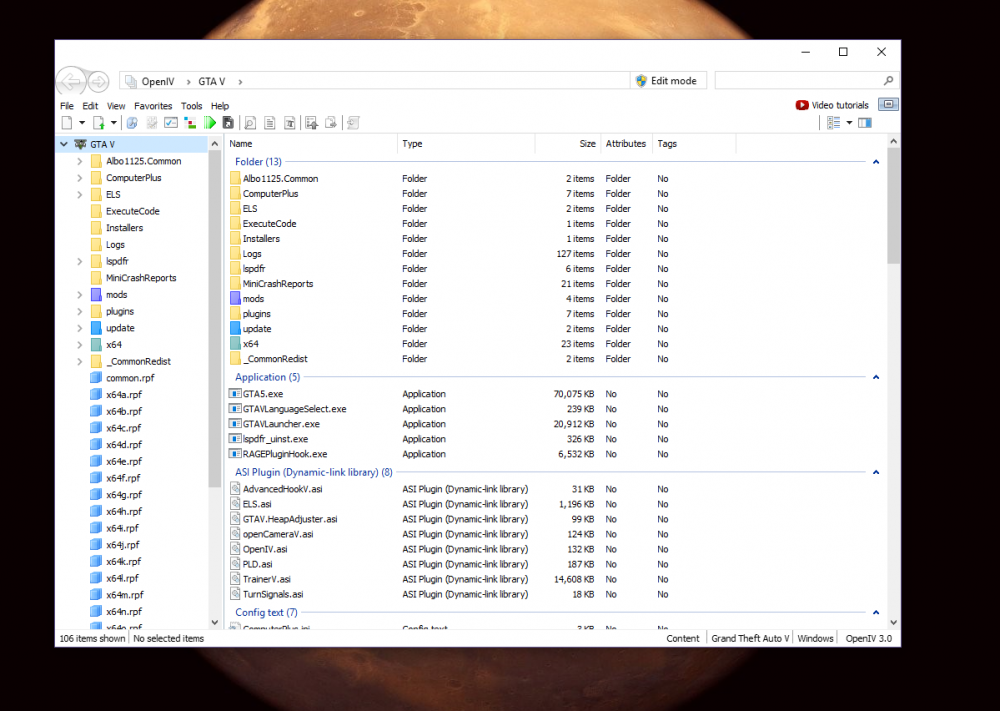
I understand what you're doing but I cant seem to get Open IV to go to my GTA copy folder. As seen in your picture, there is no mods folder, mine still has a mods folder and I can clearly see that Open IV is not in my unmodded game. How can I change the directory that Open IV is looking in so I can get the unmodded files? I see at the top it says GTA V when it should say GTA V - copy... how do I change the directory?
-
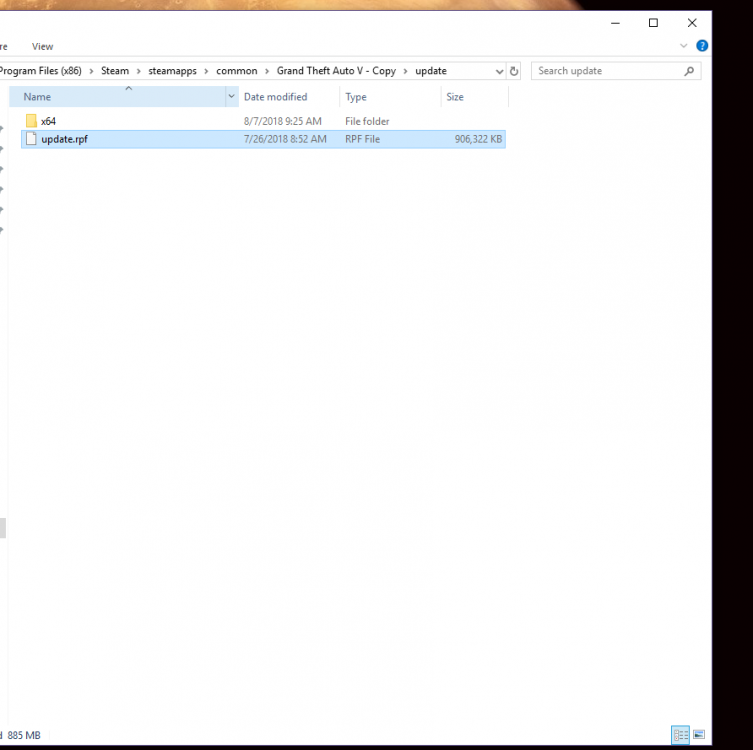
Sorry it's hard for me to explain it, I know Open IV quite well but Open IV is set up with my modded GTA, I cannot access my unmodded GTA files without open IV... Is there a way to have 2 different "profiles" if you want to call it that? Here im hoping this clears it up: I have my Open IV set up to my modded GTA V files path But I cannot open the update rpf in windows files
-
Yes, I understand what you are saying but I have open IV set up to my modded GTA V location. I cannot access the unmodded file in the windows files without Open IV.
-
Ok thank you, and quick now that you're here I have Open IV set up for my modded GTA, so how can I get to the graphics.ytd file in my unmodded folder? And finally, will replacing the file remove the effects that radiance V has?
-
Thank you! I'll try that and tell you how it goes. And can you tell me more about uninstalling NVR?
-
Seemed to have worked! Thanks for your help!
-
Thank you, I just installed it (just dragged it into my main directory, hope that's right) ill get back to you if it works.
-
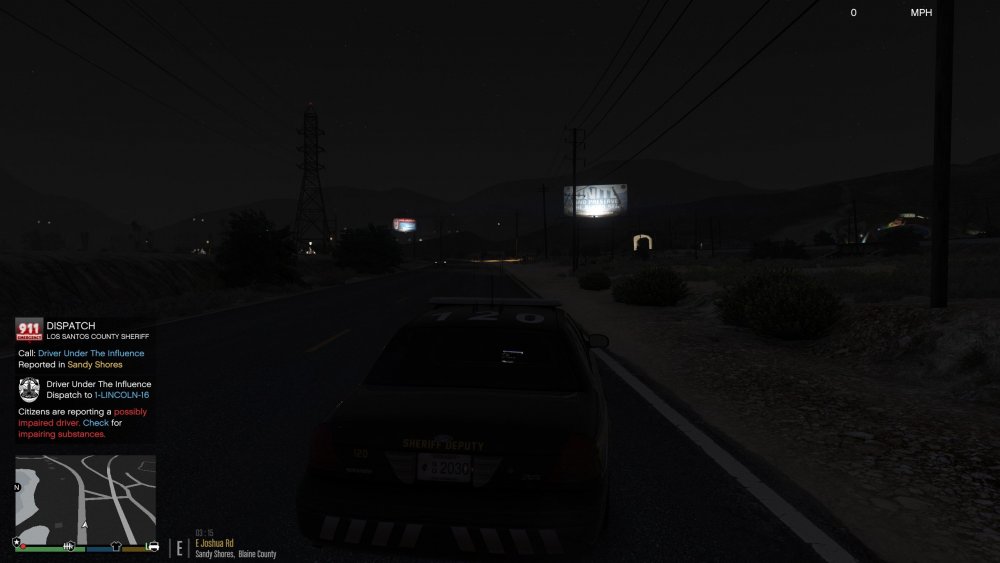
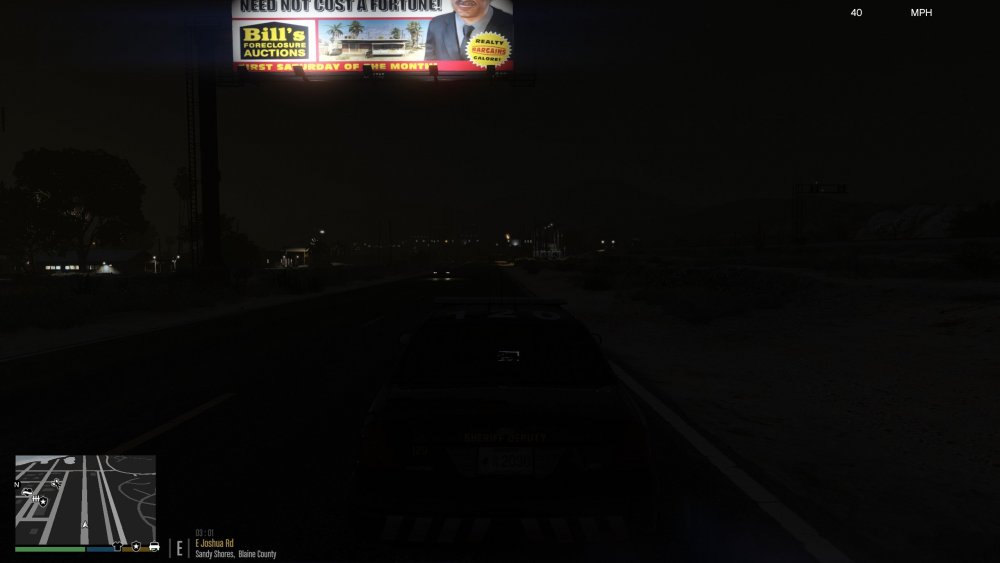
Hello, I've been having a problem recently where my game has been looking weird ever since I installed the Natural Vision graphics mod. Everything seemed fine when it was just radiance V and make visuals great again. The textures look weird, the lighting is off, car headlights have no coronas from a distance... etc. I'm wondering if Natual Vision isn't working with Radiance and/or make visuals great again or if I messed up something. Is there any way that I can remove Natural Vision or delete it? I have a totally clean backup of GTA V but it doesn't have any mods in it (if that helps). If anyone would help me I would appreciate it 🙂 Thank you! (You can see the car headlights in the picture below, they look horrible)
-
Hello, I've been having a problem recently where I can play LSPDFR for quite a long time, but after about an hour, the game starts to act up, units do not show up when called, I can hear the calls being offered to me but they don't show up and nothing happens when I press "y" to accept the call. Finally, when I hit the button to pause the game (on the controller or esc on keyboard), the game crashes and gives me the error "out of game memory, please reboot and restart the game". And yes I have a game config for unlimited vehicles. If anyone has any idea what may be causing this please help me. Thank you!
-
Ok. Thanks for your help!
-
Thank you. And do you know if this could be causing out of game memory issues I've been having or is this unrelated?
-
Hello, whenever I watch a siren tutorial I always hear them say "make sure your vehicles.awc file is no larger than 15.7mb" mine is 15.9. What do I have to do to decrease this number and get it back under 15.7mb? Thank you
-
Thank you. Ill try that.
-
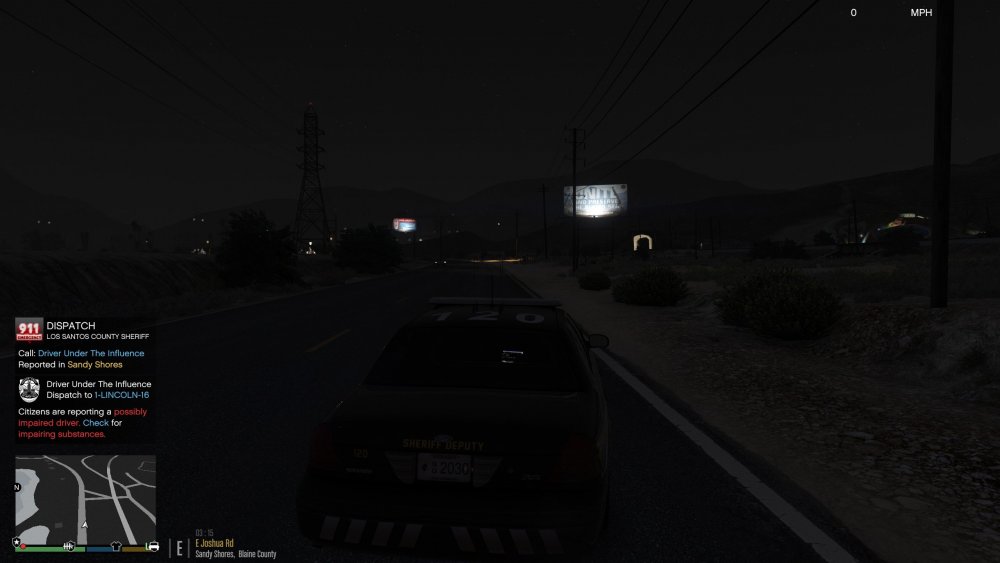
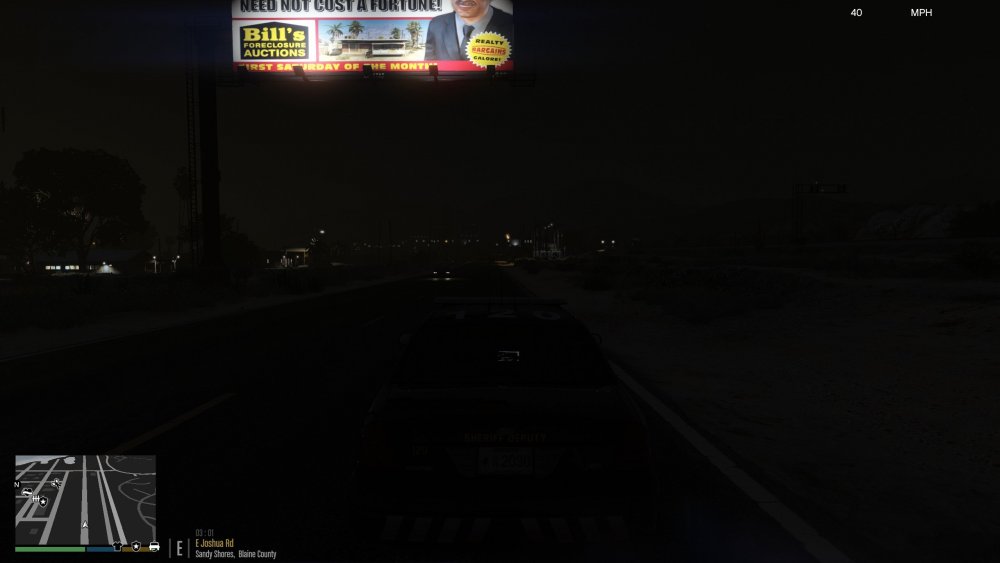
Hi, i've recently been having a problem where the headlights from AI are very dark from a distance (as you can see the car slightly down the road in the other lane). They don't look as they should (the lights should create a bright circle extending from the lights). What could be causing this? Could it be too many graphical mods installed? And if so how can I uninstall them? Thank you.
-
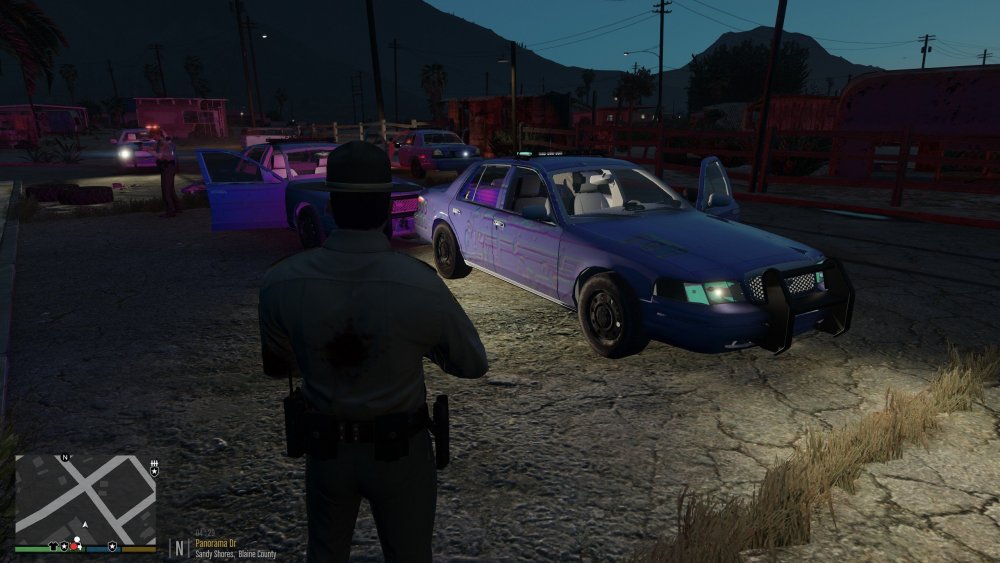
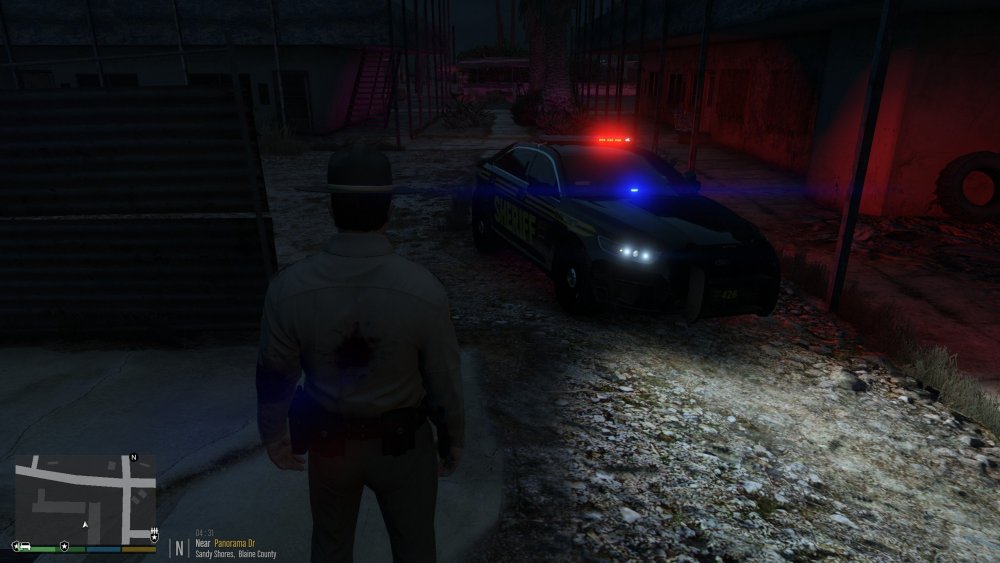
Hi everyone, I've recently been having a problem in which certain vehicles textures are the weird purple ones that you can see in open IV. In this case its the crown victoria, but my vehicle looks fine. Anyone know what is causing this and how I can fix it? This is the BSCO pack by the way by BradM. Thanks for your help!
-
What error is it giving you?
-
Hi, I’ve revently been having problems with the handling of custom vehicles. Vehicles that come with their own meta file are fine. But it seems like the ones that don’t and the packs that can be installed with the package installer via open IV don’t handle correctly. (Even some with meta files don’t drive correctly). The vehicles turn like a stick, never slide out, accelerate and brake too abruptly, and overall just don’t feel like the other cars do. If Anyone with any knowledge about this sort of stuff can help me with the installation and how to make them feel right I’d really appreciate it. Thanks.





