Skip to content
View in the app

A better way to browse. Learn more.

LCPDFR.com

A full-screen app on your home screen with push notifications, badges and more.

To install this app on iOS and iPadOS
  1. Tap the Share icon in Safari
  2. Scroll the menu and tap Add to Home Screen.
  3. Tap Add in the top-right corner.
To install this app on Android
  1. Tap the 3-dot menu (⋮) in the top-right corner of the browser.
  2. Tap Add to Home screen or Install app.
  3. Confirm by tapping Install.

RoguePlus

Members
  • Joined

  • Last visited

Everything posted by RoguePlus

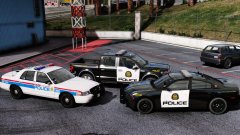
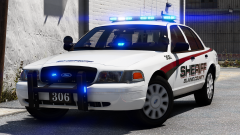
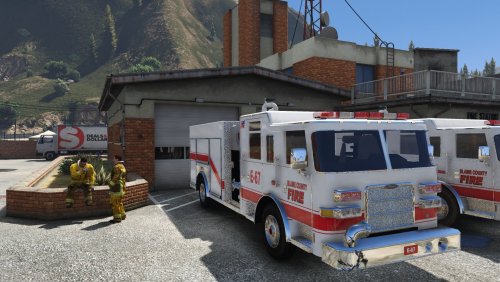
  1. RoguePlus posted a gallery image in GTA V Galleries
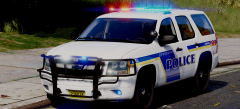
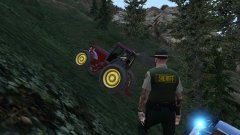
  2. RoguePlus posted a gallery image in GTA V Galleries
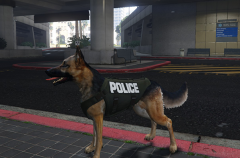
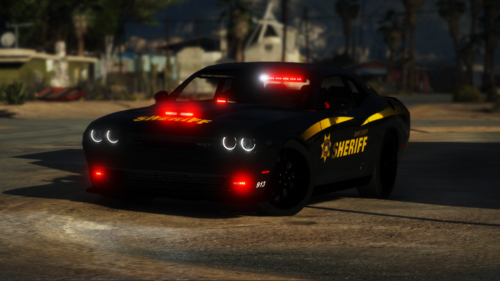
  3. RoguePlus posted a gallery image in GTA V Galleries
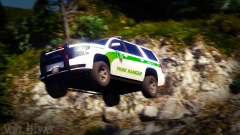
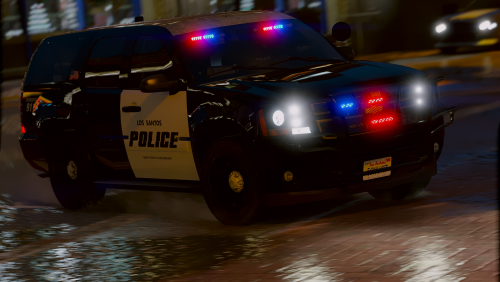
  4. RoguePlus posted a gallery image in GTA V Galleries
  5. well I'm not "Grumpy" anymore that I have some new cars to play with.😁
  6. RoguePlus commented on Reddington's gallery image in GTA V Galleries
  7. The light modules are blocking fictional air flow to the motor.
  8. Hood air intake with lights!? gotta give ya 4/5 for that
  9. RoguePlus posted a gallery image in GTA V Galleries
    This is the best radio mod out there. I love the fact that you added location / landmarks to the dispatch audio. I can now play without a map for that extra challenge and along with that added realism. Awesome work keep it up👍👍
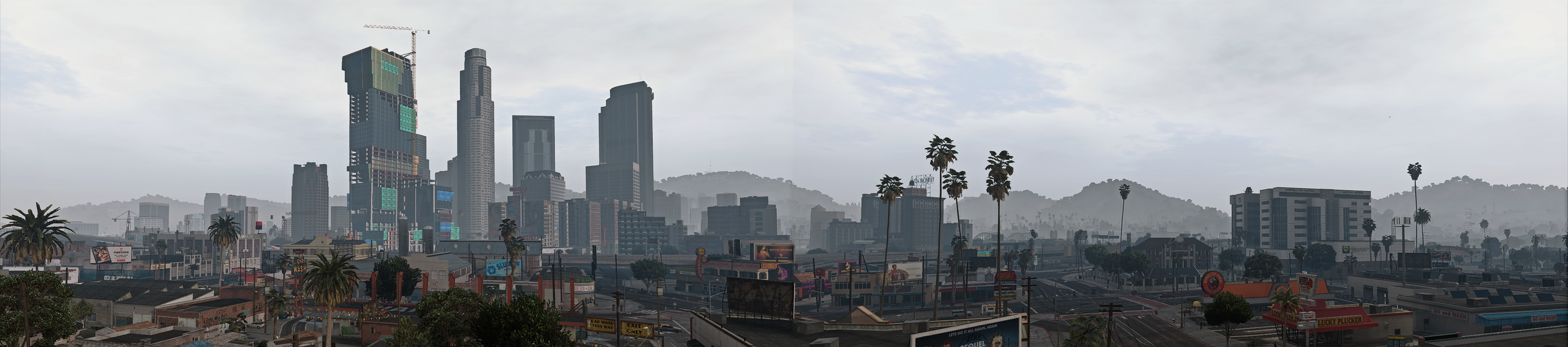
  10. This might break the website lol
  11. RoguePlus commented on martinct's gallery image in GTA V Galleries
  12. RoguePlus posted a gallery image in GTA V Galleries
  13. RoguePlus posted a gallery image in GTA V Galleries
  14. ooohhh Its there! MOM!! GET THE CAMERA!
  15. RoguePlus posted a gallery image in GTA V Galleries
  16. RoguePlus commented on t0y's gallery image in GTA V Galleries
  17. RoguePlus commented on t0y's gallery image in GTA V Galleries

Account

Navigation

Search

Search

Configure browser push notifications

Chrome (Android)
  1. Tap the lock icon next to the address bar.
  2. Tap Permissions → Notifications.
  3. Adjust your preference.
Chrome (Desktop)
  1. Click the padlock icon in the address bar.
  2. Select Site settings.
  3. Find Notifications and adjust your preference.