
Jesyx
Members
-
Joined
-
Last visited
Everything posted by Jesyx
-
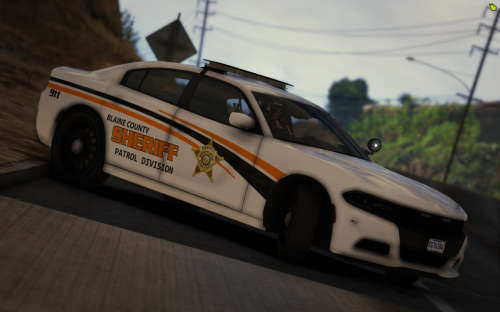 Love the vehicle; LOVE the color combos, thus the livery LOVE the lights LOVE the model ❤️ EDIT: This is now my favorite vehicle on LSPDFR.com
- 8 comments
- 4 reviews
-
-
-
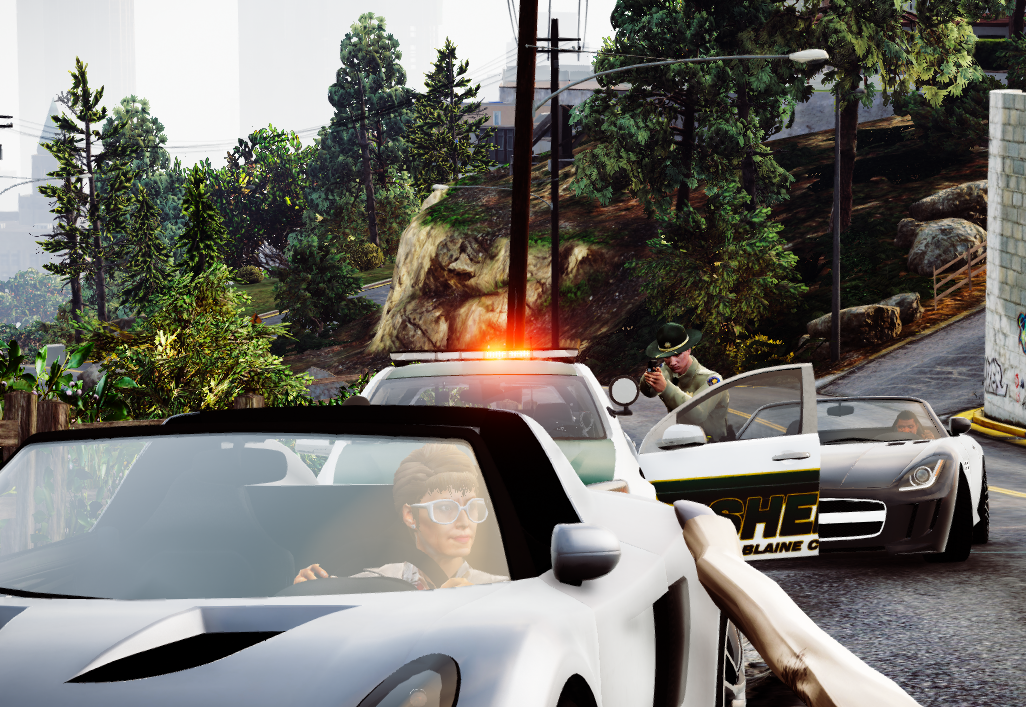
I think i pulled an iaa agent over, they got out. I MIGHT've shot 'em Oops Also let's thank @Sam for posting this 12am uk time
-
-
Found this on google: https://www.google.com/search?client=firefox-b-d&biw=2144&bih=1098&tbs=isz%3Alt%2Cislt%3A4mp&tbm=isch&sa=1&ei=zXHdXIK9Os6bsAf0pZ_oDw&q=highway+police+vehicle+wallpaper&oq=highway+police+vehicle+wallpaper&gs_l=img.3...64608.66994..67294...0.0..0.50.598.14......1....1..gws-wiz-img.......0i8i7i30.dwA_impa3DE#imgrc=wP6-Se5aEbGAXM:
-
 Actually working on InteriorCallouts now, callouts for OpenAllInteriors. :)
- 82 comments
- 20 reviews
-
-

- 4
-
-
I will not since all my files are corrupt :(, I'll be making a new pack soon though.
- 82 comments
- 20 reviews
-
Some gamplay features are very slow such as UI sounds, ELS and Vocal Dispatch. First Callouts PeterUCallouts StopThePed Ultimate Backup SoreRobberys Wilderness Callouts Vocal Dispatch LSPDFR+ PoliceSmartRadio TrafficPolicer Computer+ AssortedCallouts BetterEMS Airport Callouts All the things Cop Holster LSPDFR EUP ELS PLD ScripthookV ScripthookVDotNet Manual Transmission OpenIV Vehicles
-
-
-
This is a really cool feature
-
never had this problem before could you send me your log and what version of RPH or LSPDFR
- 82 comments
- 20 reviews
-
thank you for playing, and I'm am shitty at making AI doing what I want, sorry
- 82 comments
- 20 reviews
-
they do work for 0.4, have fun playing i'll be making it compatible for 0.4.1 now
- 82 comments
- 20 reviews
-
you you mean 0.4 or 0.4.1 and i've been trying to make an ini but it wont work.
- 82 comments
- 20 reviews
-
-
-
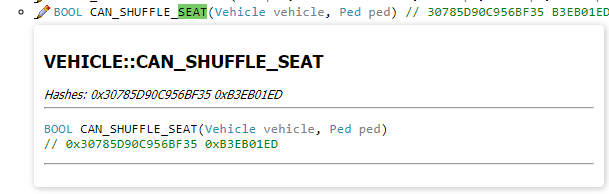
Does anybody know a mod where you get in the nearest vehicle seat, I hate it that my character hips over the center console every time. I want to have a mod where I get in the nearest Seat automaticly [UPDATE] Found This might write my own plugin
-
2 Callouts do not work, I'm updating those but the rest work, they won't crash your game it just says disregard. You can just continue to play this. (Suspicious Passenger) (intoxicated pilot) They may work if you have traffic policer
- 82 comments
- 20 reviews
-
-
- 1
-
-
-
-
What doesn't work about it?
-
if (SpawnPoint1.DistanceTo(Game.LocalPlayer.Character.Position) > 1500) { Game.LogTrivial("WildAnimal - STOPPING"); End(); }
-
- End(); goes to the End void, that ends the callout. - You can use if (Condition) { End(); } - break should only be used on while loops, when using if it automaticly ends it when it's done