TheFrostBible
Members
-
Joined
-
Last visited
Everything posted by TheFrostBible
-
-
-
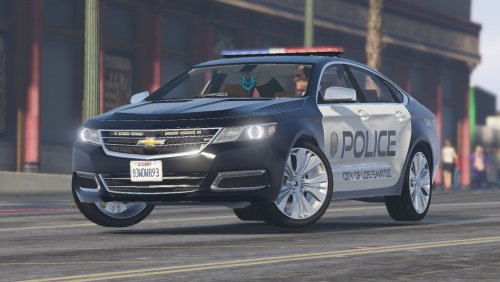 I've modified the Garmin emissive but I'm uncertain on what emissive textures are used for the remainder of the dash, is it a shared texture?
- 52 comments
- 7 reviews
-
-
-
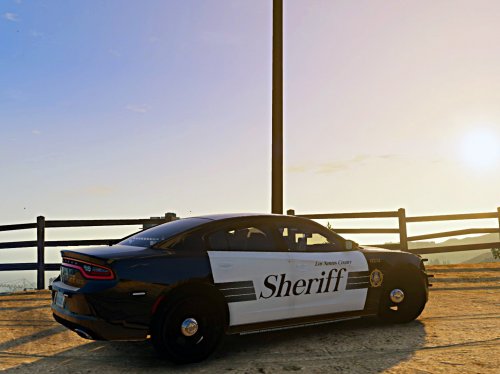 It's based on the Ventura County Sheriff's Office liveries, which have Sheriff stylized like that.
 -
-
I'd love to see an FN57 as a possibility.
-
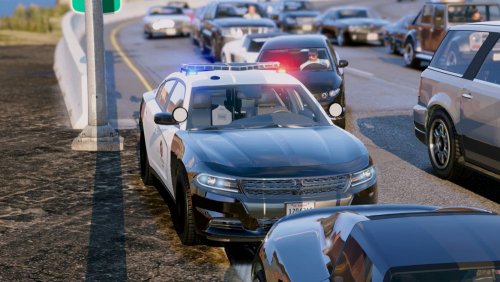
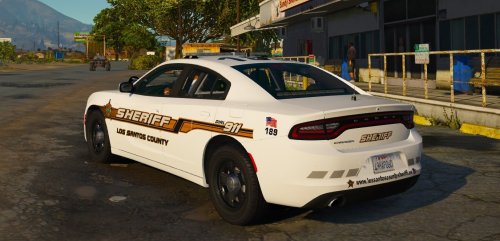 Ah, okay. I've been using the Charger with a custom LASD skin, and while the Whelen may not be accurate, it looks pretty good with it.
- 23 comments
- 7 reviews
-
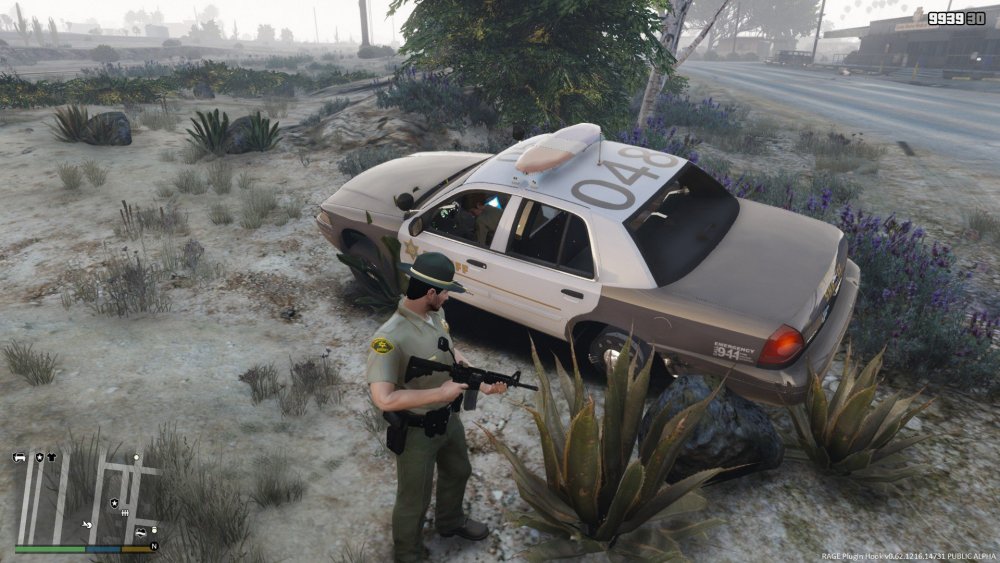
Hey everyone, I've been stuck with a pretty annoying bug on one of my vehicles for a while now (Two, really.) For some reason the vehicles turn out really shiny to the point where it looks broken. I have this issue with the CVPI from the LSPD Sedans pack. The LAPD liveries look fairly okay, but the black turns out mostly grey. On the LASD skin however, the entire car turns out like this;
-
Great vehicle aside from the mentioned bugs. Do you have any plans on doing one with a Federal Signal Arjent?
- 23 comments
- 7 reviews