

twistedOyster
Members
-
Joined
-
Last visited
Everything posted by twistedOyster
-
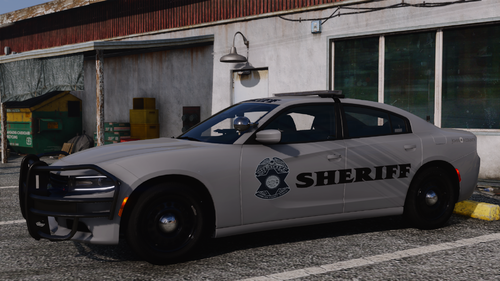 I. Love. It!!! I still use the original JOCO pack regularly.
 -
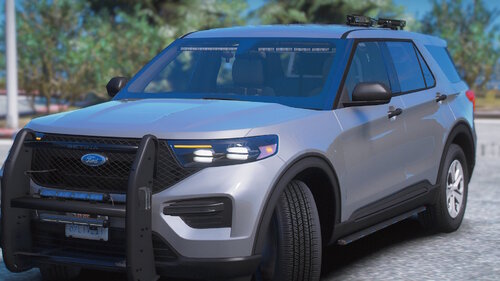 Yeah, i've searched by model name, spawned by model name, and gone through all the add on vehicle menu.
 -
Again, as stated above, that has already been attempted.
-
What is the DLC List file name? I have tried FPIU, fpiu, FPIUK, and fpiuk.
-
 This is the fix that worked for me, I downloaded the Scripthook from the ELS download, put in the Main Directory. And while editing LSPDFR Configurations, inside the LSPDFR Folder, set "Main.WorkaroundDLCVehicles = true"
- 2,692 comments
- 236 reviews
-
 I snagged this pack right when you made the "addon" option. I did notice the headlight issue, and the inability to pull vehicles over. But that did not stop me from using this pack for another four hours. Absolutely wonderful work!
- 131 comments
- 14 reviews
-
-

- 1
-