MrPlayPL
Members
-
Joined
-
Last visited
Everything posted by MrPlayPL
-
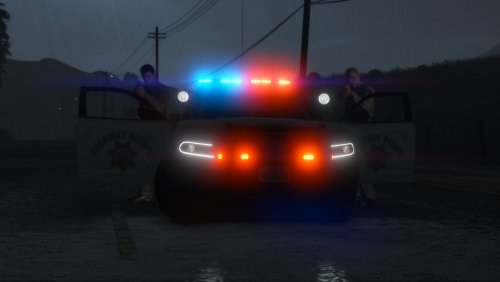 The model is amazing, but I found a little bug with lightbar. the blue light is constantly on, but only the amber lights should be. The model is by far one of the most realistic models and I love it!
- 325 comments
- 53 reviews
-
 I miss the accessories tab, but EUP 8.0 made it clear that we can do a lot more ... but it's a bit more complicated. If u can handle installing mods, you can handle suiting up your character! Thanks for great job!
- 637 comments
- 75 reviews
-