JiongJiong
Members
-
Joined
Everything posted by JiongJiong
-
-
-
-
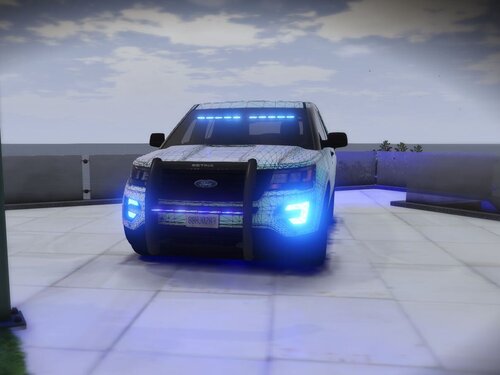 Really? OMG, many thanks. 😍😍
 -
Sorry about my english. Can I change the name of the vehicle document? Because there are two different cars with the same name. For example: A and B both have tau.yft, tau.ydt, tau_hi.yft, can I change the file name of one of the cars to tau1.yft, tau1.ydt, tau1_hi.yft? 😓
-
Do we have Lights bar version? ☹️
-
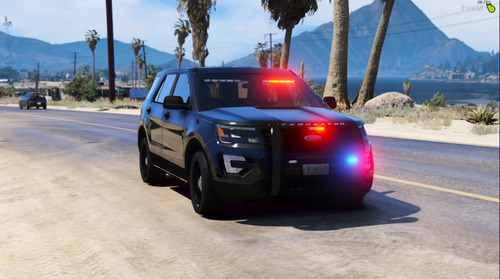 Too bad, only is the Slicktop version.😭 Can you add a light bar version?
 -
Thanks
-
 Guys, do you have a problem with that? When you tell a car to stop, he runs away, but you're not in pursuit.🤨
- 3,646 comments
- 306 reviews
-
I enter the game screen will become like this, somebody in such a situation? I can turn on F4 and hear the sound of EUP interface.😩