ShepardCommander
Members
-
Joined
-
Last visited
Everything posted by ShepardCommander
-
Howdy! I recently edited an add-on vehicle (an FPIS) to have the audio hash of the fugitive however when I pull suspects over there is no siren yelp because of this. is there a way to have my cake and eat it too, perhaps? I am getting more comfortable at editing .meta files (although I am by no means an expert) and if I am spoon fed the answer step by step I think I could, uh, I think I could do it. any help is appreciated Warmest regards, Soxwin91
-
check your window tint. open simple trainer and go to vehicle options --> vehicle mods --> window tint --> Make sure it's set to "NONE" if it's set to something else (i.e. pure black or whatever) it will also apply to the light bar glass and make it appear the lights aren't working. there is a way to fix it via vehicle.meta editing but someone with more experience in that arena can address that option warmest regards, Soxwin91
-
 consistently crashes LSPDFR, and I'm still on 0.3.1 Was working for a while. It's a shame, cause the train station terrorist attack one was one of my favorites.
- 136 comments
- 42 reviews
-
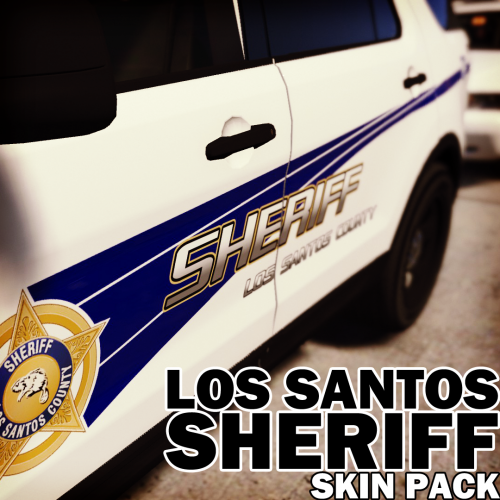
 in openiv, browse to where you've installed the corresponding model (I use Albo's MODDING DLC pack so it's in a separate MODDING folder in vehicles.rpf with EDIT MODE turned ON... open the .ytd (ex. sheriff.ytd) and search "sign" to filter it down to just the liveries. (note that the liveries do not always contain the word SIGN and you may have to scroll through them to identify the livery/liveries) right-click and choose REPLACE, then browse to where you've saved these texture files. select the one you want and then hit SAVE. if you open the corresponding _hi.yft file, it should now display the model with the livery applied. On a separate note, would it be possible for you to do one based on the FORZA CVPI base?
- 6 comments
- 2 reviews
-
.thumb.png.9d02dadd5ad77efe12f45cb1a16a0acb.png) It could be rotten luck on my part, but when I put this into openiv this is what it looks like. I put it as lgaurd2 as a demonstration to show I'm not going insane
It could be rotten luck on my part, but when I put this into openiv this is what it looks like. I put it as lgaurd2 as a demonstration to show I'm not going insane- 9 comments
- 1 review
-
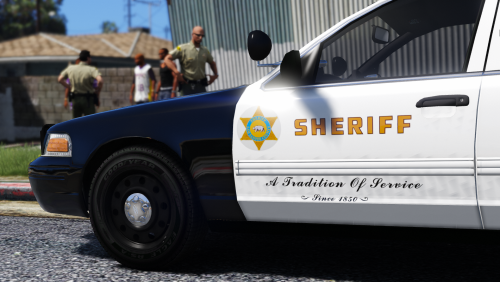 Any chance you'd add Officerunderwood's 2016 FPIS, Officerunderwood's CVPI (which is very similar to F5544's CVPI Template but the SHERIFF on the back is a bit too big for the space, and the number on the left hand side of the trunk is partially cut off. More of a scaling issue than anything. and, if possible, the FORZA base CVPI
- 27 comments
- 5 reviews
-
-

- 1
-
-
 You can still add the hat & vest through the "Wardrobe" section. many of the options have multiple textures available for different departments. It's easy to use once you get the hang of it. Very customizable.
- 637 comments
- 75 reviews
-
 They're the explorers from THIS pack. I'm going on what the author of this pack says they are which is a '16 Explorer. I had originally had the FBI2 handling assigned to the one in, well, the FBI2 slot and it flipped over just as badly. I do appreciate you trying to help but I might put Tahoes in there. Have had better luck with the Tahoe.
- 95 comments
- 32 reviews
-
I tried that, put them in Patchday19. Still flipped. I am at a total loss to be honest.
- 95 comments
- 32 reviews
-
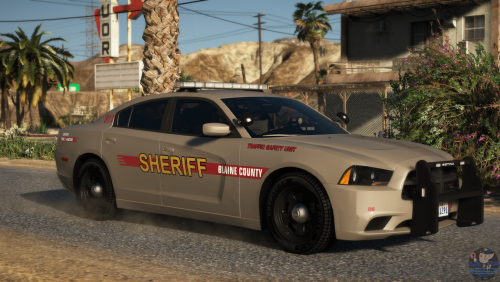 Don't know if you knew but in each subfolder, all the textures are the same just with different names. For instance all the CVPI textures are unit 119. and it seems like they all have the same license plate number...?
 -
-
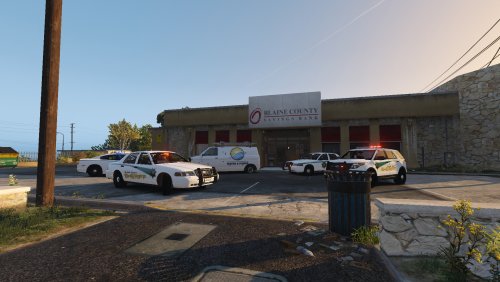
I don't think so... Copied/pasted direct from my Vehicles.meta file It's the 2016 FPIU Transit Police in this pack. the Sheriff2 slot is a similar story. 2016 Blaine County FPIU: Again, copied/Pasted directly from my vehicles.meta in the mod folder and then in common.rpf vehicle files are in the MODDING folder from Albo's modding DLC pack V.
- 95 comments
- 32 reviews
-
Hey so not saying you're wrong but are there any alternative possibilities? Or do I have to edit handing.meta? cause I used GRESLEY in the Handling ID and my FPIU rolled over hard. I second this. I have two FPIUs, a FPIS, and a charger from the pack in the game and all of them but the charger have a tendency to barrel roll if I take a turn at high speed. I am also inept at editing META files.
- 95 comments
- 32 reviews
-
Anyone know the best handling line for the explorers? I've got them in the FBI2 (Transit Police FPIU) and Sheriff2 (Blaine County FPIU) slots and they tip over if you make a turn at high speed. Which, I know, it's a SUV, not meant for that, but still.
- 95 comments
- 32 reviews
-
they're the .xml file located in the same folder as the .ytd and .ytf files. That's odd because when I downloaded it they were there. Maybe try downloading again. Either that, or you're missing (as in not seeing/overlooking) them. The XML will be the 4th, or in one case, 5th file in each folder along side the .ytd and .ytf files.
- 95 comments
- 32 reviews
-
-
-
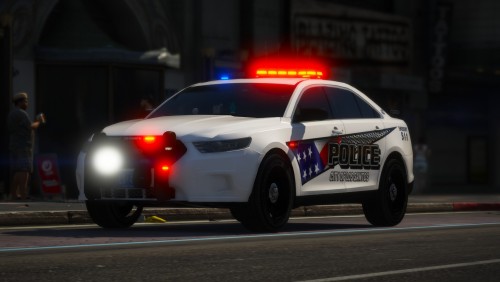 Looks awesome, but I agree with GameOwnerTJE, I'd love to see a CVPI. Most of my custom cars are currently CVPIs.
- 37 comments
- 24 reviews
-
-
- 2
-
-
 Jed, don't listen to this guy. I see what people were talking about regarding the toxicity here. People forget that you're a real human being spending their free time making virtual toys for us. Thank you, sincerely. I like the look so far. hope this gets released.
 -
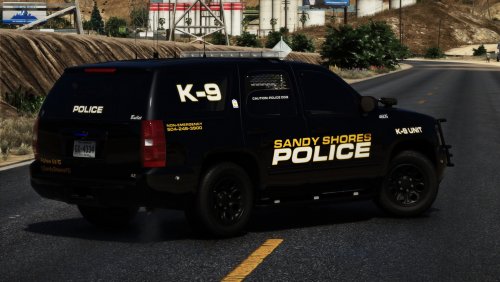 The easiest way I've found to fix is to open simple trainer and go to Vehicle Options --> Vehicle Mod Menu --> Window Tint --> and change it from (none) to anything else and then back to none. won't fix NPC units that roll up on your calls/join pursuits but it should work for your own. To fix it permanently, I think (!!) the correct line is in the vehicles.meta file, something like DiffuseWindowTint and a bunch of letters/numbers I don't recall.
- 14 comments
- 14 reviews
-
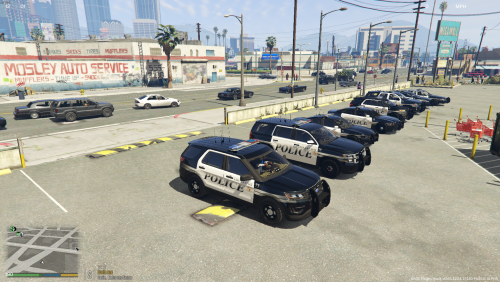 Awesome looking work, man! I am glad you took my suggestion to make a lore-friendly version.
 -
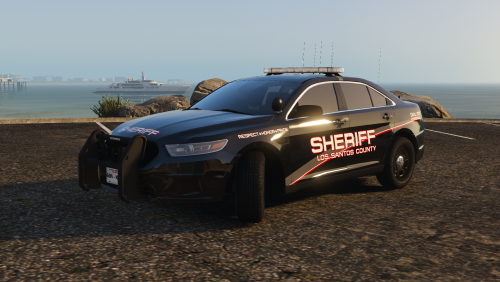 I'd like to second this request. Perhaps, additionally, additional variants for the Crown Victoria Police Interceptor (Traffic, services, "community outreach" etc)?
- 17 comments
- 7 reviews
-
-
- 1
-
-
-
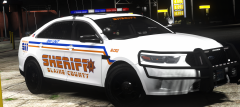 "Oh...it's beautiful..." - Director Krennic
 -
I only started playing LSPDFR earlier this year, but your plugins have definitely found a permanent home in my build. Thanks, Albo1125, from this relative novice.
.thumb.png.9d02dadd5ad77efe12f45cb1a16a0acb.png)