


thisridiculous
Members
-
Joined
-
Last visited
Everything posted by thisridiculous
-
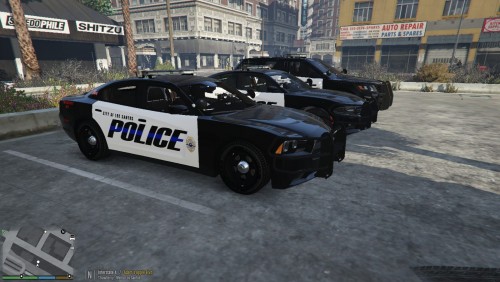 u should skin these for the SLR pack. They're nice but wont fit in my case
 -
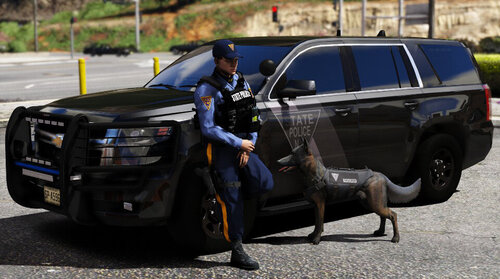 im in central jersey so it coulda been who knows
 -
word? lol ask him if he remembers seeing the unmarked charger at the drive thru XD. seriously tho thanks for bringing this to the site I just had a lot of fun with it
-
sheesh I had one of these behind me at dunkin and let me say they r bad freakn ass
-
I have no idea what the purpose of "who is your favorite idol and who is your favorite servant" questions r but theyre just ridiculous. I actually regret trying this and am going to go download lore friendly ped answers. you really didn't do anything imo.
- 10 comments
- 2 reviews
-
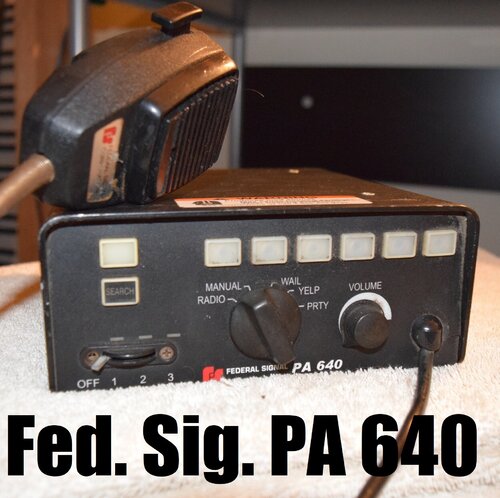 ive been becoming a big fan of your sirens and your Fed sigs seem to always impress me. Very clear and perfect volume
- 16 comments
- 3 reviews
-
-

- 1
-
-
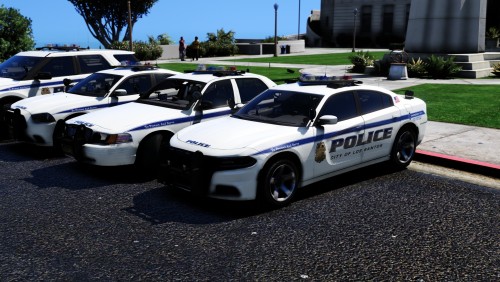 been wanting a nice SLR pack. Lighting is great except for the downward TDs. Straight gorgeous vehicles
- 15 comments
- 11 reviews
-
-
- 1
-
-
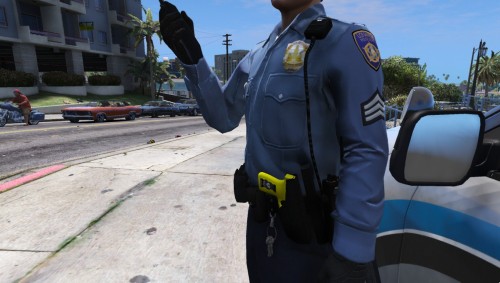 Really like it and its a fast install. Blue looks good everything's positioned right. Any chance we can see a blueish hat?
- 1 comment
- 1 review
-
-
- 1
-
-
-
-
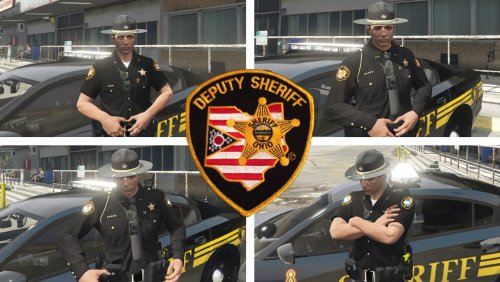 with all of the updating, I really am impressed. The shirts are very detailed and the pants r great. Also liked how u added everything from basic uniform wear to SWAT, pilot, and HiVis stuff too.
- 34 comments
- 3 reviews
-
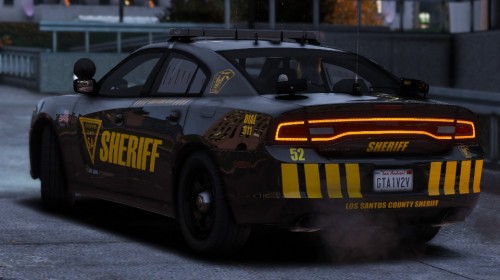 yea like I said I love the texture and the triangle is the seller for me, just want it to say BCSO for my game
- 23 comments
- 1 review
-
could very well be one lol. Just don't know if youre one of those guys that will keyboard slay ppl who ask for one haha
- 23 comments
- 1 review
-
-
- 1
-
-
-
.thumb.JPG.e445698088f56c6359978a45ba8abe8c.JPG) lol way to be a good salesman and slap that Durango on your cover
lol way to be a good salesman and slap that Durango on your cover -
-
ok so UAC is now off and antivirus. Still having this crash after going deep into cpu files and youtube videos. Is this a security issue or RPH? any other tips u can think of or direction?
-
how? I have everything off but it doesn't have a turn off option it only lets me change the type of scan Update: I used windows powershell and it now says antivirus is snoozed. Still have the crash 😕 .Not sure if its legitimately off but I did type the command to disable defender
-
so I turned UAC all the way down to never notify.and heres the screenshot
.thumb.png.3eea1a6b6541d0c4c403ebe3ede30bb7.png)
-
Unfortunately that did not fix my issue. Once I get the "enjoy" from RPH the exit occurs 😕Yes it did, I do not recall downloading anything prior to this. Also I just use the default windows defender. I don't have Avast or mcaffeeLSPDFR and RPH have always been fairly kind to me and any issues im usually able to fix myself. However this time i'm really scratching my head. The second RPH hooks, gta exits unexpectedly and forces me out immediately. Vanilla GTA starts up totally normal. Here is a crash report I would greatly appreciate some assistance as this isn't something I can fully understand/read properly. BTW sorry my PC didnt wanna cooperate and let me attach this as a file! had to copy and paste 🙃
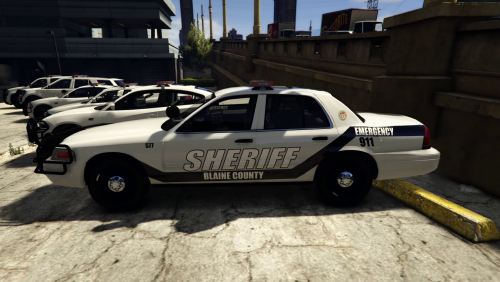 Yea no problem dude still cool skins like I said
looks awesome but don't u think there shoud be the BCSO badge instead of the lspd? behind the rear window
Yea no problem dude still cool skins like I said
looks awesome but don't u think there shoud be the BCSO badge instead of the lspd? behind the rear window

.thumb.JPG.e445698088f56c6359978a45ba8abe8c.JPG)

.png.7157683ed8ce244248485ee9ea85cddd.png)
.png.9776ac8d8f199b49ac409868e51bea3c.png)
