thisridiculous
Members
-
Joined
-
Last visited
Everything posted by thisridiculous
-
-
 Any way to speak with the accident peds? I cant seem to interact with them besides the STP menu, which is only sometimes applicable. Also I had an injured ped spawn but he was running away as fast as he could so I could not attend to him. idk if that's supposed to be or not, but just bringing that up
- 215 comments
- 22 reviews
-
 already left a review bro, I love this plugin lol thanks for being attentive
- 262 comments
- 21 reviews
-
-

- 1
-
-
hey bro, could we see a trunk shortcut? Literally same as the front door just for the trunk?
- 262 comments
- 21 reviews
-
-
- 1
-
-
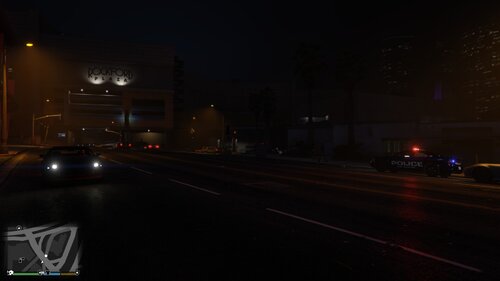 pretty realistic and looks great. I used your provided visual settings and it's impressive
- 18 comments
- 4 reviews
-
alright man. You're clearly dedicated to making our experience better and hearing us out in the comments. With that aside, the wheels and front door shortcut are just amazing, I love it. Basic functions that go suuuch a long way. Awesome plugin sir
- 262 comments
- 21 reviews
-
-
- 1
-
-
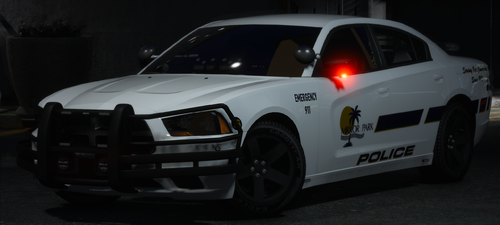 so am I mentally challenged? Cant find any skin/template file in the ytd. (its ok if I am)
- 9 comments
- 2 reviews
-
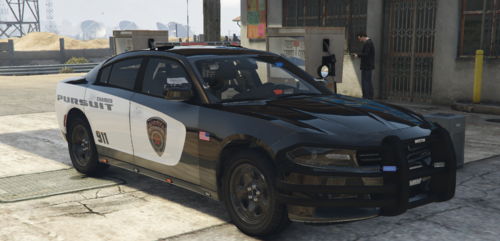 its only right I give u a review. Again, im definitely loving your skins as they come. Now in regards to the pack, its super accurate and spot on, and not to mention it's a Dodge pack, the best vehicles ever
- 9 comments
- 1 review
-
-
as an abnormally large mopar fan, I have to say great work on this. Honestly if it was a pack with a 14 charger and Durango id download it.
- 9 comments
- 1 review
-
-
- 1
-
-
-
-
-
-
-
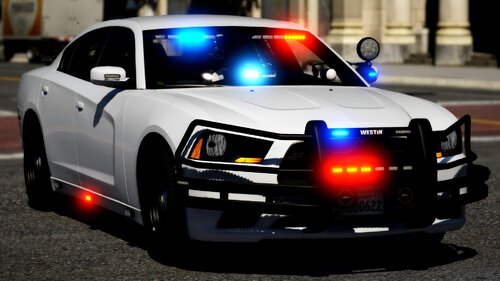
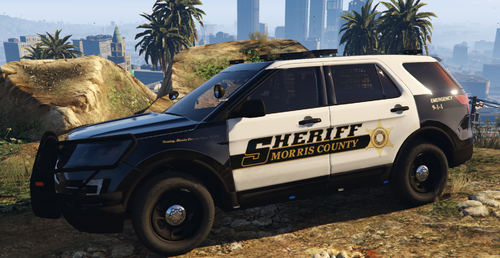 quickly becoming a fan of your work, especially since its NJ. Charger is missing plates tho and I feel like it should say working police dog rather than plural dogs. Idk any k9 units that carry more than one lol Edit: I stand corrected
- 3 comments
- 3 reviews
-
-
- 2
-
-
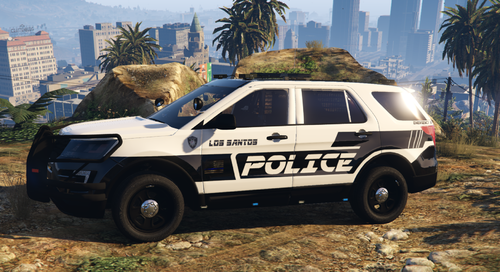
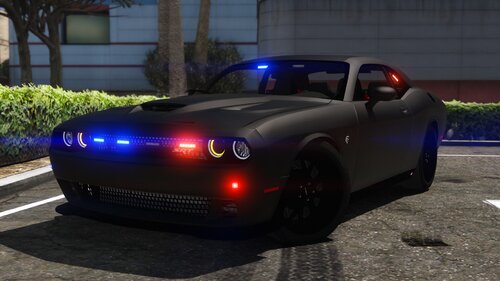 both cars are amazing. However this specific Durango model seems to constantly have the super duper bright tail lights that don't turn off and cancel out the rear emergency lights. I've used this Durango from another author with the same issue. Although it's unfortunate, i'll still have to give u credit for nice lighting and vehicle choices. here's 4 stars for the challenger and the almost amazing durango
- 35 comments
- 6 reviews
-
so how do these auto blinkers work? I have it on true and I haven't seen my blinker going
- 262 comments
- 21 reviews
-
-
- 2
-
-
-
-
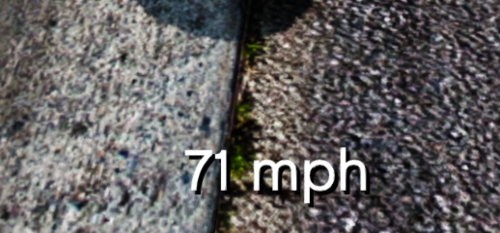 im giving 5 stars because of how small but how nice this plugin is. Its at the bottom of the screen and u forget its there until u look down and see youre doing 77 on rt 68 and you need to slow your ass down. You wouldn't know if it wasn't for this nice small thang here
 -
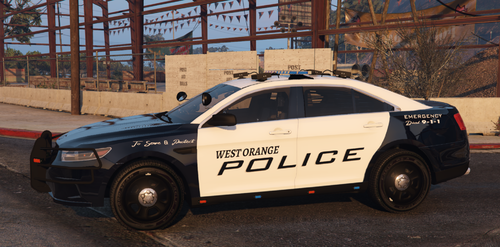
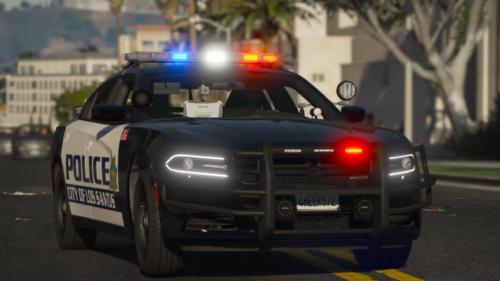 I like it. My suggestion would be to change the back from saying LOS SANTOS to POLICE. Feels wrong to me but I like the B&W body theyre nice skins
 -
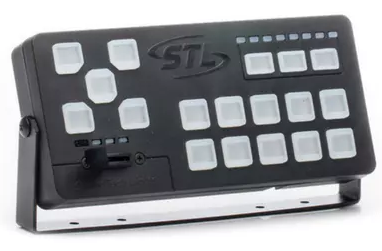 im personally a huge speedtech fan so I have to say I love this siren. Really nice quality
- 3 comments
- 1 review
-
-
- 1
-
-
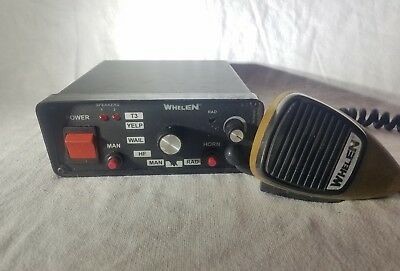 and this will b in my game for a long time to come. The extra loud is phenomenal and the rumbler is a nice treat
- 31 comments
- 4 reviews
-