TrentMU
Insiders
-
Joined
Everything posted by TrentMU
-
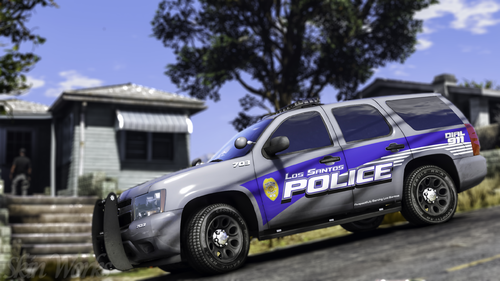
 With is way better
 -
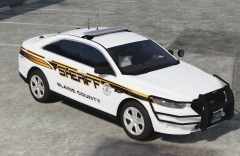
I believe the vehshare has the plates, just replace the textures there, that's what I do.
-
-
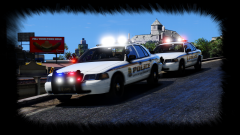
From the album: My GTA V Fleet
thisismypotatochipyo issa wip, first test in gamez -
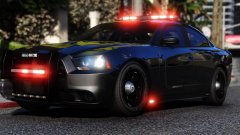 Sir, that poly is wrong. god
 -
From the album: My GTA V Fleet
I'm sure this is how it works right ? Not me model I a tester doooodes -
From the album: My GTA V Fleet
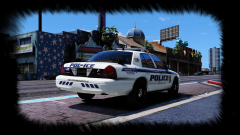
meedgepush -
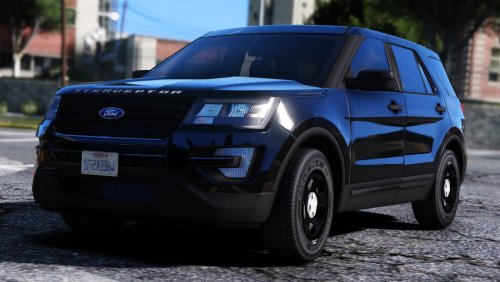 As this was the dramahound of much time with us, releasing this and knowing that this is THE best Ford Police Interceptor Utility for V is officially released and not ripped by some users for the public. Enjoy it, love it, cherish like we have. Without Hurk, this wouldn't have been in game. Without me and FR, Who knows if this would have ever be in game. Great work Hurk, thanks for all you have done. It's nice to have such an amazing model representing us with our names attached to it. Enjoy all and Merry Christmas and have a Happy New Year !
 -
Nope, it gives the standard GTA V has stopped working.
-
I've tried that but it keeps crashing :/
-
Alright so the last 2 days my GTA will not work, it worked perfectly fine but now it said F me. I've taken out models from the folder Verified Cahce Updated to the newest RPH 60 and Scripthook, I'm on Patch 1290 Crashes running stock GTA with no mods and with mods folder in. I narrowed it down to a few things. dinput8, if I take that out it works fine. If I uninstall the OpenIV.asi from OpenIV, it works. If I delete the ELS.asi the game launches. I have no idea what to do now so I came to here which, will most likely get no help either but it's worth a shot. Trying to release a few things for Xmas but at this rate, that won't happen now if I can't test the vehicles.
-
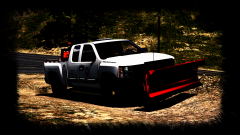
From the album: My GTA V Fleet
So, I re-did the rear beacons to another light module that looks better, made the justice a mini and fixed the plow but Rockstar Editor makes it look weird which, I'm not sure but it is what it is. -
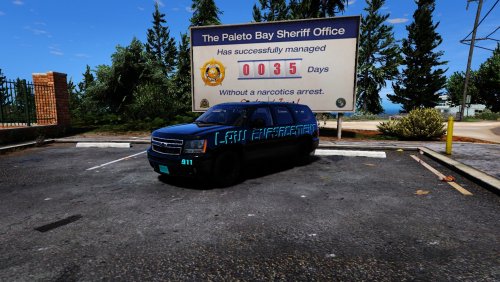 5 Star for tatas
 -
 I happened.
 -
From the album: My GTA V Fleet
I realized I didn't upload the front view but more updates should arise tonight with this ! -
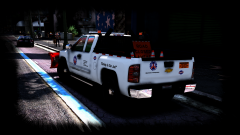
From the album: My GTA V Fleet
Oh yeah, I started up on the new utility, just a little skin I did up to just have a theme with it but again, still loads to fix up. Lighting is a big one. Stay tuned for more ! -
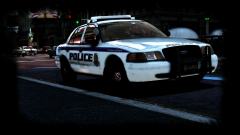
From the album: My GTA V Fleet
Finally after like a week of trying to get GTA to work, I finally got to test the vic I've been working ! Still got a bunch to fix but hurray to working -
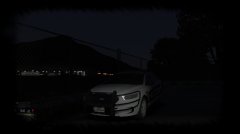 That's a nice Dodge Caprice Utility you got there
 -
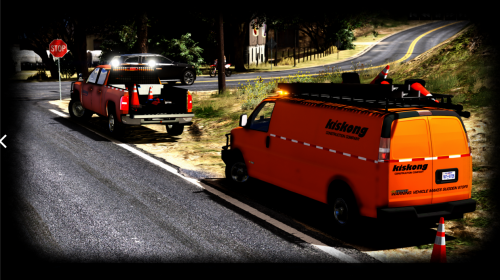 I plan on updating it with different lighting, I already know about all the errors and what not but because so many people wanted these this is why this was released.
- 6 comments
- 8 reviews
-
What CP said, it's a Vista
-
ELS Compatiable Do NOT ask me to make these non-els, or to change this or do that. The answer is no. Negative comments will get no attention and will most likely be laughed at. My beta testers have already pointed out most bugs but because I am transferring to a new base soon I figured I'd release and let you all enjoy em for a bit. Some lights are messed up being to dull, few minor texture glitches, OpenIV makes the model look messed up but just enjoy ok. Join my Discord! https://discord.gg/9aUUPNX Credits Original model 2005 GMC Savana form DSF; Riped by DMN Converted to into a '16 Chevy Express by 0taku Converted to GTA V by 0taku Templeted by 0taku Window edits by TheHurk Mapped by 0taku Assorted parts by Otaku, Rockstar game and Cadnav.com Dail's and [COL] by Rockstar games -Chevy Silverado 2500HD bought by Him1250, modified for & converted to V by Him1250. -Interior from The Crew; Undercarriage & Engine from Shady411's Chevy Suburban. -Polyfilling & Misc parts by Him1250. Whelen TIR6 - VooDoo Whelen Mini - SgtGoetz Whelen TAD Control Head Modelled and Textured by Bueno Whelen Justice- GTAxB0SS Whelen Mini Justice® JY Series scratch modeled, textured, and converted to GTA V by HDgamerzPC Converted from Sketchup and textured by AlexLCPDFR (BullBar) DEV Antennas Uploaded By Rickystheman24 AKA Turtlegod3000 Racks, Ladders, Pipes, Cones by Rockstar Accident ahead sign by Mattesolo Back Rack by Walters Seat Oranizer by ErinLindsay Transport Cage- Walters If I missed any credits I am sorry so just PM me with what I missed and I will add it ! Also note, These are a WIP. I do plan on transferring them to Izick's new base once my GTA is back up and running (Singleplayer). AGAIN THESE ARE A WIP AND WILL BE UPDATED AT A LATER DATE
- 6 comments
- 8 reviews
-
-

- 10
-
-
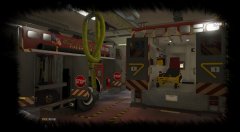 Equipment is life <3
 -
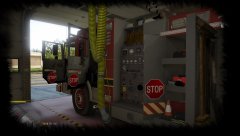
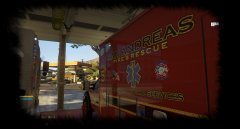 mMMMMMMM Station 5 so fly
 -
-
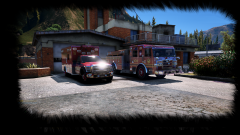
From the album: My GTA V Fleet
itsaweewoo. That means WIP by XBRizzle